Improve your file managing with Expense Balance Sheet Templates

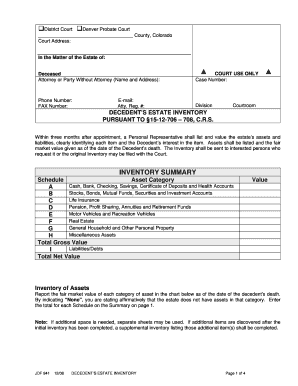
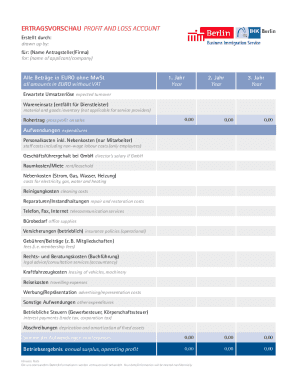
Your workflows always benefit when you can easily find all of the forms and documents you will need at your fingertips. DocHub offers a a huge library of form templates to relieve your everyday pains. Get hold of Expense Balance Sheet Templates category and quickly find your form.

Begin working with Expense Balance Sheet Templates in several clicks:

  1. Access Expense Balance Sheet Templates and get the form you require.
  2. Click Get Form to open it in our editor.
  3. Start editing your document: add more fillable fields, highlight paragraphs, or blackout sensitive information.
  4. The app saves your modifications automatically, and after you are ready, you can download or share your form with other contributors.

Enjoy fast and easy file administration with DocHub. Check out our Expense Balance Sheet Templates category and discover your form right now!

Video Guide on Expense Balance Sheet Templates management

video background

Commonly Asked Questions about Expense Balance Sheet Templates

Calculating profit in Excel can be done using a simple formula. Subtract the total expenses from the total revenue to obtain the profit. You can use the formula = Total Revenue - Total Expenses in an Excel cell to calculate the profit.
Step 1: Download the Excel budget template. The first thing you need to do is to download the budget template. Step 2: Enter your income in your budget template. To enter your income, go to the Income sheet. Step 3: Enter your expenses in your budget template. Step 4: Add extra columns to your budget template.
The QuickBooks Online balance sheet template makes it easy The difference between assets and liabilities is displayed at the bottom as the equity or net worth of the business. Simply choose Reports Balance Sheet in QuickBooks Online and the pre-installed template is populated with your data in seconds.
Yes, there is a profit and loss template in Excel that you can use to create your own statement. The template includes formulas to calculate revenue, expenses, and net income. You can enter your own data to get started.
The Balance Sheet Template for Excel is a pre-designed spreadsheet that allows users to enter their companys financial information, including assets, liabilities, and equity. This template is useful for businesses of all sizes, as it can be customized to fit each companys specific needs.
An expense appears more indirectly in the balance sheet, where the retained earnings line item within the equity section of the balance sheet will always decline by the same amount as the expense.
How to Create a Profit and Loss Statement in Excel Download, Open, and Save the Excel Template. Input Your Company and Statement Dates. Calculate Gross Profit. Input Sales Revenue to Calculate Gross Revenue. Input the Cost of Goods Sold (COGS) Calculate the Net Income. Input Your Business Expenses.
#2 Annual Profit and Loss Template (PL Template) This template is ideal for any size business and can easily be changed by adding or removing line items (rows) as necessary. It is also useful for performing year-over-year (YoY) analysis. Fill out the form above to download the free annual PL template Excel file.