
Expense Balance Sheet Templates
Choose Expense Balance Sheet Templates to ensure your financial workflows' transparency and precision. Effortlessly complete and safely share your records with your team and other contributors.

Create a new Expense Balance Sheet Template
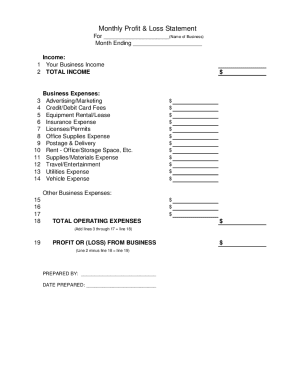
Profit and loss statement template
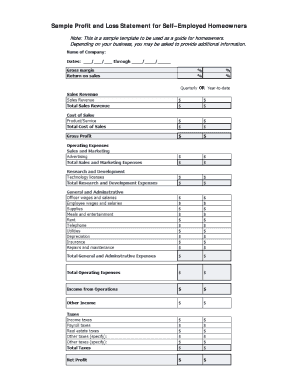
Fillable profit and loss statement for self employed
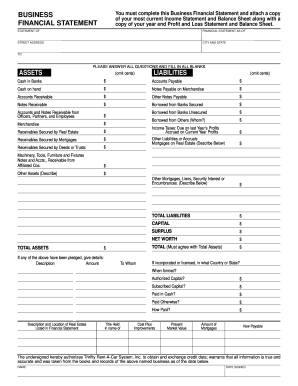
Business financial statement template
Printable ledger sheets pdf

Fillable budget worksheet
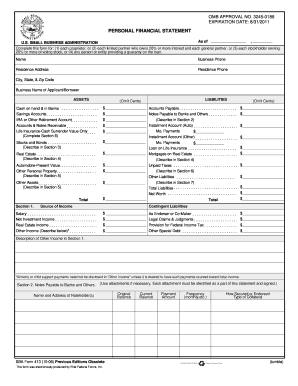
Personal financial statement template 2008 form
T account generator
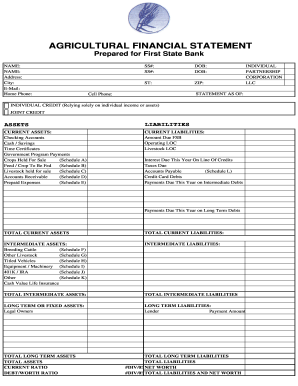
Agriculture financial statement excel
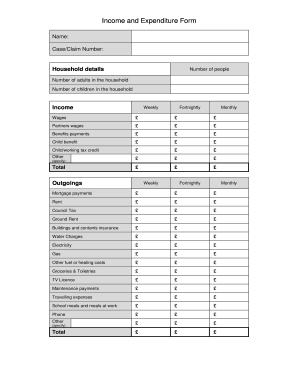
Income and expenditure form

Profit and loss statement for self employed hairdresser
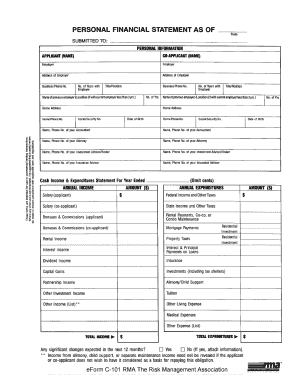
Rma personal financial statement pdf
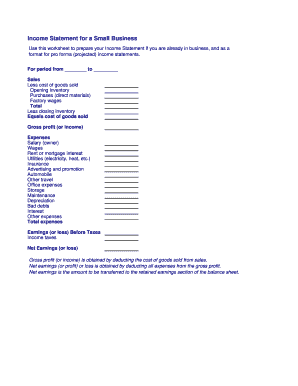
Business income statement
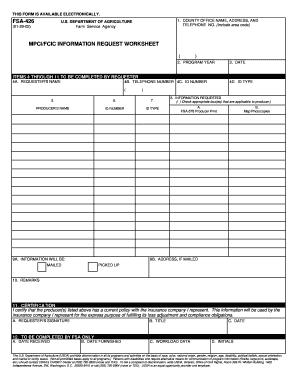
Fsa 426
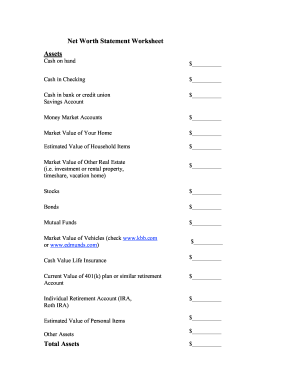
Net worth statement
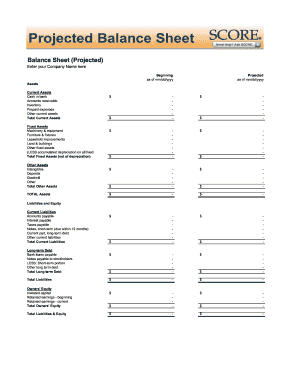
Balance sheet fill in the blank
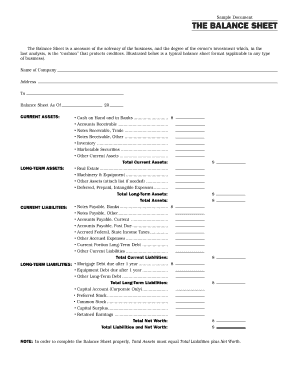
Interim ytd balance sheet pdf
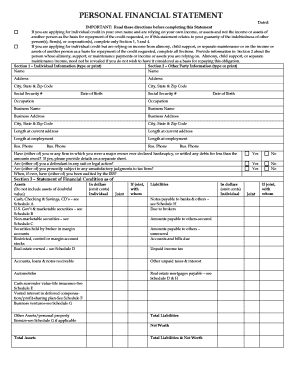
Personal financial statement form
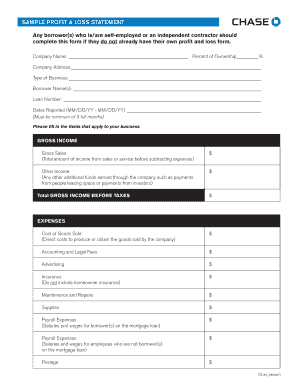
Sample Profit and Loss Statement PDF - Chase

Zero your account
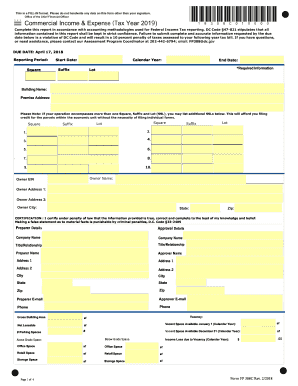
Dc expense

Printable financial forms
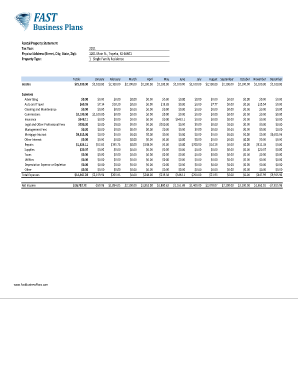
Income and expense worksheet pdf
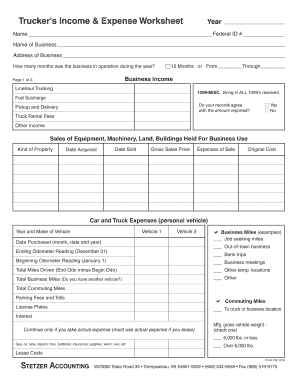
Profit and loss statement for trucking company pdf
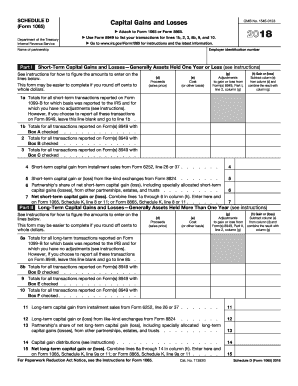
2012 irs 1065
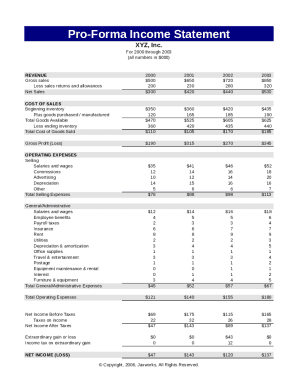
Pro forma income statement
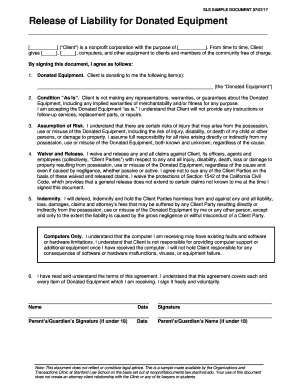
Release of Liability for Donated Equipment

Fillable personal financial statement form
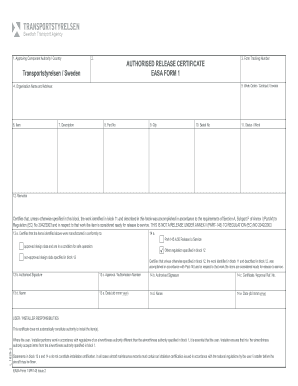
Form 15g for pf
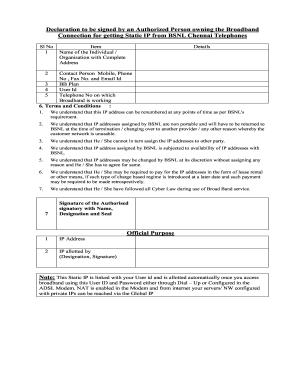
Bsnl static ip application form
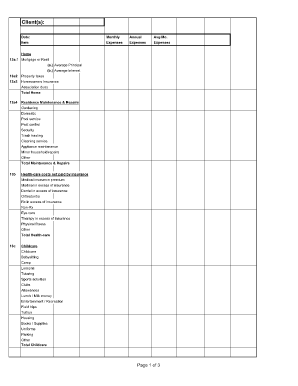
Divorce living expenses fillable worksheet form
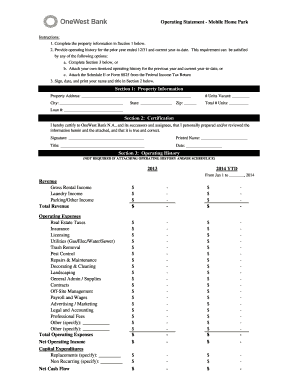
Project operating statement
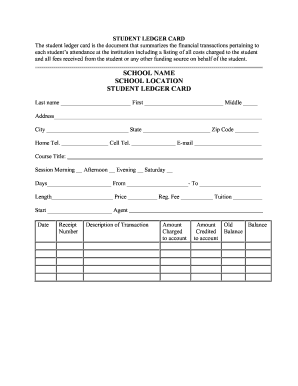
Student ledger template

Financial report template
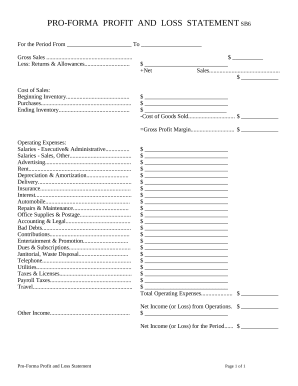
Profit and Loss Statement
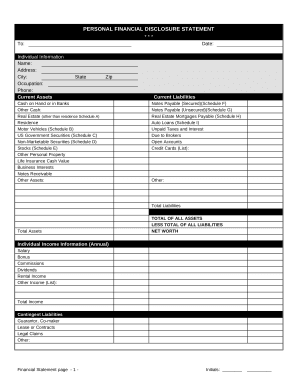
Financial statement form

Family Financial Statement
-
1
- 2
Improve your file managing with Expense Balance Sheet Templates
Your workflows always benefit when you can easily find all of the forms and documents you will need at your fingertips. DocHub offers a a huge library of form templates to relieve your everyday pains. Get hold of Expense Balance Sheet Templates category and quickly find your form.
Begin working with Expense Balance Sheet Templates in several clicks:
- Access Expense Balance Sheet Templates and get the form you require.
- Click Get Form to open it in our editor.
- Start editing your document: add more fillable fields, highlight paragraphs, or blackout sensitive information.
- The app saves your modifications automatically, and after you are ready, you can download or share your form with other contributors.
Enjoy fast and easy file administration with DocHub. Check out our Expense Balance Sheet Templates category and discover your form right now!
Video Guide on Expense Balance Sheet Templates management

Commonly Asked Questions about Expense Balance Sheet Templates
What is the formula for profit and loss account format in Excel?
Calculating profit in Excel can be done using a simple formula. Subtract the total expenses from the total revenue to obtain the profit. You can use the formula = Total Revenue - Total Expenses in an Excel cell to calculate the profit.
How do I create a simple income and expense sheet in Excel?
Step 1: Download the Excel budget template. The first thing you need to do is to download the budget template. Step 2: Enter your income in your budget template. To enter your income, go to the Income sheet. Step 3: Enter your expenses in your budget template. Step 4: Add extra columns to your budget template.
Does QuickBooks have a balance sheet template?
The QuickBooks Online balance sheet template makes it easy The difference between assets and liabilities is displayed at the bottom as the equity or net worth of the business. Simply choose Reports Balance Sheet in QuickBooks Online and the pre-installed template is populated with your data in seconds.
Does Excel have a PL template?
Yes, there is a profit and loss template in Excel that you can use to create your own statement. The template includes formulas to calculate revenue, expenses, and net income. You can enter your own data to get started.
Is there a balance sheet template in Excel?
The Balance Sheet Template for Excel is a pre-designed spreadsheet that allows users to enter their companys financial information, including assets, liabilities, and equity. This template is useful for businesses of all sizes, as it can be customized to fit each companys specific needs.
How to show expenses in balance sheet?
An expense appears more indirectly in the balance sheet, where the retained earnings line item within the equity section of the balance sheet will always decline by the same amount as the expense.
How do I create a pl in Excel?
How to Create a Profit and Loss Statement in Excel Download, Open, and Save the Excel Template. Input Your Company and Statement Dates. Calculate Gross Profit. Input Sales Revenue to Calculate Gross Revenue. Input the Cost of Goods Sold (COGS) Calculate the Net Income. Input Your Business Expenses.
Does Excel have a profit and loss template free download?
#2 Annual Profit and Loss Template (PL Template) This template is ideal for any size business and can easily be changed by adding or removing line items (rows) as necessary. It is also useful for performing year-over-year (YoY) analysis. Fill out the form above to download the free annual PL template Excel file.
Related Templates

2012 co jdf 1097
The document outlines the general steps for obtaining a divorce or legal separation in Colorado when there are no childr ...

- courts state co
The document is a Certificate of Mediation/Alternative Dispute Resolution Compliance from the District Court of Denver, ...
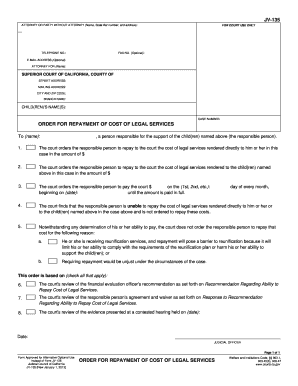
California 135 repayment
The document is a court order (JV-135) from the Superior Court of California regarding the repayment of legal services c ...
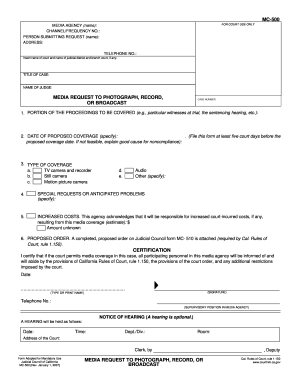
Mc 500
The document is a media request form (MC-500) used to seek permission for photographing, recording, or broadcasting cour ...

Restraining juv spanish
The document is a legal form (JV-257 S) used in the California Superior Court for modifying or terminating restraining o ...

Alaska creditor request pfd
The document is a legal notice from the District/Superior Court for the State of Alaska regarding a creditor's response ...
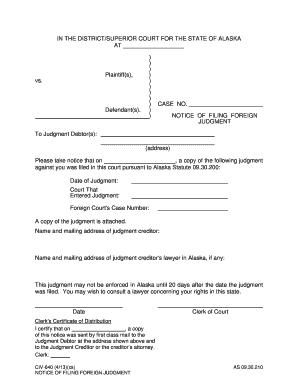
Alaska civ 640
The document is a legal notice from the District/Superior Court for the State of Alaska regarding the filing of a foreig ...
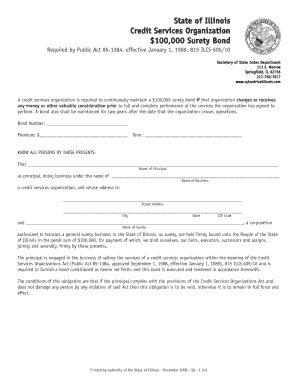
Illinois services surety bond
The document outlines the requirements for a credit services organization in Illinois to maintain a $100,000 surety bond ...