
Get any PDF form from the DocHub library of ready-made templates - Page 1038
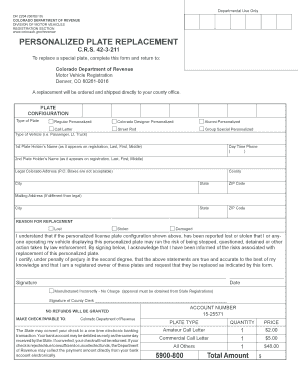
Colorado plate replacement
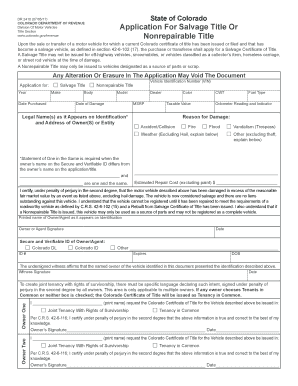
Colorado application title form
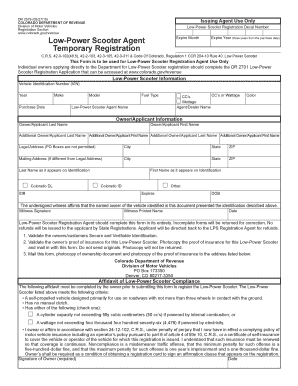
Colorado low power scooter registration

Dr 2839

Title vehicles colorado

Colorado repair shop

Colorado emissions compliance

Colorado transporter plate
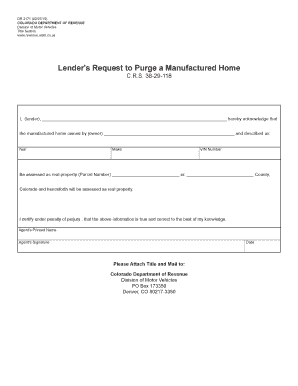
Colorado dr 2171

Dr 2408

Dr2008a
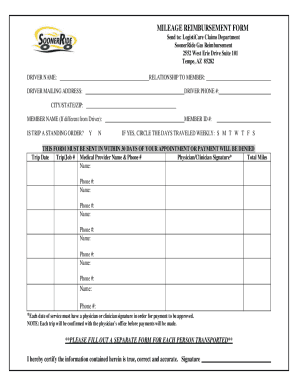
Soonerride mileage reimbursement form
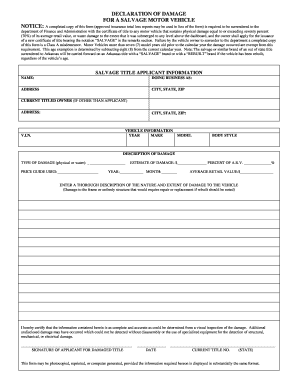
Declaration damage

Arkansas rice license
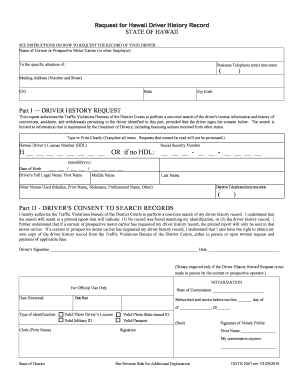
Hawaii driver record

Mvr4

Alabama replacement license online

Choctaw nation car seat application

RECEIPT OF REQUIRED CLAIMANT INFORMATION RECEIPT OF REQUIRED CLAIMANT INFORMATION

MDOT Financial Prequalification Questionnaire for Compiled Indirect Cost Rate
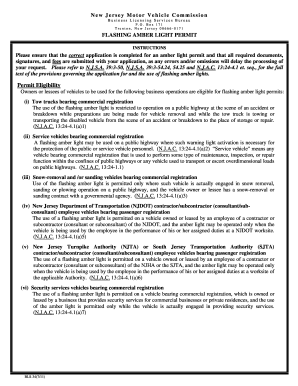
Vehicle nj license

WILLIAMSBURG COMMUNITY CHILD CARE CENTER APPLICATION FOR EMPLOYMENT for
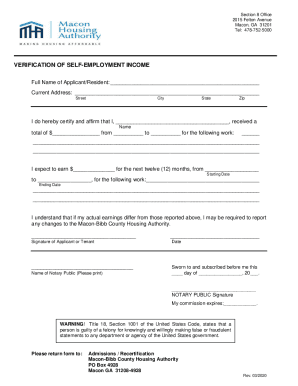
PDF Verif Self-Employment Income - MACON HOUSING AUTHORITY

Of sbwc
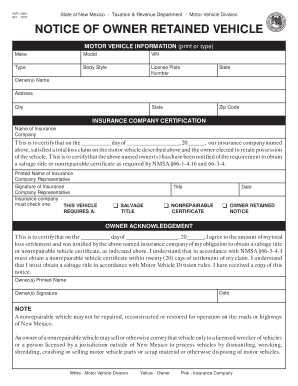
Retained vehicle
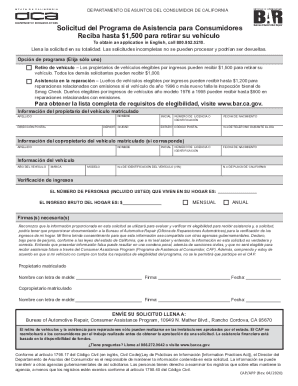
Programa del gobierno para retirar carros en california
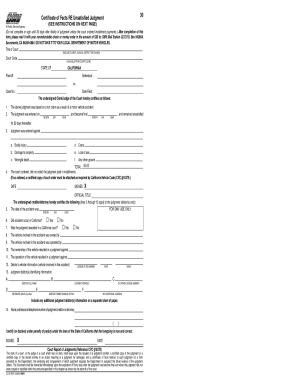
Dl 933 form pdf

Ol 53
California inf 40 government
Caltrans tr 0100
Mv 285 2012 form
Kentucky trucking application 2014 form
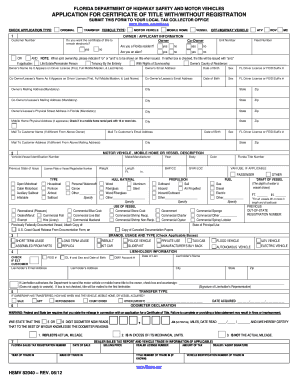
Hsmv 82041 2012 form

Abandoned cars near me

MPCA Contractor and Subcontracting Purchasing Manual (i

Qdot trust sample

UNI L AT E RAL NO N-DI S CL O S URE AG RE E ME NT T HI S

Colorado beneficiary deed pdf

APPLICATOR APPLICATION FORM

Service Agreement v2-4 docx

A PLATINUM RESUME - CLIENT CONTRACT docx

Contractor contract construction
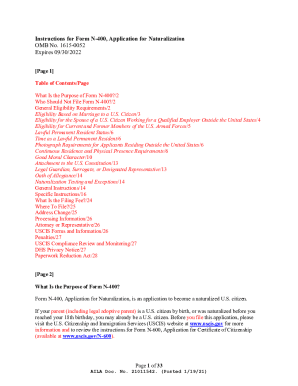
Form N-400 Application for Naturalization

Arkansas medical malpractice complaint form sellmyforms
NINTH JUDICIAL CIRCUIT PRETRIAL INTERVENTION INTAKE INFORMATION
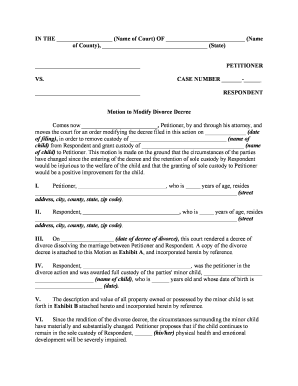
Divorce modification form
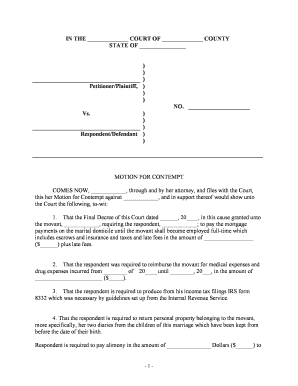
Motion for contempt form
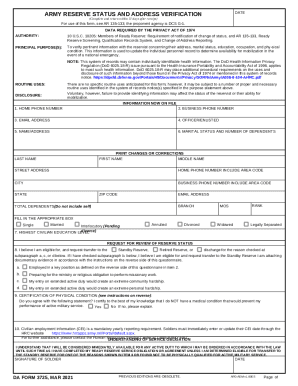
ARMY RESERVE STATUS AND ADDRESS VERIFICATION DA Form 3725, MAR 2021
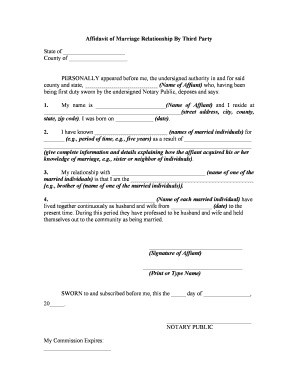
Affidavit marriage sample

Last will testament form
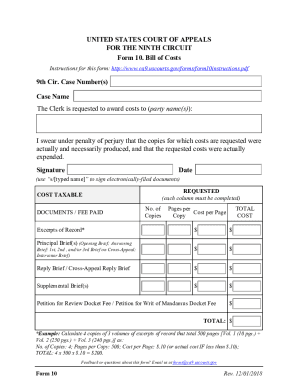
Va form 10 3542 printable
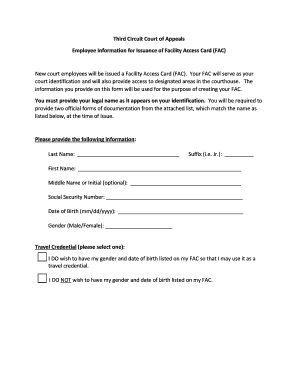
Facility access card

YOU SIGN THIS DOCUMENT
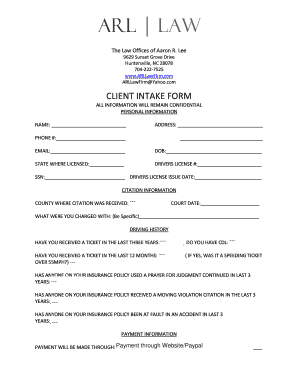
Arl law
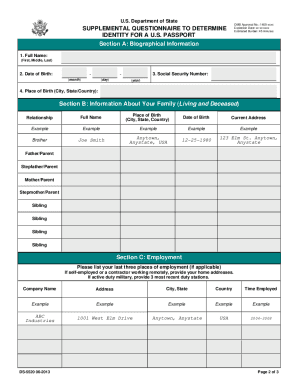
Determine passport
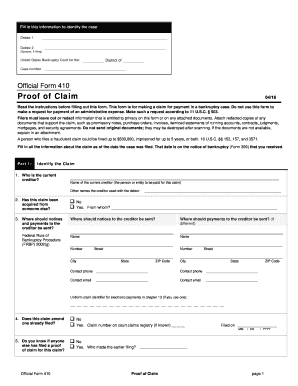
410 claim fill
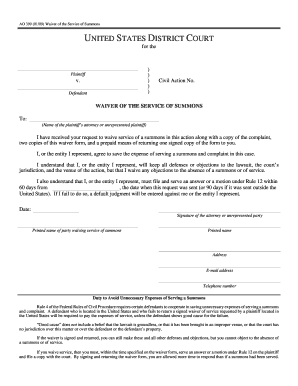
Waiver service form

School - Based Oral Health Program Authorization Form

DocHub 387101-zero-income-formZero Income Form - Fill and Sign Printable Template Online
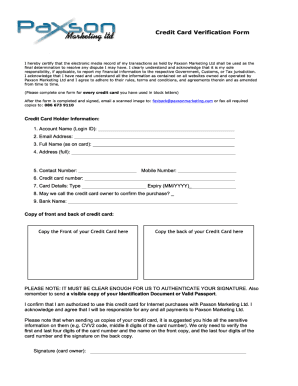
PDF Credit Card Verification Form - Jackpot Cash
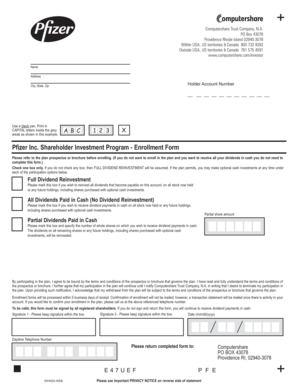
Pfizer Inc Shareholder Investment Program - Enrollment Form

7 Top Questions to Ask Before Opening a Bank Account
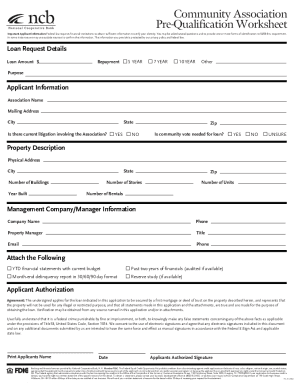
Impact ncb coophubfsassetsCommunity Association Pre-Qualification Worksheet
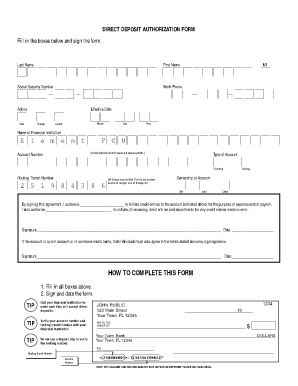
Ace flare account
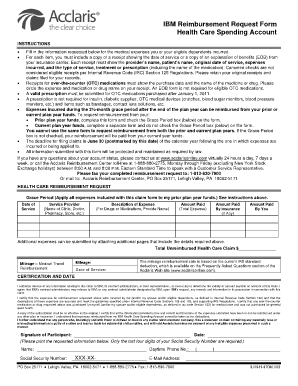
Acclarisonline

Bank taxpayer maintenance form
(the Act), there are certain procedures that must be undertaken in order to verify your identity

Shellpoint mortgage payoff request fax number

Individual Completing this Form

Netspend Risk Management and Compliance Guidelines for Incomm Distributors

Advisor ach form
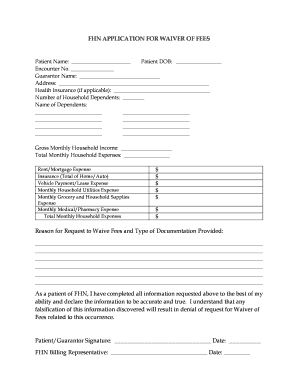
FHN APPLICATION FOR WAIVER OF FEES

Atrium hardship application
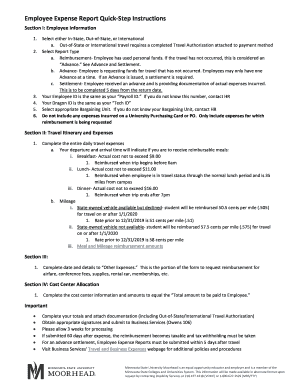
Employee Expense Report - Minnesota State University

BGI CLIENT APPLICATION (2)

Untitled - Community Housing Innovations

Dominion direct enrollment form
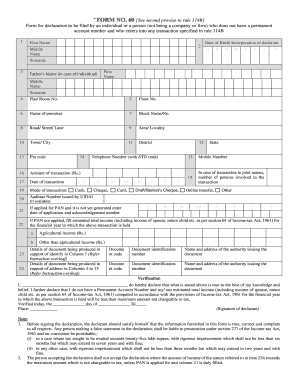
Form 60 for axis bank
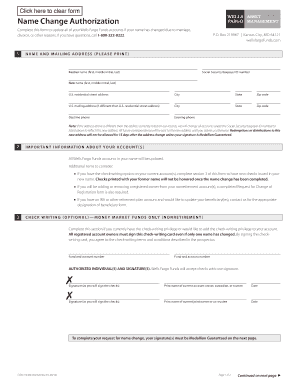
Name Change Authorization form - Wells Fargo Funds

Please return the following form along with the identification documents listed below:
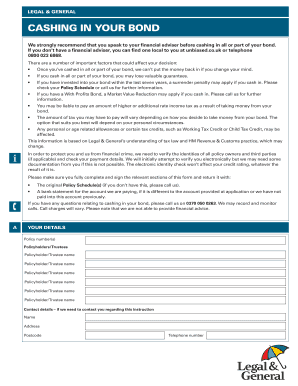
Direct investment application form cashing in your bond

Four seasons credit card
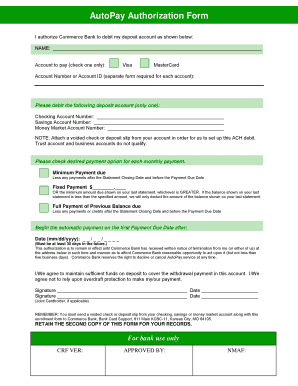
Autopay authorization

Montclair State University - Profile, Rankings and DataUS
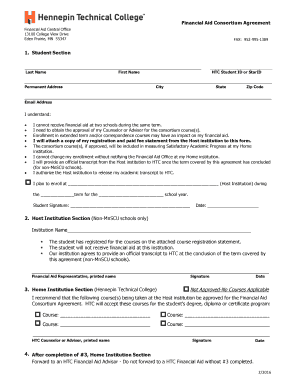
Financial services center consortium agreement - Lorain

Garage application
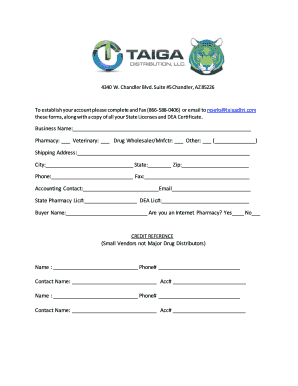
4340 W

Trustee Directive for Benefit Payment - Lincoln Financial Group
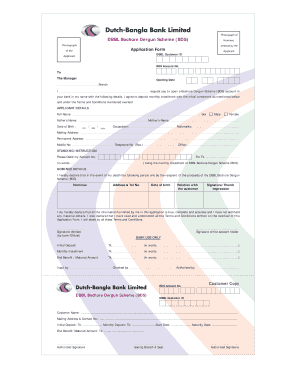
Dbbl dps chart

Nasb financial form
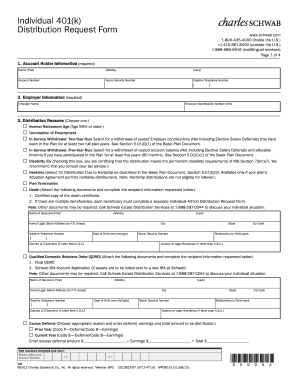
Charles schwab 401k withdrawal form
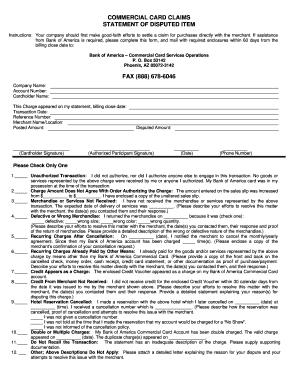
Claims statement item sample
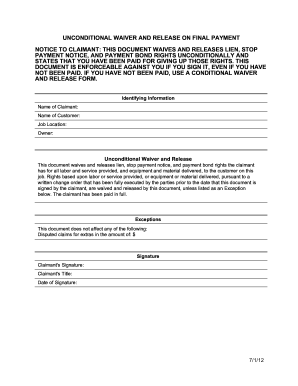
Release final form

PDF Texas Medical Center Cancer Center Referral Form

Occupational accident insurance application
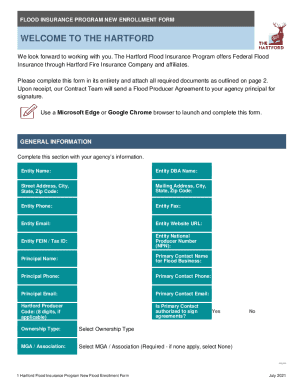
New Agent Enrollment Form - hartfordfloodonline

Member change form

Umwa widow benefits

Sample intake form health

NEW PATIENT INTAKE FORM - Prime Wellness of Connecticut
Benefit from the DocHub online library of fillable PDF forms
Searching the PDF forms doesn't have to be a tedious and time-consuming process. With the DocHub online library, it has become easier to find the fillable PDF forms and modify them in your browser. The service allows you to adjust the document to your needs using powerful editing tools.
You can use online document editing features to modify almost any type of document with ease. You just need to find the template of your choice, open it in the editor, and use the toolbar to make the necessary corrections.
Follow this guide to get your document done with DocHub:
- Find the PDF template you need.
- Click the Get Form button to open the file in the editor.
- Use the toolbar to fill out and edit the document.
- Easily add and highlight text, insert images, checkmarks, and symbols.
- Drop new fillable fields, and rearrange or delete pages from your file.
- Save changes and download your record.
DocHub empowers everyone to streamline document editing, signing, and distribution, and form completion. Create an account and benefit from our well-organized PDF Forms library and comprehensive editor.