
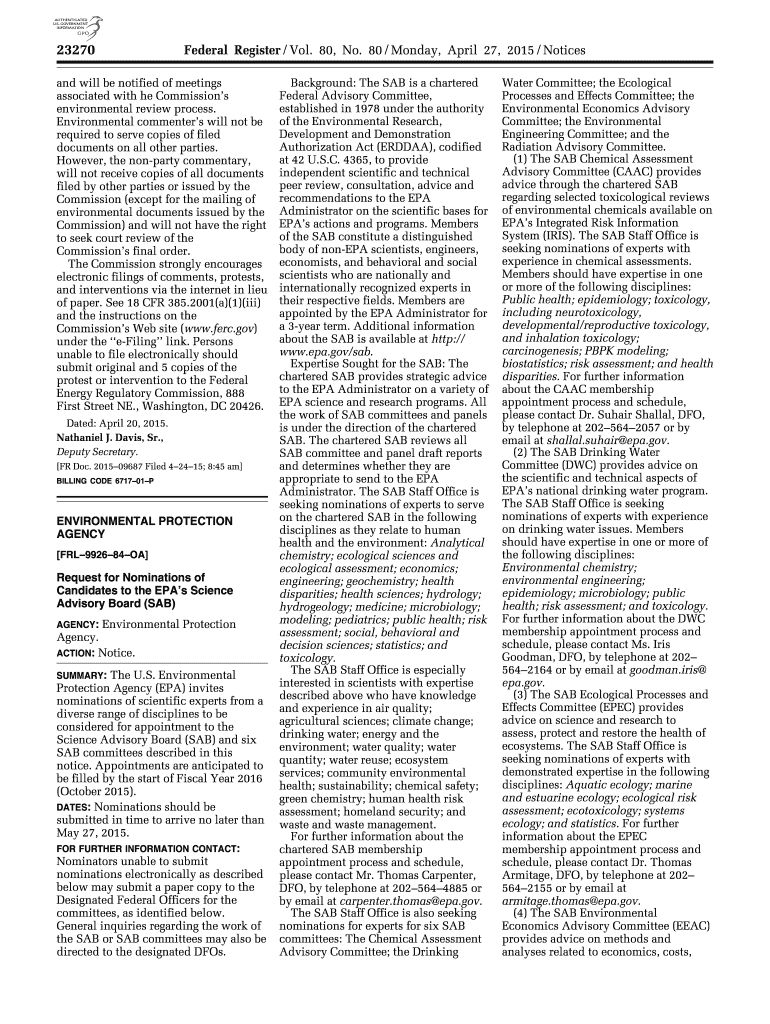




Here's how it works



How to use or fill out 44386 Federal Register Vol 80, No 143 Monday, July 27 with DocHub

- Click ‘Get Form’ to open the document in our platform's editor.
- Review the introductory section of the form, which outlines the purpose and context of the document. This will help you understand what information is required.
- Fill in your personal details in the designated fields. Ensure that all information is accurate and up-to-date to avoid any processing delays.
- Navigate through each section carefully, paying attention to any specific instructions provided for filling out particular fields. Use our platform’s tools to highlight or annotate important sections as needed.
- Once all fields are completed, review your entries for accuracy. Utilize the editing features available on our platform to make any necessary adjustments before finalizing your submission.
- Save your completed form and choose to either download it or share it directly via email or other platforms integrated with our editor.
Start using our platform today for free and streamline your document editing experience!
It's free
See more 44386 Federal Register Vol 80, No 143 Monday, July 27 versions
| Versions | Form popularity | Fillable & printable |
|---|---|---|
| 2015 | 4.9 Satisfied (28 Votes) |
Got questions?
What do I need to sign my 44386 Federal Register Vol 80, No 143 Monday, July 27 electronically?
Electronic document signing requires a software solution that works in compliance with data protection and eSignature laws. DocHub is an excellent tool for that, as it meets all the previously mentioned requirements. Whatever method you prefer to sign your 44386 Federal Register Vol 80, No 143 Monday, July 27 in DocHub, your electronic signature will be legally binding and court-admissible.
How do you edit 44386 Federal Register Vol 80, No 143 Monday, July 27 online?
With DocHub, you have several convenient ways to edit your 44386 Federal Register Vol 80, No 143 Monday, July 27 online. You can drag and drop the form and modify it directly at the DocHub website or use our browser extension to fill out your form immediately. Additionally, you can modify your PDF on your phone, as DocHub is compatible with all the accessible mobile platforms.
What does OSHA stand for in Canada?
What does the acronym OSHA stands for?
How does OSHA define safety?
Security and compliance
At DocHub, your data security is our priority. We follow HIPAA, SOC2, GDPR, and other standards, so you can work on your documents with confidence.
Learn more




