
Get any PDF form from the DocHub library of ready-made templates - Page 1021

UCS-6341 W
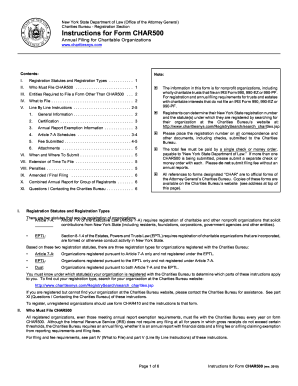
Form char500 fill
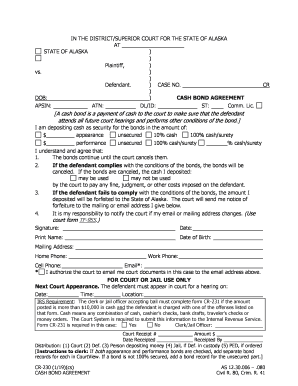
Form 230 bond form

Alaska 425 spouse form

DR-322 Order Re Motion to Continue Support for 18-Year-Old 809 Child Support

653 notice form
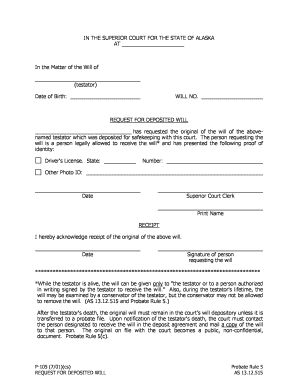
Alaska p 105
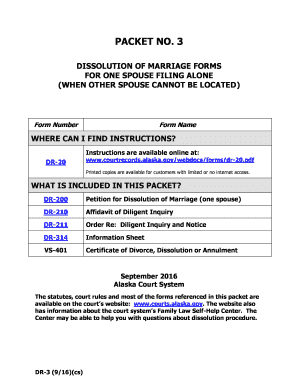
Alaska dr 3
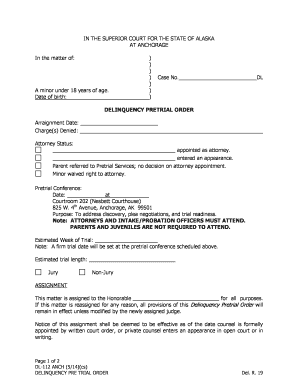
Alaska pretrial order

Alaska cn340 case search
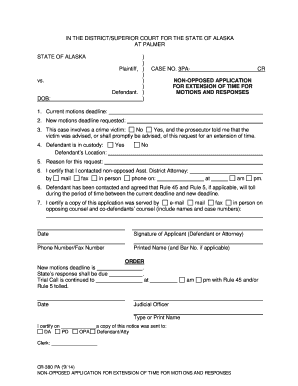
Alaska non opposed extension
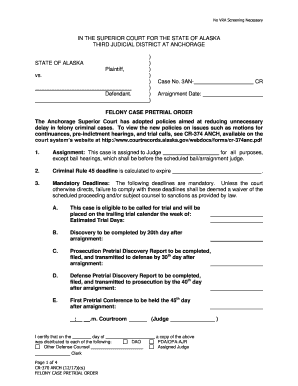
Alaska felony pretrial
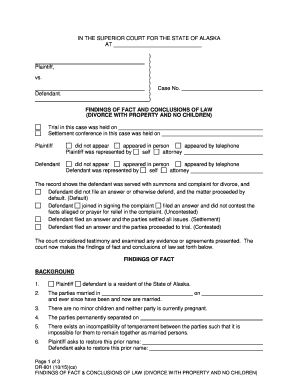
Dr 801
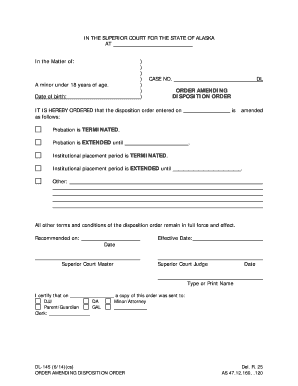
DL-145 - Alaska Court Records - State of Alaska
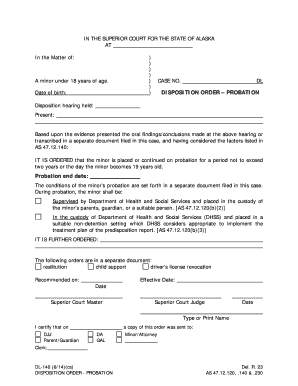
DL-140 - Alaska Court Records - State of Alaska
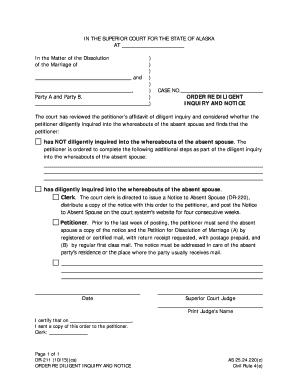
Alaska dr 211 form

(PUB-12b) - Alaska Court Records - State of Alaska
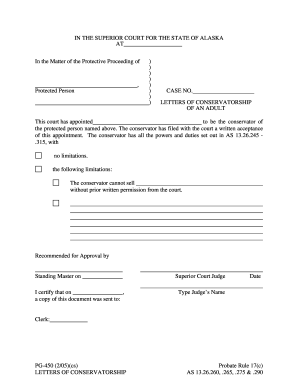
IN THE SUPERIOR COURT FOR THE STATE OF ALASKA AT In the Matter of the Protective Proceeding of , Pro

I, , attorney appointed under the Servicemembers Civil Relief Act of 2003, 50 U
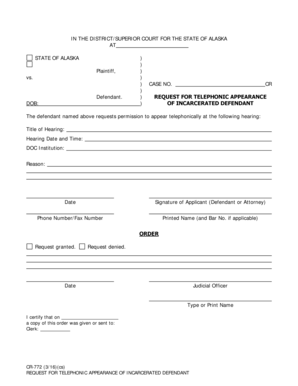
Alaska cr 772
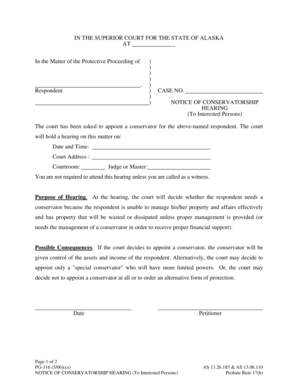
NOTICE OF CONSERVATORSHIP

PG-665 - Alaska Court Records - State of Alaska

PG-623 - Alaska Court Records - State of Alaska

MC-435 - Alaska Court Records - State of Alaska
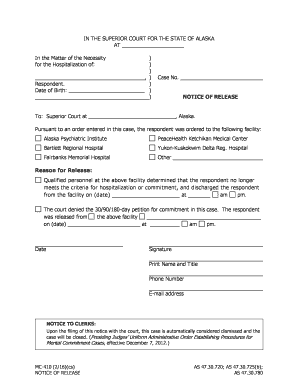
Alaska mc410
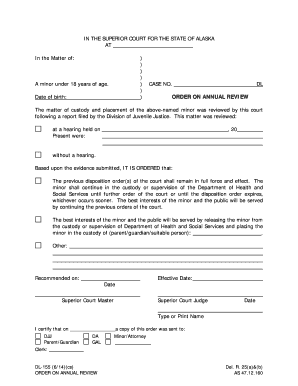
IN THE SUPERIOR COURT FOR THE STATE OF ALASKA AT In the Matter of: ) ) ) ) ) ) ) A minor under 18 ye
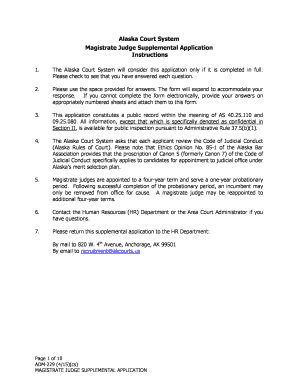
Alaska adm 229

Civ 405
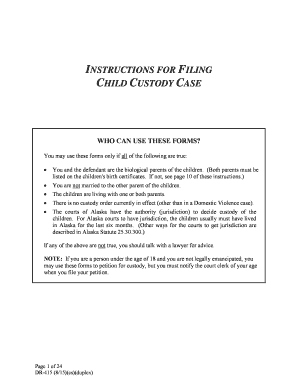
Dr 415
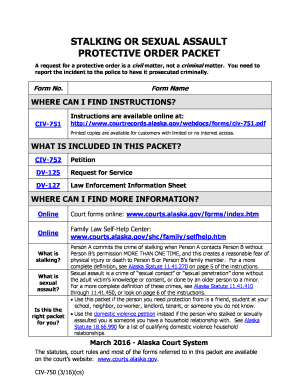
Civ 750

Vs 405

Tf303 form

Alaska pg525

Ap 311
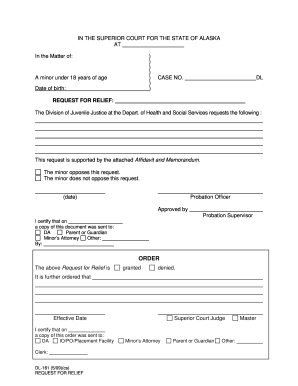
Dl161 form
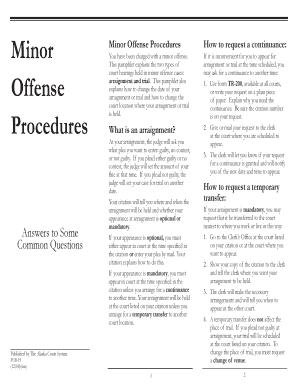
Ak pub 19

Alaska request courtview search

Civ 825

Alaska sc 95 template
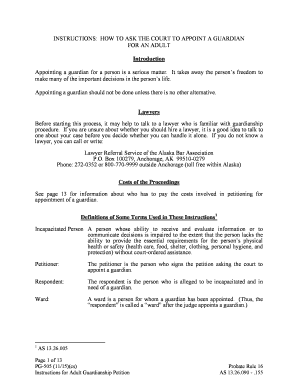
PG-505 Instructions for Adult Guardianship Petition
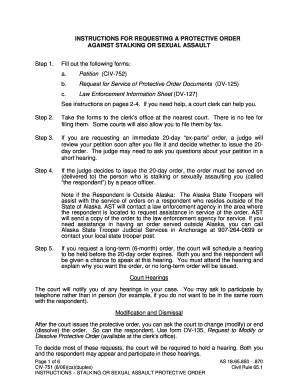
Civ 751 download
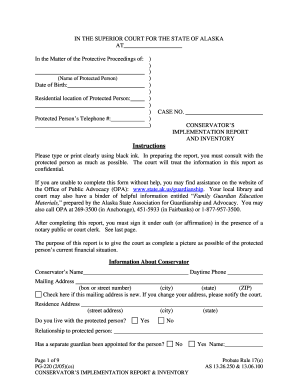
Alaska pg220 form blank
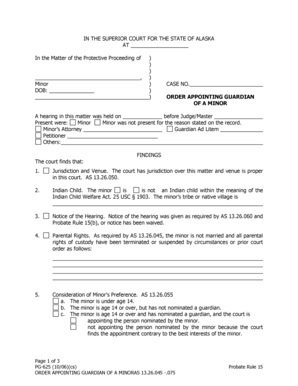
Minors Attorney Petitioner

Civ 555

Alaska p 350 form

Ak mc115

MC-610 Notice of Right to Counsel 1-14 pdf fill in Mental Commitment Forms

Alaska cn360 fill

Adm 121 court
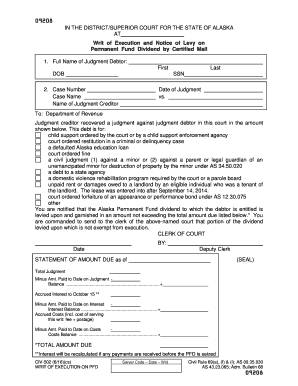
Alaska civ 502
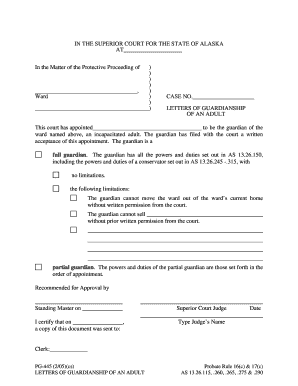
Download the PDF file - Alaska Court Records - State of Alaska

The 702 fbks form
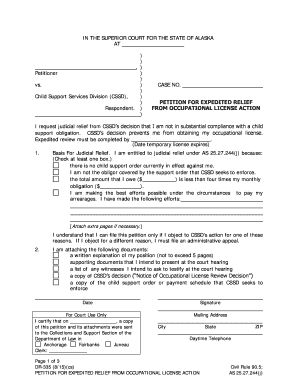
Alaska dr 335

CIV-663 Information for Parties re SCRA Appointmnet (8 11)

Alaska mc425

PLAINTIFFS RESPONSE TO REQUEST FOR CHANGE OF PLACE OF TRIAL

Tf 820

Alaska pub 3
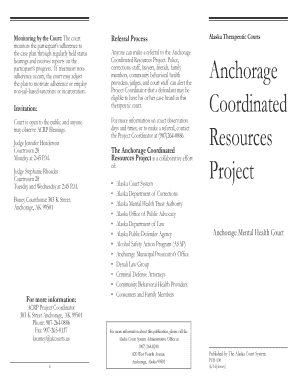
Alaska pub 100 form

Alaska sc 8
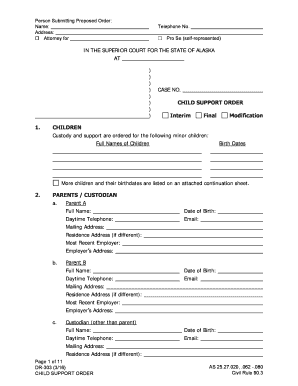
303 alaska
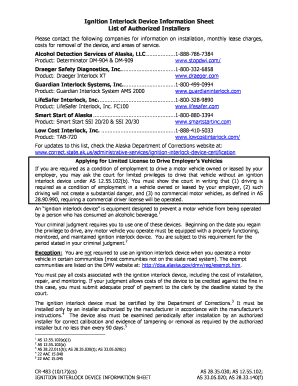
Cr 483

Alaska jury handbook

Ak dr 15

Tr 405 form
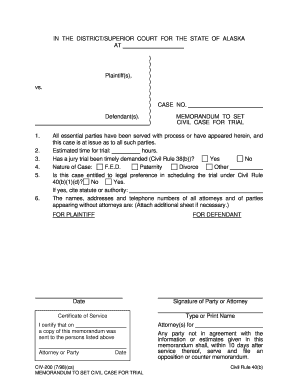
Civ 200

PG-621 - Alaska Court Records - State of Alaska

Ak pg610

County action cover sheet

Domestic Relations Division - Circuit Court of Cook County
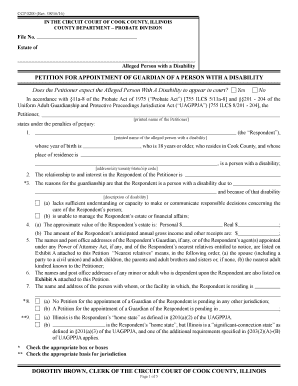
CCP 0200 (Rev

Fillable Online Order of Reaction Fax Email Print - DocHub
AVAILABLE TO ITLA MEMBERS ONLY AVAILABLE IN DIGITAL FORMAT ONLY

UNITY OF TITLE DECLARATION

Leeclerk homeshowpublisheddocumentIN THE CIRCUIT COUNTY COURT OF THE TWENTIETH JUDICIAL CIRCUIT
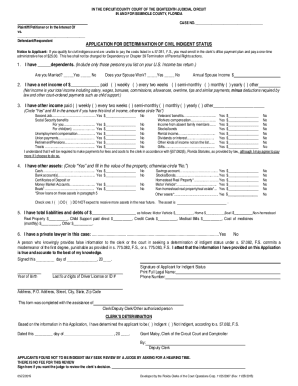
Seminoleclerk wp-contentuploadsIN THE COUNTY COURT OF THE EIGHTEENTH JUDICIAL CIRCUIT,

The undersigned hereby informs you that improvements will be made to certain real property, and in a
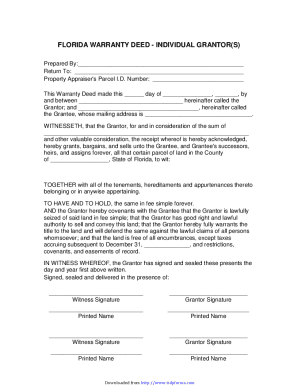
Florida Warranty Deed Form - PDF Formate-database

Respondent dating fillable
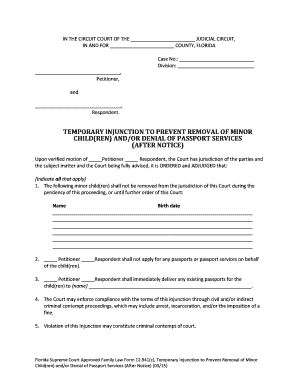
Florida removal form

Final judgment flcourts

Florida motion relocation

Florida child denial
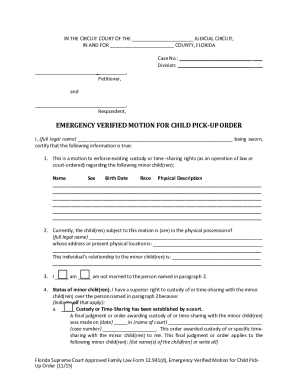
Florida child pick up order
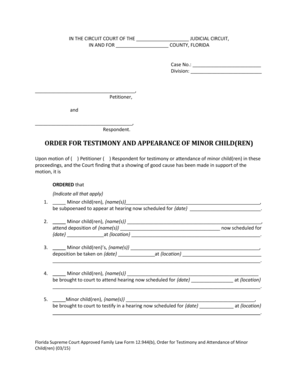
Florida order appearance form

Appointing litem

Supreme Court Application for Participant Approval
Should I Consider Filing for Divorce First?RIGHT Lawyers

Parenting proceeding
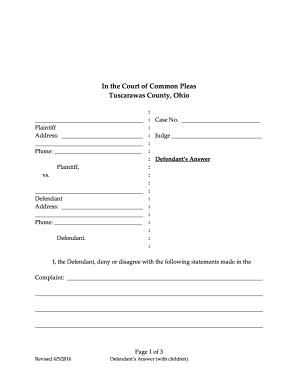
How to File an Answer to a Divorce Complaint - Tuscarawas

Injury application ct

Jd cv102
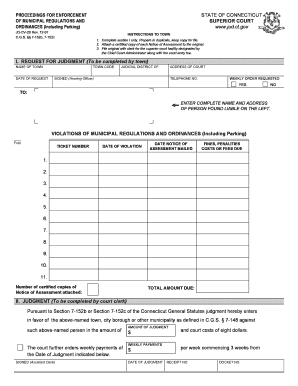
Connecticut proceedings enforcement municpal

Ct proceedings claim online

JD-JM-120A Rev

Connecticut pedimento

Ct decree

Financial affidavit definition

Cancelacion antecedentes orden form

Connecticut sexual defendant search
Benefit from the DocHub online library of fillable PDF forms
Searching the PDF forms doesn't have to be a tedious and time-consuming process. With the DocHub online library, it has become easier to find the fillable PDF forms and modify them in your browser. The service allows you to adjust the document to your needs using powerful editing tools.
You can use online document editing features to modify almost any type of document with ease. You just need to find the template of your choice, open it in the editor, and use the toolbar to make the necessary corrections.
Follow this guide to get your document done with DocHub:
- Find the PDF template you need.
- Click the Get Form button to open the file in the editor.
- Use the toolbar to fill out and edit the document.
- Easily add and highlight text, insert images, checkmarks, and symbols.
- Drop new fillable fields, and rearrange or delete pages from your file.
- Save changes and download your record.
DocHub empowers everyone to streamline document editing, signing, and distribution, and form completion. Create an account and benefit from our well-organized PDF Forms library and comprehensive editor.