




01. Edit your fft1 task book online
Type text, add images, blackout confidential details, add comments, highlights and more.

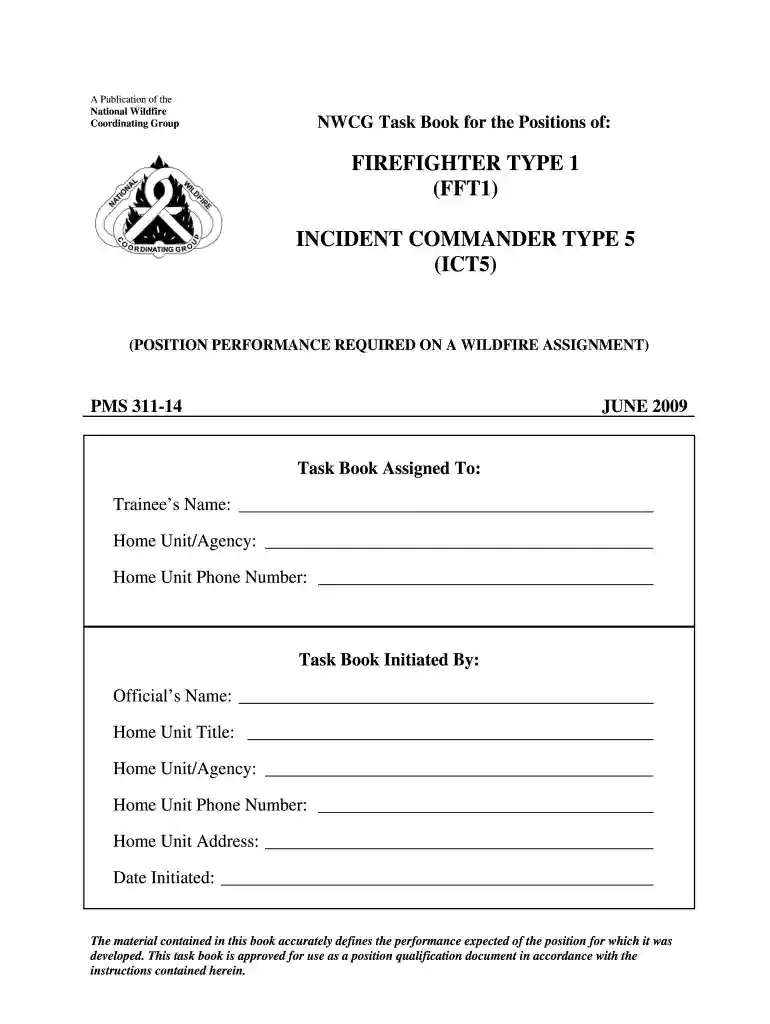
Type text, add images, blackout confidential details, add comments, highlights and more.

Draw your signature, type it, upload its image, or use your mobile device as a signature pad.

Send fft1 task book pdf via email, link, or fax. You can also download it, export it or print it out.

Start using our platform today to streamline your nwcg task book completion process for free!
We've got more versions of the fft1 task book form. Select the right fft1 task book version from the list and start editing it straight away!
Yes, and it’s really straightforward! DocHub is an online PDF editor with advanced document processing functions that allow you quickly edit your documents, complete blank fields and drop new ones for other people to fill out, and create eSignatures in several ways. Add your nwcg fft1 task book, provide information as required, and decide how you want to eSign your document - by typing your name, drawing your signature, uploading its image, or using a QR code.
If you edit your wildland firefighter 1 task book with DocHub, you merely need a stable internet connection and virtually any web browser installed on your device. No need to install any third-party applications or study guides. Just open a tab with DocHub, drag and drop your file, and modify it immediately.
At DocHub, your data security is our priority. We follow HIPAA, SOC2, GDPR, and other standards, so you can work on your documents with confidence.
NWCG position task books (PTBs) are a key component of the qualification process for specified NWCG positions. The PTB provides an observable, measurable,Read more
This task book contains tasks for the positions of Strike Team Leader (STL) and Task Force. Leader (TFLD). The common tasks for both positions are listed first.Read more


