




01. Edit your fill out letter online
Type text, add images, blackout confidential details, add comments, highlights and more.

Type text, add images, blackout confidential details, add comments, highlights and more.

Draw your signature, type it, upload its image, or use your mobile device as a signature pad.

Send it via email, link, or fax. You can also download it, export it or print it out.

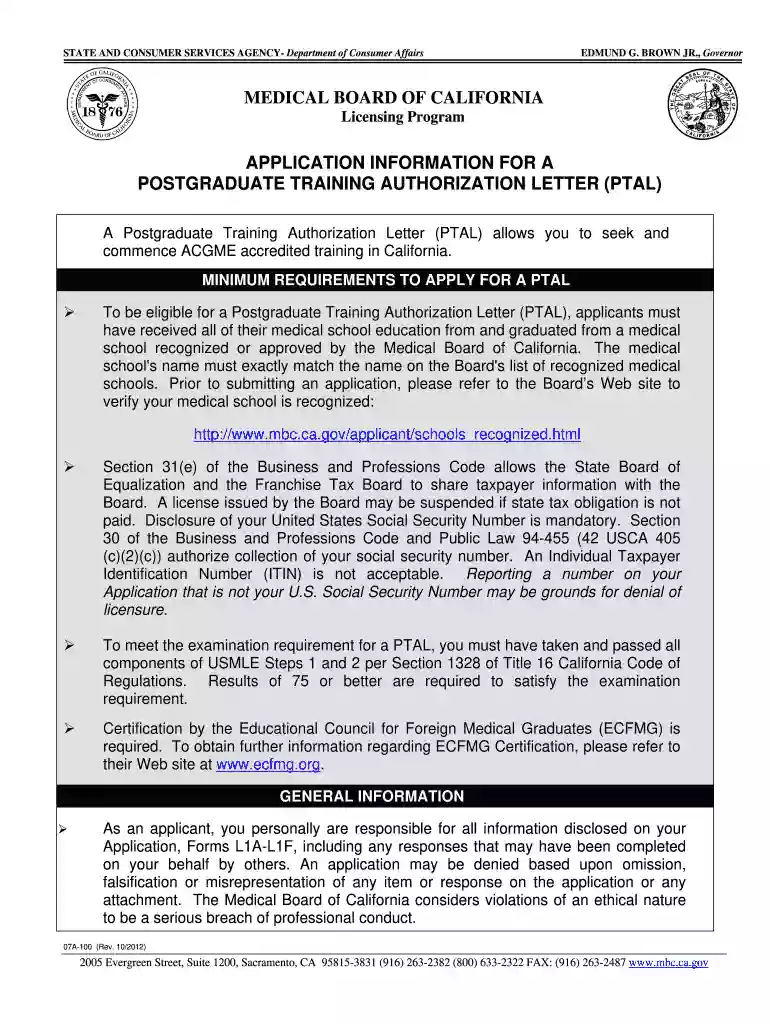
Start filling out your fill training letter layout 2012 form today using our platform for a seamless experience!
We've got more versions of the fill out letter form. Select the right fill out letter version from the list and start editing it straight away!
Yes, a typed name is recognized as a valid electronic signature when you create it on your document using a compliant solution like DocHub. Simply upload your fill training letter layout 2012 form to our editor, click Sign in the top tool pane → Create your signature → Type your name in the appropriate tab, and select how it will look on your document.
In addition to an extensive toolset for editing PDFs on mobile devices, DocHub enables you to sign your fill training letter layout 2012 form along the way. Open our editor in your internet browser, make changes using DocHub’s toolset, and finish your editing by eSigning the finished form.
At DocHub, your data security is our priority. We follow HIPAA, SOC2, GDPR, and other standards, so you can work on your documents with confidence.
Jan 7, 2026 Licensing and Certification Division Forms BCIA 8016 - Request for Live Scan Service (PDF) BCIA 8016 Sample - Request for Live Scan Service (
Aug 16, 2012 This report was developed to provide a user guide and tutorial for applying the Training Range Environmental Evaluation and CharacterizationRead more
Enter the employers name, as it appears in. Section 3: Employer Information. Example Format (summarize each goal in one sentence):. Goal 1: (List specificRead more


