




Here's how it works

01. Edit your jdf 1413 online
Type text, add images, blackout confidential details, add comments, highlights and more.

02. Sign it in a few clicks
Draw your signature, type it, upload its image, or use your mobile device as a signature pad.

03. Share your form with others
Send court custody child via email, link, or fax. You can also download it, export it or print it out.
How to use or fill out jdf 1413 with our platform

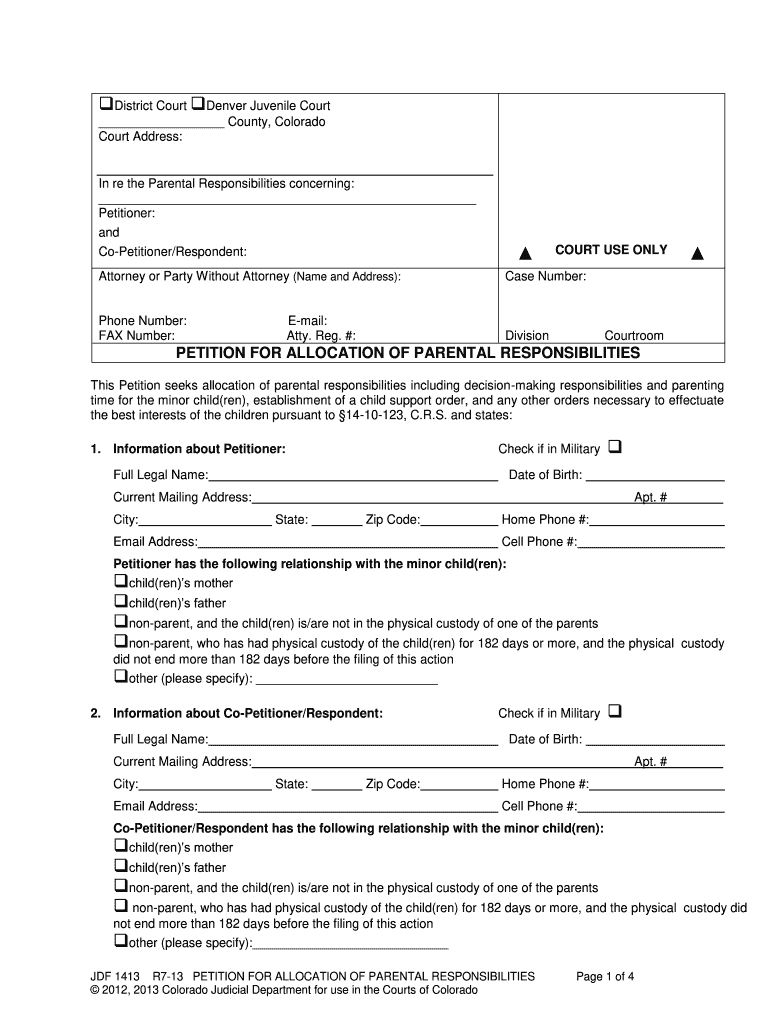
- Click ‘Get Form’ to open the jdf 1413 in the editor.
- Begin by filling in the court address and case number at the top of the form. Ensure all information is accurate to avoid delays.
- In Section 1, provide your full legal name, date of birth, and current mailing address. Check the box if you are in military service.
- Complete Section 2 with details about the Co-Petitioner/Respondent, including their relationship to the minor child(ren).
- In Section 3, list each minor child's full name, present address, sex, and date of birth.
- Proceed through Sections 4 to 14 by answering questions regarding residency, previous proceedings, and any existing orders related to parental responsibilities.
- Finally, review your entries for accuracy before signing at the bottom of the form. Ensure both parties sign where required.
Start using our platform today for free to complete your jdf 1413 efficiently!
Fill out jdf 1413 online
It's free
It's free
See more jdf 1413 versions
We've got more versions of the jdf 1413 form. Select the right jdf 1413 version from the list and start editing it straight away!
| Versions | Form popularity | Fillable & printable |
|---|---|---|
| 2013 | 4.8 Satisfied (123 Votes) |
Security and compliance
At DocHub, your data security is our priority. We follow HIPAA, SOC2, GDPR, and other standards, so you can work on your documents with confidence.
Learn more


Related forms

Authorization to retrieve tsi placement test scores - EPCC
The document is an authorization form for students at El Paso Community College (EPCC) to retrieve their TSI placement t ...

Provider Resources Gold Coast Health Plan
The document is a Direct Referral Form used for referring patients to in-network or in-area specialists without prior au ...

FAM 020
The document is a Family Law Case Cover Sheet and Certificate of Grounds for Assignment to District required for filing ...

Premera heritage appeals form
The document is a Member Appeal Form for Premera Blue Cross, allowing members to appeal a claim or denial of service wit ...

Form 68a
The document is a Notice of Application to the Divisional Court for Judicial Review under the Courts of Justice Act. It ...

Monthly fire pump churn test form
The document outlines the Monthly Fire Pump Churn Test Procedure, detailing steps to be taken before, during, and after ...
About the PowerPoint Intermediate Workshop Creating Your Own - mtholyoke
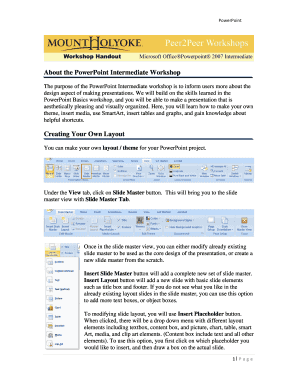
The PowerPoint Intermediate Workshop document provides guidance on enhancing presentation design skills beyond the basic ...

New mexico san juan
The document is an Outpatient Medical Nutrition Therapy Note Referral Form that outlines the necessary information and r ...