




01. Edit your suffolk county wastewater management forms online
Type text, add images, blackout confidential details, add comments, highlights and more.

Type text, add images, blackout confidential details, add comments, highlights and more.

Draw your signature, type it, upload its image, or use your mobile device as a signature pad.

Send it via email, link, or fax. You can also download it, export it or print it out.

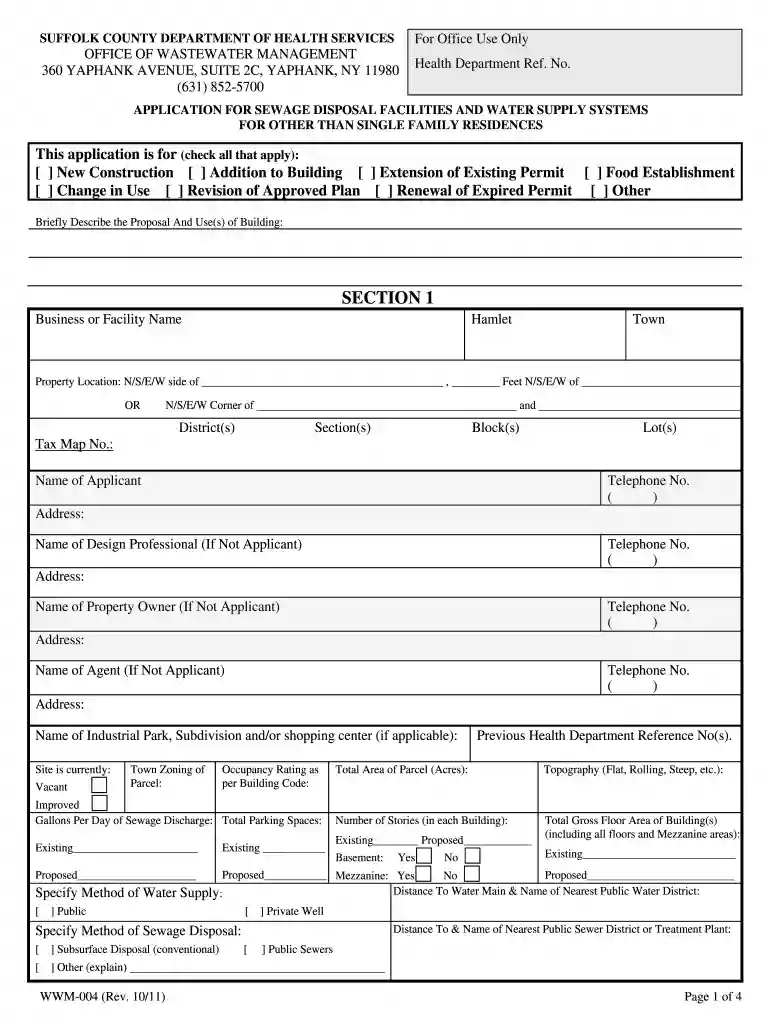
Start filling out your wwm 004 2011 form online for free today!
We've got more versions of the suffolk county wastewater management forms form. Select the right suffolk county wastewater management forms version from the list and start editing it straight away!
Approving documents on a mobile device is fast, straightforward, and doesn’t require software installation if you have an account with DocHub. Log in from any browser, fill in your blank fields with your data, and click on Sign → Create your signature. You can draw your eSignature the same way you usually do on paper, add its picture to your wwm 004 2011 form, or type in your name and stylize its look. No matter what option you choose, your form will be valid.
If your go-to email service is Gmail, you can easily integrate your DocHub editor in your work. Modify your wwm 004 2011 form with DocHub instruments and attach it to your drafts in Gmail. See how easy it can be to exchange files and collaborate with a swift PDF editing solution at hand.
At DocHub, your data security is our priority. We follow HIPAA, SOC2, GDPR, and other standards, so you can work on your documents with confidence.
Apr 8, 2011 Please submit one originally signed document and one exact photocopy of the filing. 8 9 10 11 12. APR - 8 2011. Secretar. Please review formRead more
fltmughm% tilt toons# of mm iii tfe# mtton of socmnimg. softioiomt ooppif of mm wmAm mm of m jor ooaoom#. Doootlo pmmMn m mwmmgwl I*i o#y


