Dhr cdc 1949-2026

Get Form
dhr cdc 1949 Preview on Page 1

Here's how it works

01. Edit your form online
Type text, add images, blackout confidential details, add comments, highlights and more.
02. Sign it in a few clicks
Draw your signature, type it, upload its image, or use your mobile device as a signature pad.
03. Share your form with others
Send it via email, link, or fax. You can also download it, export it or print it out.

How to use or fill out dhr cdc 1949 with our platform

Form edit decoration
9.5
Ease of Setup
DocHub User Ratings on G2
9.0
Ease of Use
DocHub User Ratings on G2
  1. Click ‘Get Form’ to open the dhr cdc 1949 in the editor.
  2. Begin by entering your child's name in the designated field. Ensure accuracy as this is crucial for identification.
  3. Next, input the prescription number provided by your pharmacy. This helps in tracking and verifying the medication.
  4. Fill in the name of the medication clearly, ensuring it matches what is on the original container.
  5. Indicate the amount of medication to be given at each dosage. Be specific to avoid any confusion.
  6. Provide detailed instructions on how to administer the medication, such as 'give by mouth' or 'apply to skin'.
  7. Record the time and date of the last dosage given at home to maintain a proper schedule.
  8. Finally, specify the times and dosages that should be administered at the child care facility.
  9. Sign and date the form at the bottom to authorize administration of medication.

Start using our platform today for free to streamline your document editing and ensure your child's health needs are met efficiently!

See more dhr cdc 1949 versions

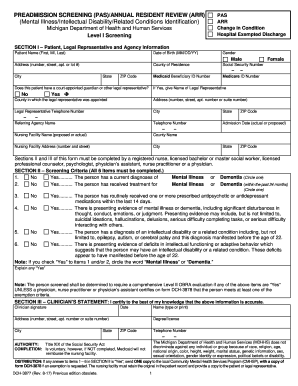
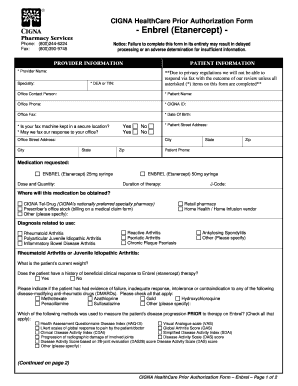
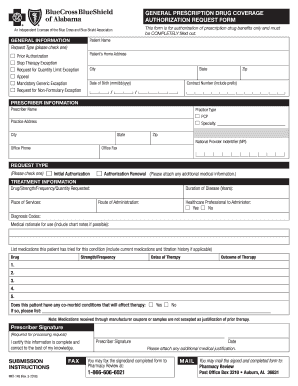
We've got more versions of the dhr cdc 1949 form. Select the right dhr cdc 1949 version from the list and start editing it straight away!
Versions Form popularity Fillable & printable
2018 4.8 Satisfied (131 Votes)
2006 4.4 Satisfied (64 Votes)
be ready to get more

Complete this form in 5 minutes or less

Get form

Got questions?

We have answers to the most popular questions from our customers. If you can't find an answer to your question, please contact us.
Contact us

With DocHub, you can quickly approve your dhr cdc 1949 or any other paperwork on iOS, even without installing additional applications. You can access your DocHub account from any internet-connected browser and complete and sign your form in any way you like with just a few clicks.

If you go for analog methods of completing your dhr cdc 1949, you can easily download your file for printing. Search DocHub’s Forms & Templates catalog to find the exact document template you require and open it for editing or download it on your gadget in the format of your choice. It is easy to complete your form electronically and place your handwritten signature on it right after printing or eSign your document with DocHub.