




01. Edit your va dot physical form online
Type text, add images, blackout confidential details, add comments, highlights and more.

Type text, add images, blackout confidential details, add comments, highlights and more.

Draw your signature, type it, upload its image, or use your mobile device as a signature pad.

Send dot medical certificate form via email, link, or fax. You can also download it, export it or print it out.

Adjusting documents with our extensive and user-friendly PDF editor is straightforward. Adhere to the instructions below to complete Va dot physical form online quickly and easily:
Make the most of DocHub, the most straightforward editor to quickly manage your paperwork online!
We've got more versions of the va dot physical form form. Select the right va dot physical form version from the list and start editing it straight away!
At DocHub, your data security is our priority. We follow HIPAA, SOC2, GDPR, and other standards, so you can work on your documents with confidence.
Our Veterans Health Certificate provides students and/or post-professionals with knowledge for work with veterans in health and health care settings.
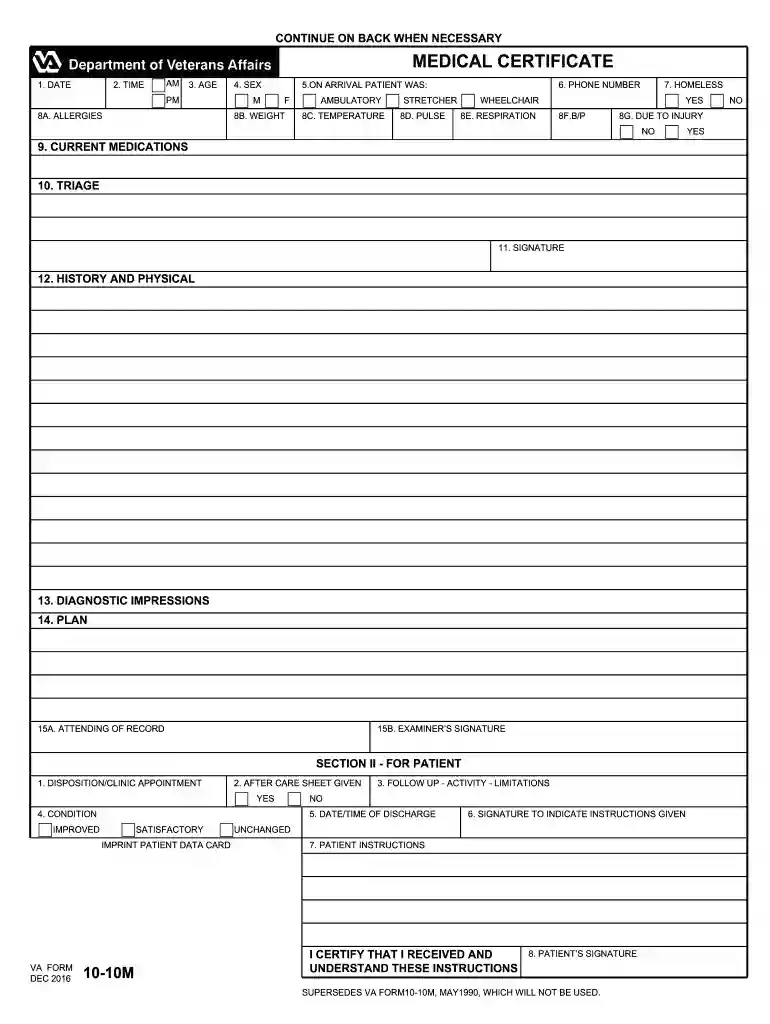
MEDICAL CERTIFICATE. YES. NO. 8F.B/P. 8E. RESPIRATION. 8D. PULSE. 8B. WEIGHT. 8A. ALLERGIES. 8C. TEMPERATURE. 8G. DUE TO INJURY. NO. YES. 9. CURRENT MEDICATIONS.Read more


