Type text, add images, blackout confidential details, add comments, highlights and more.
02. Sign it in a few clicks
Draw your signature, type it, upload its image, or use your mobile device as a signature pad.
03. Share your form with others
Send it via email, link, or fax. You can also download it, export it or print it out.
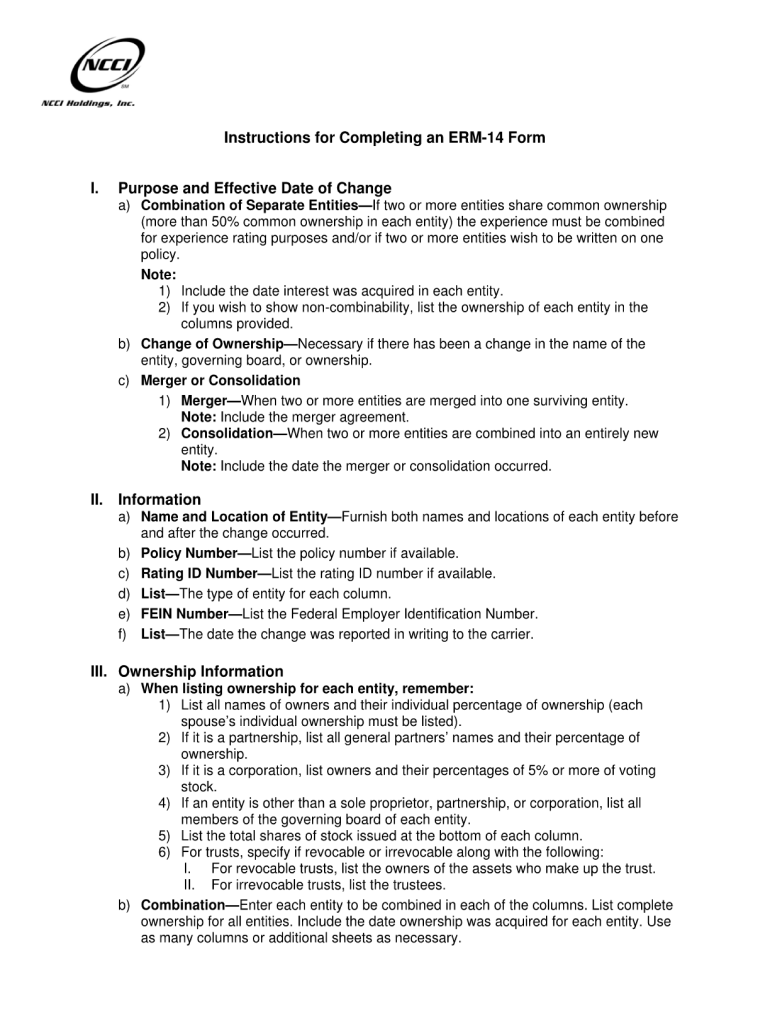
How to use or fill out erm letter with our platform
Ease of Setup
DocHub User Ratings on G2
Ease of Use
DocHub User Ratings on G2
Click ‘Get Form’ to open the erm letter in the editor.
Begin by entering your name and contact information in the designated fields at the top of the form. This ensures that all correspondence is directed to you.
Next, navigate to the section where you need to specify the purpose of the letter. Clearly articulate your intent, as this will guide the recipient's understanding.
In the body of the letter, provide detailed information relevant to your request or statement. Use bullet points for clarity if necessary.
Finally, review all entered information for accuracy before signing. Utilize our platform’s signature feature to add your signature electronically.
Start using our platform today for free and streamline your document editing experience!
The following guidance comes from State Risk Management. While many of the duties listed below reside with service departments, like Facilities.Read more
Apr 1, 2026 SER Overissuance Letter to the provider to obtain a refund. The specialist must provide a copy of the letter and supporting documentation ofRead more
Cookie consent notice
This site uses cookies to enhance site navigation and personalize your experience.
By using this site you agree to our use of cookies as described in our Privacy Notice.
You can modify your selections by visiting our Cookie and Advertising Notice.