




Here's how it works

01. Edit your medical screening exam template online
Type text, add images, blackout confidential details, add comments, highlights and more.

02. Sign it in a few clicks
Draw your signature, type it, upload its image, or use your mobile device as a signature pad.

03. Share your form with others
Send health screening questionnaire template via email, link, or fax. You can also download it, export it or print it out.
How to use or fill out medical screening questionnaire with our platform

- Click ‘Get Form’ to open the medical screening questionnaire in the editor.
- Begin by filling out your personal particulars, including your full name, NRIC number, age, telephone numbers, and email address. Ensure all information is accurate for effective processing.
- In Section A, indicate any drug allergies or G6PD deficiency by ticking the appropriate boxes. If applicable, provide details of the medication and reactions in the space provided.
- Proceed to Section B to disclose your personal medical history. For each listed condition, tick 'Yes' or 'No' and provide additional details if you answer 'Yes'.
- Consult family members when completing Section C regarding family medical history. Indicate any relevant conditions affecting them.
- If you are under 21, ensure that your endorser completes Section D. They must certify the accuracy of your responses.
- Complete Sections E and F regarding social history and smoking habits as applicable. Provide detailed answers where necessary.
- Finally, review all entries for accuracy before signing in Section G to confirm that all information is correct.
Start using our platform today for free to complete your medical screening questionnaire effortlessly!
Fill out medical screening questionnaire online
It's free
It's free
See more medical screening questionnaire versions
We've got more versions of the medical screening questionnaire form. Select the right medical screening questionnaire version from the list and start editing it straight away!
| Versions | Form popularity | Fillable & printable |
|---|---|---|
| 2017 | 4.8 Satisfied (120 Votes) |
Security and compliance
At DocHub, your data security is our priority. We follow HIPAA, SOC2, GDPR, and other standards, so you can work on your documents with confidence.
Learn more


Related forms

Request to Continue Court Hearing Clerk stamps date here
The document GV-115 is a form used to request the rescheduling of a court hearing related to a Gun Violence Restraining ...

Children's Rights in the Juvenile Justice System
The document JV-060-INFO provides essential information for parents regarding the juvenile justice court system. It outl ...

ECD - What does ECD stand for? The Free Dictionary
The document is a financial assistance application for medical expenses at BayCare Health System. It outlines the necess ...

Sample Motion for Continuance
The document is a motion for continuance submitted to the Iowa District Court, requesting a postponement of a scheduled ...

Library admission form
The document is a Library Membership Form for students at NAMAL College, where applicants provide personal information a ...
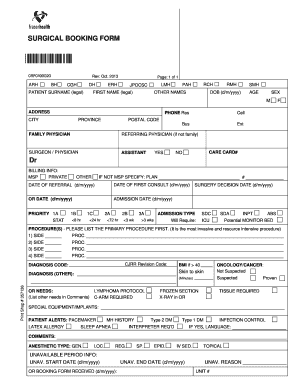
SURGICAL BOOKING FORM
The document consists of two surgical forms: a Surgical Booking Form and a Surgical Pre-Operative Test Order. The Surgic ...
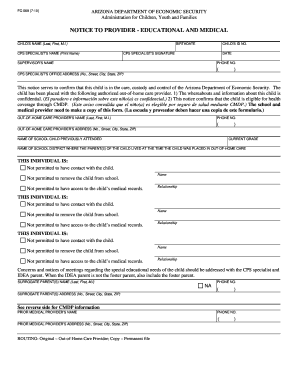
Notice to provider
The document is a notice from the Arizona Department of Economic Security confirming that a child is in out-of-home care ...

High school cell phone policy pdf
The document outlines the cell phone policy for Kennedy High School for the 2018-19 academic year, emphasizing that stud ...