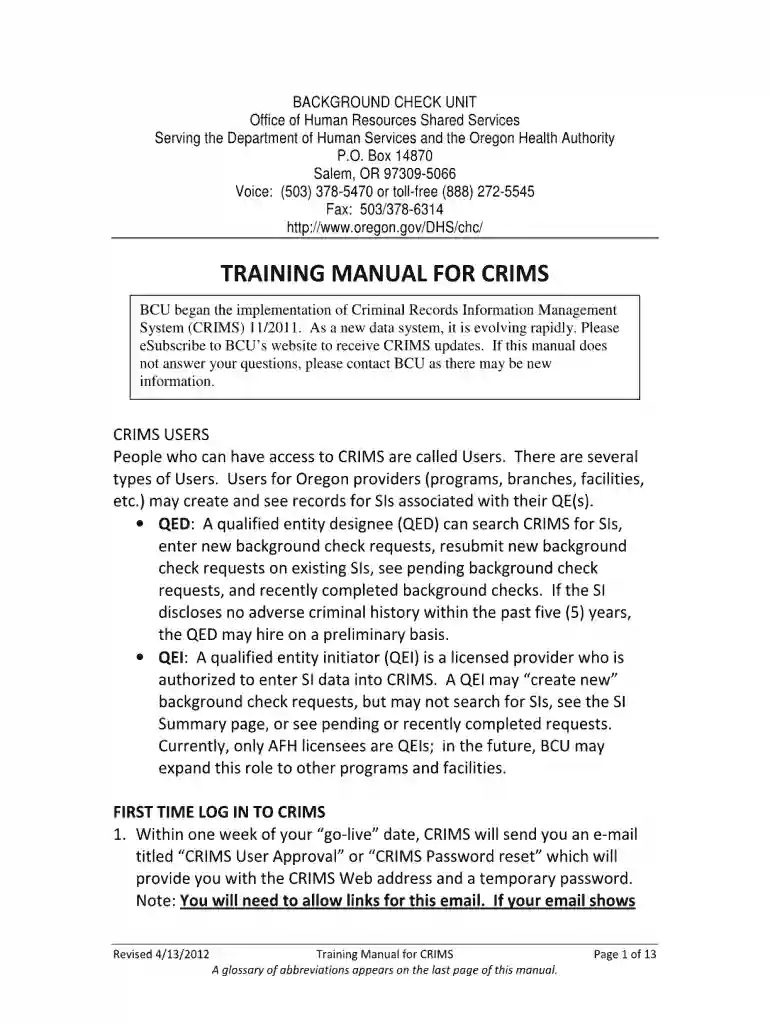
Crims check form 2026

Get Form
orchards bcu login Preview on Page 1

Here's how it works

01. Edit your orchards bcu login online
Type text, add images, blackout confidential details, add comments, highlights and more.

02. Sign it in a few clicks
Draw your signature, type it, upload its image, or use your mobile device as a signature pad.

03. Share your form with others
Send bcu orchards login via email, link, or fax. You can also download it, export it or print it out.

How to use or fill out crims check form with our platform

Form edit decoration
9.5
Ease of Setup
DocHub User Ratings on G2
9.0
Ease of Use
DocHub User Ratings on G2
  1. Click ‘Get Form’ to open the crims check form in the editor.
  2. Begin by entering your personal details in the designated fields, including your full name, date of birth, and contact information. Ensure accuracy as this information is crucial for processing your check.
  3. Next, navigate to the section requesting identification details. Here, you may need to provide your driver's license number or other relevant ID numbers. Double-check these entries for correctness.
  4. Proceed to any additional sections that may require consent or declarations. Read through these carefully and sign where indicated using our platform’s signature feature.
  5. Finally, review all filled sections for completeness and accuracy before submitting the form. Utilize our platform's editing tools to make any necessary adjustments easily.

Start filling out your crims check form today for free and experience seamless document management!

See more crims check form versions

We've got more versions of the crims check form form. Select the right crims check form version from the list and start editing it straight away!
Versions Form popularity Fillable & printable
2012 4.8 Satisfied (108 Votes)
be ready to get more

Complete this form in 5 minutes or less

Get form

Got questions?

We have answers to the most popular questions from our customers. If you can't find an answer to your question, please contact us.
Contact us
Before you get started, make sure to use a blue or black gel pen to keep the information clear and help protect yourself against fraud. Date the check. Tell the bank who to pay. Write your payment amount in numbers. Spell out your payment amount in words. Use the memo field. Sign the check.
Standard Police Information Check (PIC) Globeia offers a quick and streamlined online service for this check that lets you have your result in 30 minutes. Globeias online platform has simplified the application process into a three-step process and eliminated the paperwork requirements.
Go to your local police department where you live or last lived in the United States. Police departments may need you to be there in person to request the background check: Ask that the police conduct a local or state criminal records search. Request proof that you have no history of a criminal record.
It is possible for an individual to request from the federal police, either online or in person, a certificate (Certido de Antecedentes Criminais) that will attest to the fact that the individual has no federal criminal record.
Register for a PACER account to begin searching for or filing federal court records online.

Security and compliance

At DocHub, your data security is our priority. We follow HIPAA, SOC2, GDPR, and other standards, so you can work on your documents with confidence.

Learn more
ccpa2
pci-dss
gdpr-compliance
hipaa
soc-compliance
be ready to get more

Complete this form in 5 minutes or less

Get form

People also ask

A state background check usually takes one to two days. Reports that dont return any records may come back quickly, while any case that requires additional searching or manual review may take several business days or longer. Each state has its system for handling criminal record checks.
A background check form (also called a background check consent form) is a legal document designed to obtain written consent from job applicants before conducting background checks.

orchards background check