




01. Edit your how to write a construction proposal online
Type text, add images, blackout confidential details, add comments, highlights and more.

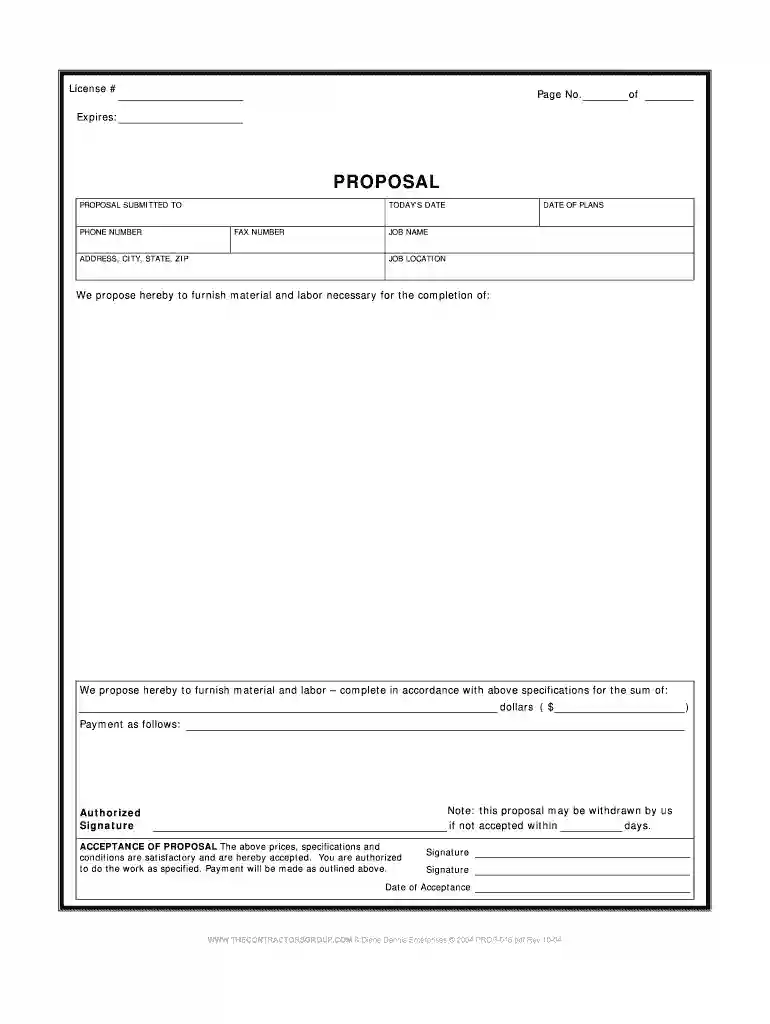
Type text, add images, blackout confidential details, add comments, highlights and more.

Draw your signature, type it, upload its image, or use your mobile device as a signature pad.

Send how to write a construction bid proposal via email, link, or fax. You can also download it, export it or print it out.

Start using our platform today for free to streamline your construction bid proposals!
We've got more versions of the how to write a construction proposal form. Select the right how to write a construction proposal version from the list and start editing it straight away!
| Versions | Form popularity | Fillable & printable |
|---|---|---|
| 2004 | 4.8 Satisfied (61 Votes) |
With DocHub, you can quickly sign your how to write a bid proposal for construction or any other document on iOS, even without setting up extra programs. You can access your DocHub account from any internet-connected browser and complete and sign your document in any preferred method with just a few clicks.
When you edit your construction bid proposal example with DocHub, you only need a steady internet connection and virtually any browser installed on your device. No need to set up any third-party software or study guides. Simply open a tab with DocHub, drag and drop your file, and edit it immediately.
At DocHub, your data security is our priority. We follow HIPAA, SOC2, GDPR, and other standards, so you can work on your documents with confidence.
ABOUT IDOT PROPOSALS: All proposals are potential bidding proposals. Each proposal contains all certifications and affidavits, a proposal signature sheet and aRead more
BASE BID INFORMATION. The undersigned, hereinafter call the Bidder, being familiar with and understanding the Bidding documents and also having examined the.Read more
Feb 4, 2020 RFBs shall be submitted in sealed envelopes labeled: 2020 Backhoe Tractor Bid with the name and address of the Bidder.Read more


