




01. Edit your carolina lost title online
Type text, add images, blackout confidential details, add comments, highlights and more.

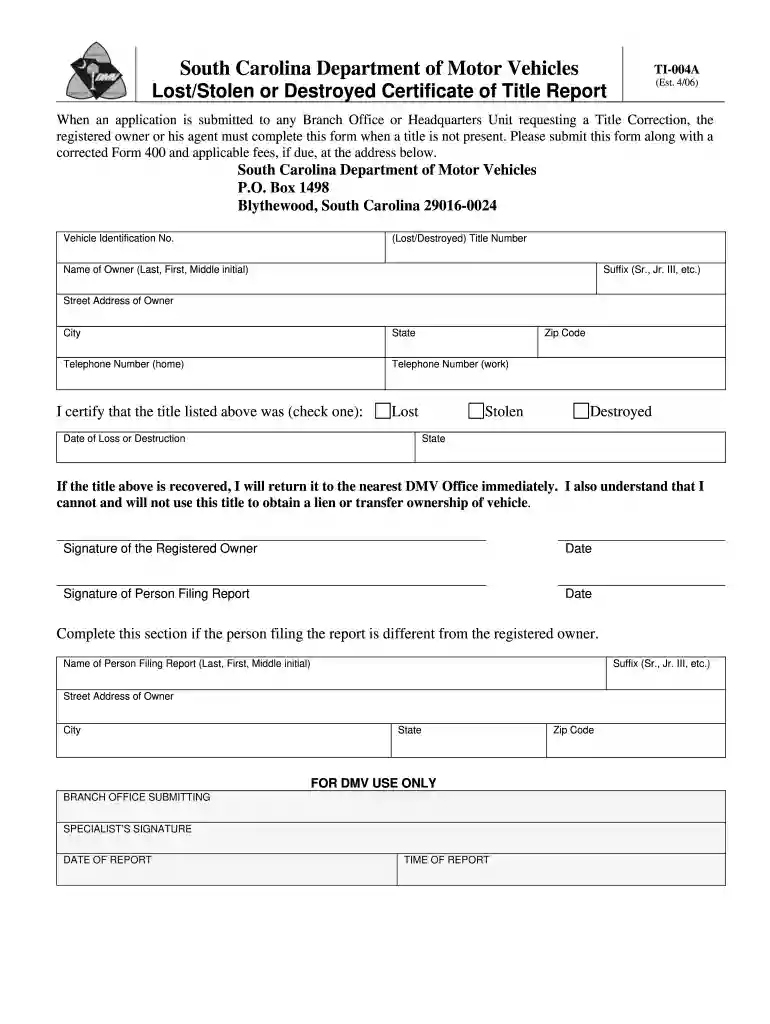
Type text, add images, blackout confidential details, add comments, highlights and more.

Draw your signature, type it, upload its image, or use your mobile device as a signature pad.

Send carolina title application via email, link, or fax. You can also download it, export it or print it out.

Start filling out your sc lost title form online for free today!
We've got more versions of the carolina lost title form. Select the right carolina lost title version from the list and start editing it straight away!
| Versions | Form popularity | Fillable & printable |
|---|---|---|
| 2006 | 4.9 Satisfied (40 Votes) |
At DocHub, your data security is our priority. We follow HIPAA, SOC2, GDPR, and other standards, so you can work on your documents with confidence.
Lost or Stolen Title. If you lost your title, you may get a replacement. If there is a lien on your vehicle, a duplicate title will be sent to the lien holder.Read more
Order your diploma easily online. The cost to replace your diploma is $25.00 plus shipping. Shipping options include Standard or Express Overnight Delivery.Read more


