




01. Edit your motion to quash warrant form maryland online
Type text, add images, blackout confidential details, add comments, highlights and more.

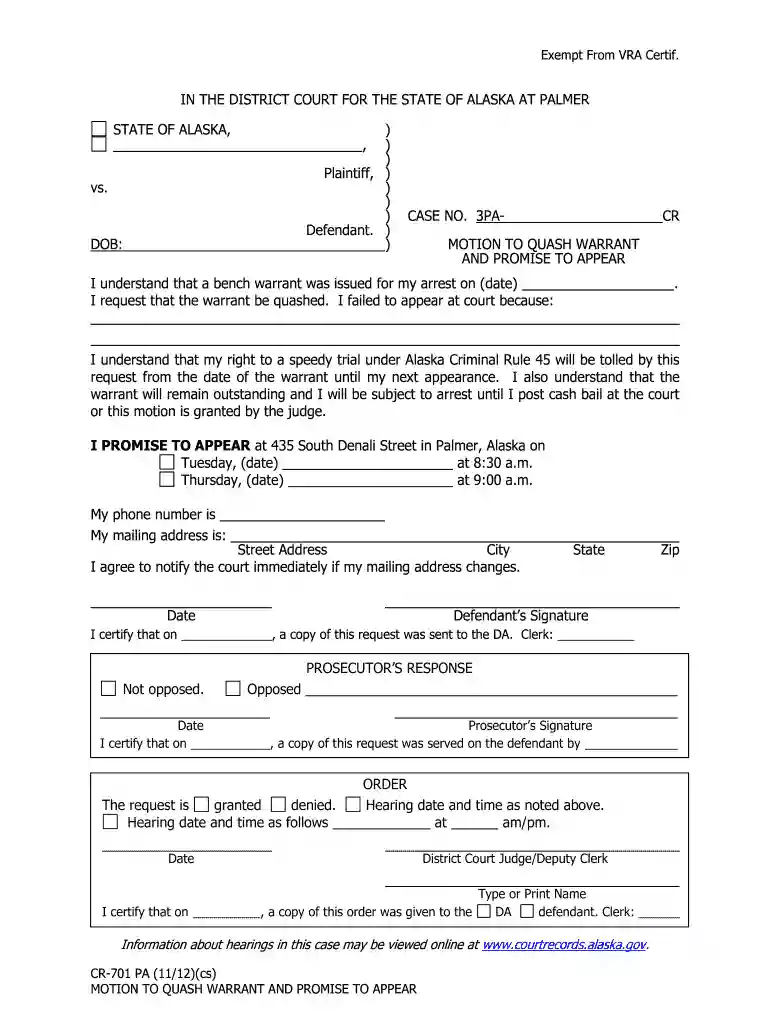
Type text, add images, blackout confidential details, add comments, highlights and more.

Draw your signature, type it, upload its image, or use your mobile device as a signature pad.

Send motion to quash warrant form via email, link, or fax. You can also download it, export it or print it out.

Start using our platform today for free to streamline your document editing and signing process!
We've got more versions of the motion to quash warrant form maryland form. Select the right motion to quash warrant form maryland version from the list and start editing it straight away!
At DocHub, your data security is our priority. We follow HIPAA, SOC2, GDPR, and other standards, so you can work on your documents with confidence.
Use this form to ask the court to give an order that the court or another party to the case do something. You must file your written motion with the court. YouRead more
Feb 15, 2026 motion to quash the subpoena. When faced with actual legal challenge, DHS quietly withdrew ita pattern well return to, because its
Vanasdales arguments fall squarely into these categories. ARGUMENTS IN SUPPORT OF MOTION TO QUASH. I. THE COUNT AGAINST MS. VANASDALE SHOULD BE DISMISSED UNDER.Read more


