




01. Edit your nsf cps template online
Type text, add images, blackout confidential details, add comments, highlights and more.

Type text, add images, blackout confidential details, add comments, highlights and more.

Draw your signature, type it, upload its image, or use your mobile device as a signature pad.

Send nsf forms and templates via email, link, or fax. You can also download it, export it or print it out.

Start using our platform today to fill out your nsf form 1239 easily and for free!
We've got more versions of the nsf cps template form. Select the right nsf cps template version from the list and start editing it straight away!
| Versions | Form popularity | Fillable & printable |
|---|---|---|
| 1999 | 4 Satisfied (28 Votes) |
Microsoft Word doesn’t have signing tools to create legitimate eSignatures and enforceable forms. Fortunately, DocHub is an online eSignature-compliant editor that supports different document formats, including .doc files. Log in to your account and upload the Word edition of your nsf form 1239 from your device and cloud, or URL - our editor will automatically convert it into an editable PDF. Make all essential modifications in your form and click Sign to create your own legally-binding eSignature. There are four signing methods from which to choose.
If your go-to email service is Gmail, you can easily incorporate your DocHub editor in your work. Edit your nsf form 1239 with DocHub tools and connect it to your drafts in Gmail. See how easy it can be to exchange documents and collaborate with a swift PDF editing solution at hand.
At DocHub, your data security is our priority. We follow HIPAA, SOC2, GDPR, and other standards, so you can work on your documents with confidence.
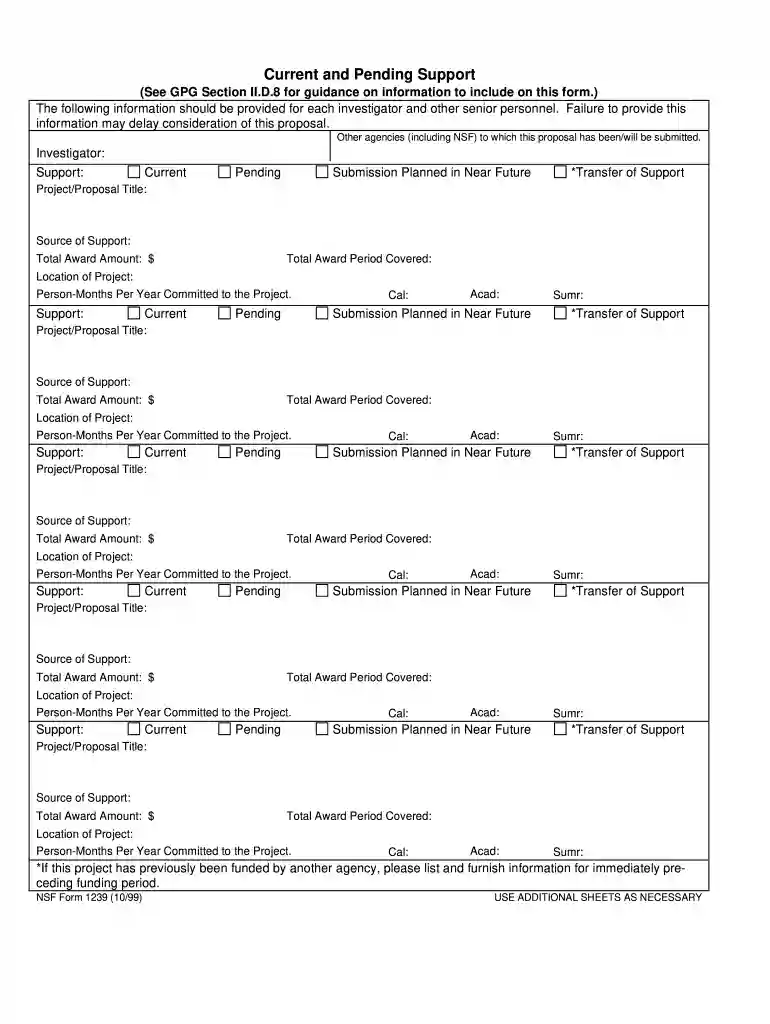
Jan 9, 2003 Current and Pending Support (NSF Form 1239). Provide a complete listing of current and pending support (where applicable) for the PrincipalRead more
*If this project has previously been funded by another agency, please list and furnish information for immediately preceding funding period. NSF Form 1239 (10/Read more


