




01. Edit your first health provider phone number online
Type text, add images, blackout confidential details, add comments, highlights and more.

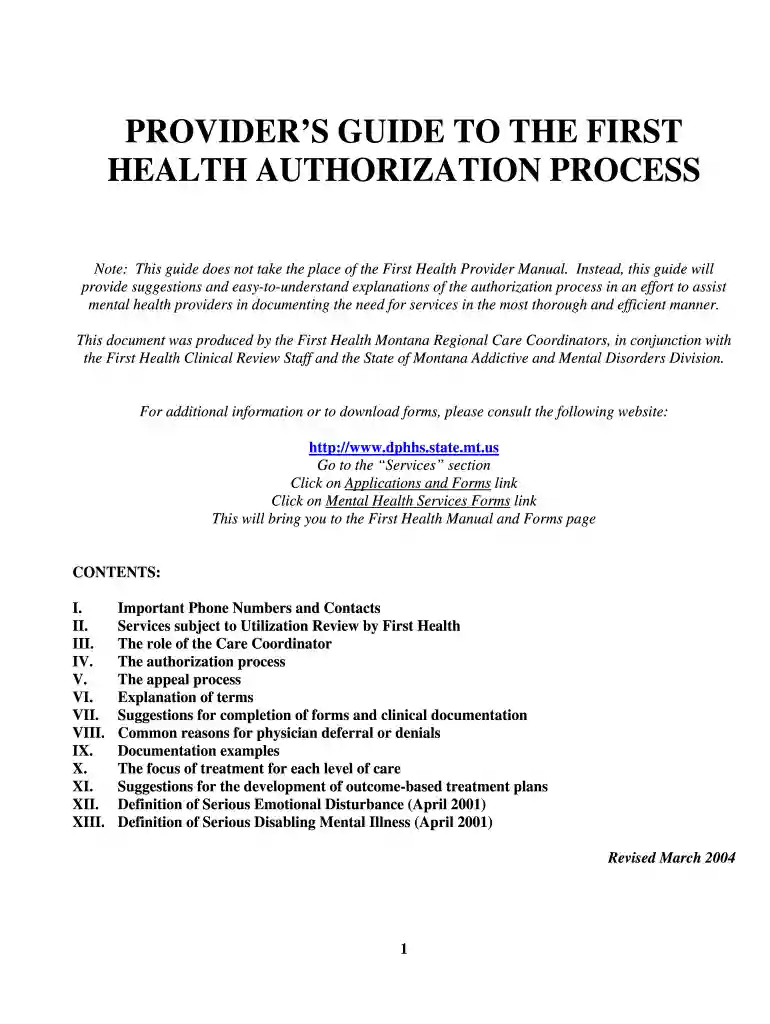
Type text, add images, blackout confidential details, add comments, highlights and more.

Draw your signature, type it, upload its image, or use your mobile device as a signature pad.

Send online authorization process via email, link, or fax. You can also download it, export it or print it out.

Start using our platform today for free to streamline your form completion process!
We've got more versions of the first health provider phone number form. Select the right first health provider phone number version from the list and start editing it straight away!
| Versions | Form popularity | Fillable & printable |
|---|---|---|
| 2004 | 4.8 Satisfied (231 Votes) |
Electronic document approval demands a software solution that works in compliance with data security and eSignature laws. DocHub is an excellent tool for that, since it fulfills all the above mentioned requirements. Whatever method you prefer to sign your Provider's Guide to the First Health Authorization Process--Mar 04 - dphhs mt in DocHub, your eSignature will be legally binding and court-admissible.
If you go for analog methods of completing your Provider's Guide to the First Health Authorization Process--Mar 04 - dphhs mt, it is simple to download your file for printing. Search DocHub’s Forms & Templates catalog to get the exact document template you need and open it for editing or download it on your device in the format of your liking. It is possible to complete your form electronically and place your handwritten signature on it after printing or eSign your document with DocHub.
At DocHub, your data security is our priority. We follow HIPAA, SOC2, GDPR, and other standards, so you can work on your documents with confidence.
The Montana Healthcare Workforce Strategic Plan was developed with the expertise, input, and data from members of the Montana Healthcare Workforce.Read more
The General Information for Providers manual provides answers to general Montana Healthcare Programs questions about provider enrollment, member eligibility,Read more


