




01. Edit your mvr 330 online
Type text, add images, blackout confidential details, add comments, highlights and more.

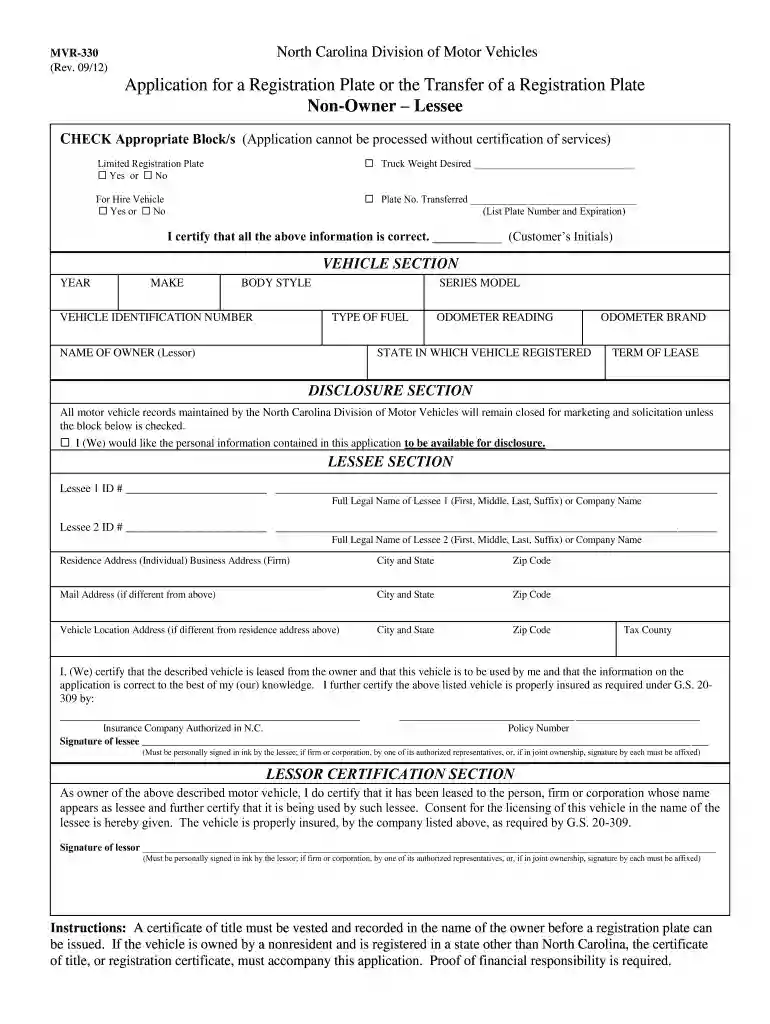
Type text, add images, blackout confidential details, add comments, highlights and more.

Draw your signature, type it, upload its image, or use your mobile device as a signature pad.

Send mvr330 via email, link, or fax. You can also download it, export it or print it out.

Start using our platform today to streamline your nc registration transfer process for free!
We've got more versions of the mvr 330 form. Select the right mvr 330 version from the list and start editing it straight away!
| Versions | Form popularity | Fillable & printable |
|---|---|---|
| 2012 | 4.9 Satisfied (40 Votes) |
At DocHub, your data security is our priority. We follow HIPAA, SOC2, GDPR, and other standards, so you can work on your documents with confidence.
Feb 27, 2025 To transfer a vehicles title, go to an NC Division of Motor Vehicles license plate agency or mail in the information outlined in the following steps.
transfer of our receivables to the third party. The receivables are derecognized upon transfer, as these transfers qualify as true sales, and we receive aRead more
Transfer students beginning at NC State in the fall semester will register for classes from home during the spring or summer on MyPack Portal.Read more


