




01. Edit your aup army online
Type text, add images, blackout confidential details, add comments, highlights and more.

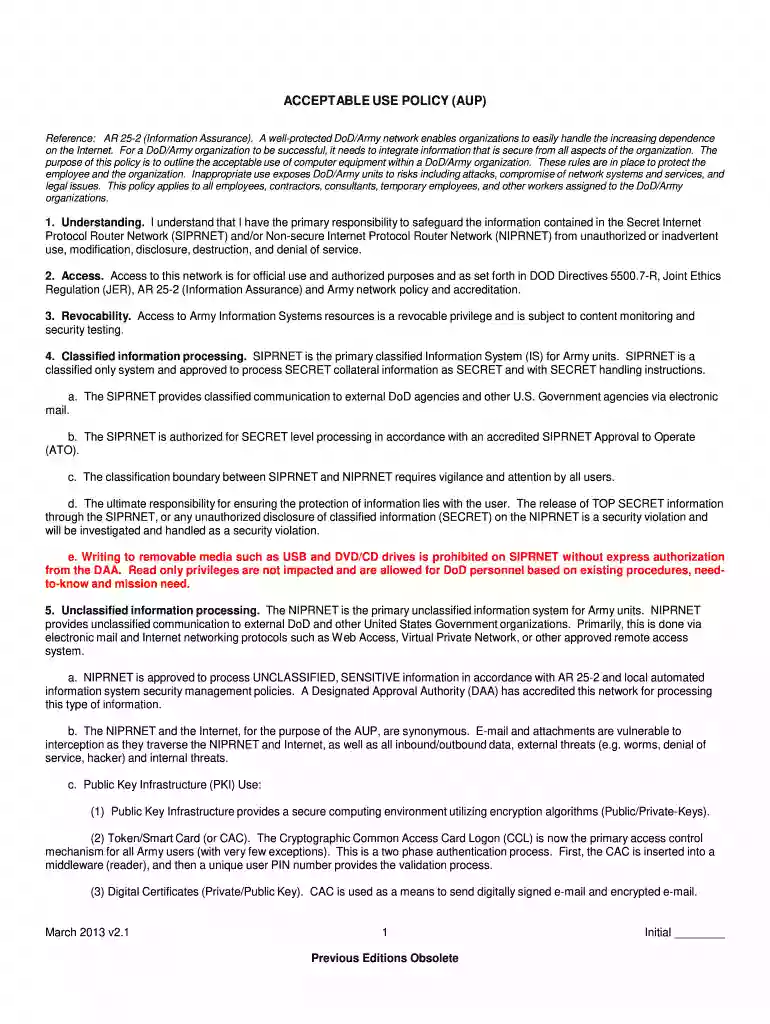
Type text, add images, blackout confidential details, add comments, highlights and more.

Draw your signature, type it, upload its image, or use your mobile device as a signature pad.

Send army aup via email, link, or fax. You can also download it, export it or print it out.

Start using our platform today for free to streamline your document editing and signing process!
We've got more versions of the aup army form. Select the right aup army version from the list and start editing it straight away!
| Versions | Form popularity | Fillable & printable |
|---|---|---|
| 2013 | 4.8 Satisfied (255 Votes) |
At DocHub, your data security is our priority. We follow HIPAA, SOC2, GDPR, and other standards, so you can work on your documents with confidence.
Fort Bragg has been approved to use a commercially available solid form of a chlorine-based disinfectant in case they cannot generate sodium hypochlorite. TheRead more
AULS is the gateway to 16 Army Libraries at TRADOC Centers of Excellence and Schools. AULS supports military education and civilian professional development.Read more


