




Here's how it works

01. Edit your security guard report writing sample online
Type text, add images, blackout confidential details, add comments, highlights and more.

02. Sign it in a few clicks
Draw your signature, type it, upload its image, or use your mobile device as a signature pad.

03. Share your form with others
Send incident report sample via email, link, or fax. You can also download it, export it or print it out.
How to use or fill out security guard incident report template with DocHub

- Click ‘Get Form’ to open the security guard incident report template in our editor.
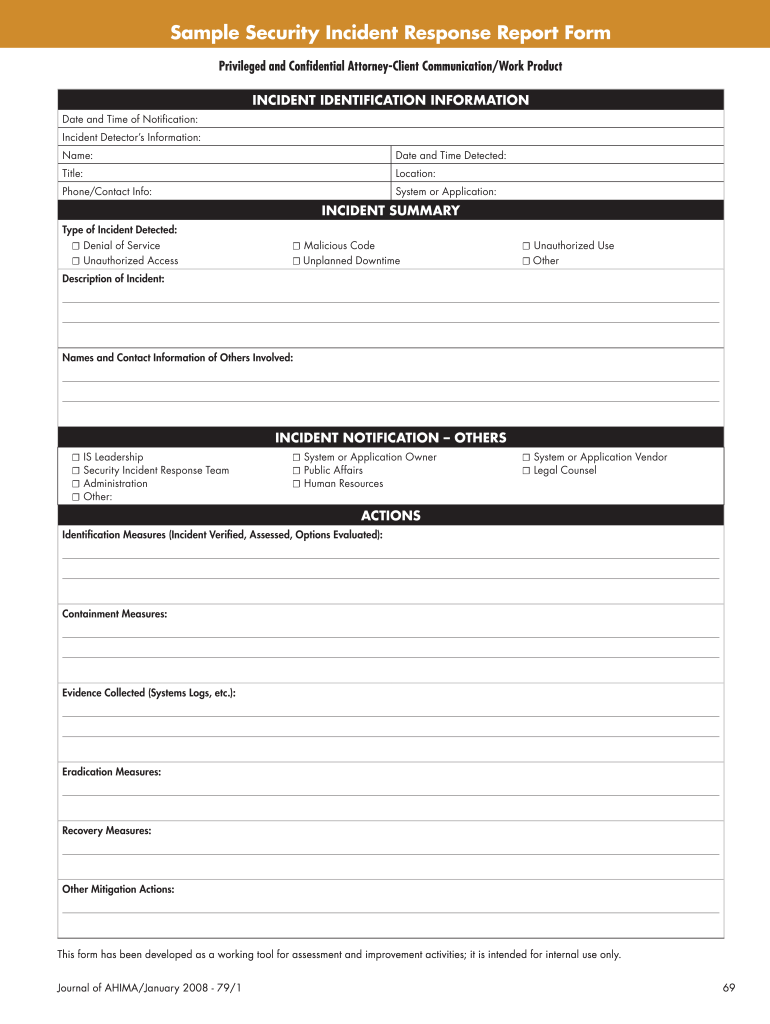
- Begin by filling in the 'Incident Identification Information' section. Enter the date and time of notification, along with the incident detector’s name, title, location, and contact information.
- In the 'Incident Summary' section, select the type of incident detected by checking the appropriate box. Provide a detailed description of the incident and list names and contact information of others involved.
- Move to 'Incident Notification – Others' and check all relevant parties that need to be notified about the incident.
- Document actions taken in response to the incident under 'Actions'. Fill out measures for identification, containment, evidence collection, eradication, recovery, and any other mitigation actions.
- Complete the 'Evaluation' section by answering questions regarding workforce response and procedures followed. This helps in assessing future improvements.
- Finally, fill out the 'Follow-Up' section with details on who reviewed the report and any recommended actions carried out.
Start using our platform today to streamline your document editing process for free!
Fill out security guard incident report template online
It's free
See more security guard incident report template versions
We've got more versions of the security guard incident report template form. Select the right security guard incident report template version from the list and start editing it straight away!
| Versions | Form popularity | Fillable & printable |
|---|---|---|
| 2008 | 4.9 Satisfied (43 Votes) |
Security and compliance
At DocHub, your data security is our priority. We follow HIPAA, SOC2, GDPR, and other standards, so you can work on your documents with confidence.
Learn more


Related forms

Oversize Weight Vehicle Permit Application
The document is an application form for obtaining an oversize/weight vehicle permit from the Village of Winthrop Harbor, ...
Acoem application for joint providership for continuing
The document outlines the application process for joint providership of continuing educational activities by ACOEM, deta ...
ControlPanel LALos Angeles City Controller Ron Galperin
The document is an Accessibility Compliance Form for existing commercial, industrial, and multifamily properties in San ...

ARTWORK APPROVAL FORM - Imperial Media
The document is an Artwork Approval Form used by Imperial Tape Company, requiring client approval on art proofs before p ...
Application for Enrollment-MILLE LACS - mlbo v
The document is an application form for enrollment with the Mille Lacs Band of Ojibwe, requiring personal information fr ...
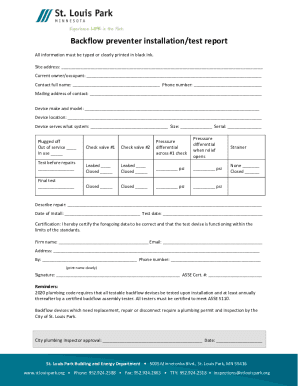
Doh wa field-test-reportSample Backflow Preventer Inspection and Field Test Report
The document is a backflow preventer installation and test report that includes details such as site address, owner info ...
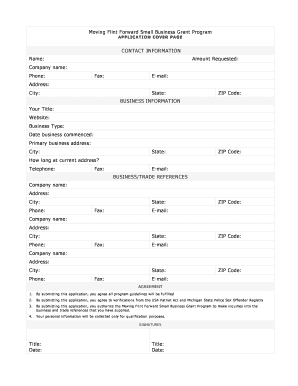
Michigan small business grant
The document outlines the application process for the Moving Flint Forward Small Business Grant Program, including secti ...