




01. Edit your request for production online
Type text, add images, blackout confidential details, add comments, highlights and more.

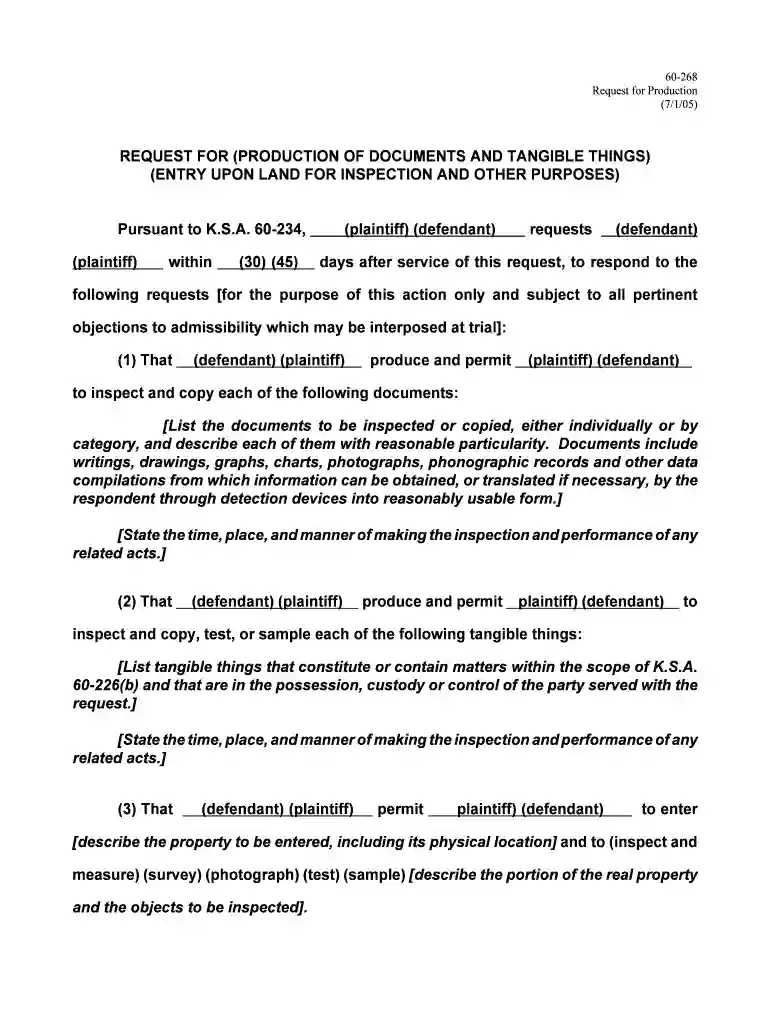
Type text, add images, blackout confidential details, add comments, highlights and more.

Draw your signature, type it, upload its image, or use your mobile device as a signature pad.

Send it via email, link, or fax. You can also download it, export it or print it out.

Start using our platform today to streamline your document editing and form completion process for free!
We've got more versions of the request for production form. Select the right request for production version from the list and start editing it straight away!
| Versions | Form popularity | Fillable & printable |
|---|---|---|
| 2005 | 4.8 Satisfied (140 Votes) |
At DocHub, your data security is our priority. We follow HIPAA, SOC2, GDPR, and other standards, so you can work on your documents with confidence.
In 2004, the state produced 71,000 short tons of coal worth approximately $1.4 million dollars, which ranked it 25th in the nation in coal production.Read more
Important Deadlines: 2026-2027 Academic Catalog Production Cycle ; February 2, 2026, Deadline to have course, program and other catalog pages to the Registrar.Read more
The KCC requires that requests for records be submitted in writing. Records may be submitted by mail or electronically. Both a form and a link are provided atRead more


