




01. Edit your adu application online
Type text, add images, blackout confidential details, add comments, highlights and more.

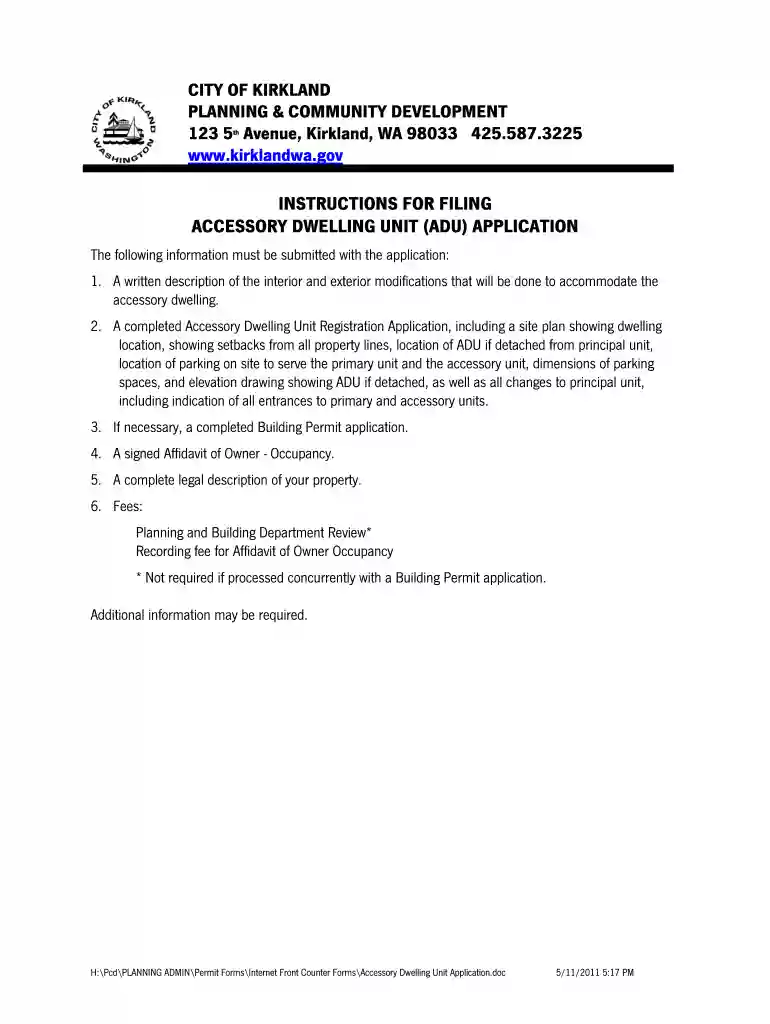
Type text, add images, blackout confidential details, add comments, highlights and more.

Draw your signature, type it, upload its image, or use your mobile device as a signature pad.

Send it via email, link, or fax. You can also download it, export it or print it out.

Start filling out your ADU application today for free using our platform!
We've got more versions of the adu application form. Select the right adu application version from the list and start editing it straight away!
At DocHub, your data security is our priority. We follow HIPAA, SOC2, GDPR, and other standards, so you can work on your documents with confidence.
Apr 26, 2020 It is widely used in applications such as access control system, smart tickets, meal card, etc. Arduino. NFC-P532-ADU. 1. Make sure that youRead more
Apply today and take the first step in achieving your career goals. Learn more about AHU admissions requirements and application deadlines.
The online applications will close around May 27, 2026 and remain closed for approximately 13 calendar days, reopening around June 9, 2026. These dates areRead more


