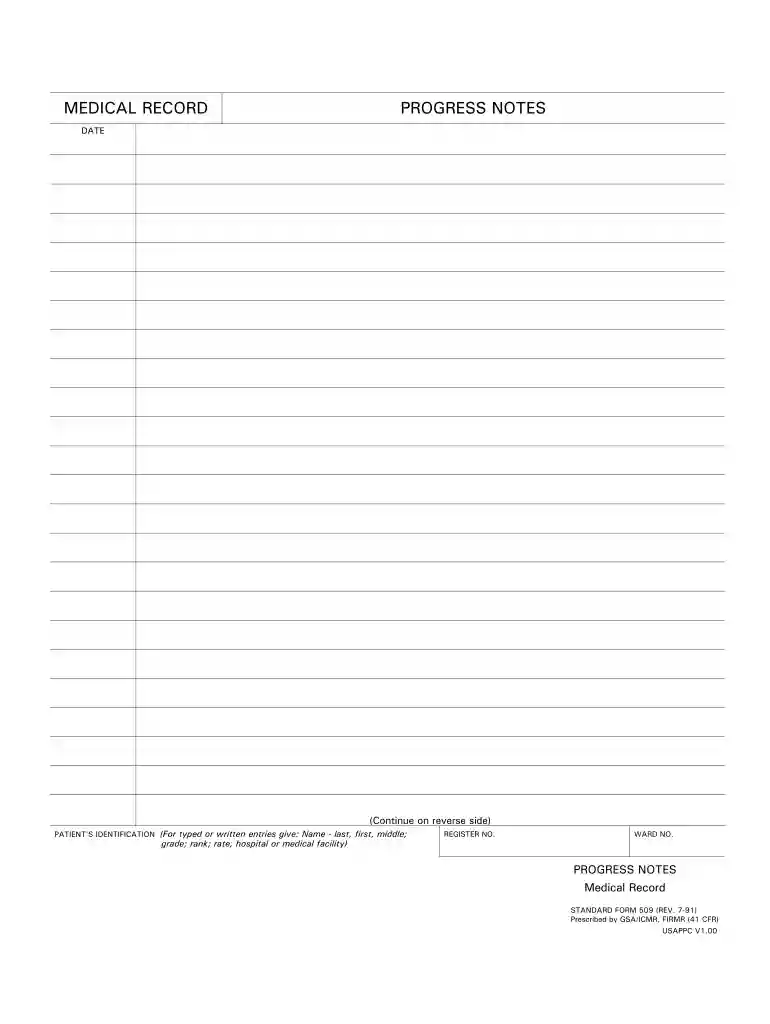
Sf 600 army pubs 2025

Get Form
sf 600 army pubs Preview on Page 1

Here's how it works

01. Edit your sf 600 army pubs online
Type text, add images, blackout confidential details, add comments, highlights and more.

02. Sign it in a few clicks
Draw your signature, type it, upload its image, or use your mobile device as a signature pad.

03. Share your form with others
Send sf600 army via email, link, or fax. You can also download it, export it or print it out.

How to use or fill out sf 600 army pubs with our platform

Form edit decoration
9.5
Ease of Setup
DocHub User Ratings on G2
9.0
Ease of Use
DocHub User Ratings on G2
  1. Click ‘Get Form’ to open the sf 600 army pubs in the editor.
  2. Begin by entering the patient's identification details. Fill in the name (last, first, middle) and ensure you include the register number and ward number accurately.
  3. Next, navigate to the progress notes section. Here, you can document any relevant medical observations or updates. Make sure to date each entry for clarity.
  4. If additional notes are required, utilize the space provided on the reverse side of the form. You can easily add more text using our platform's editing tools.
  5. Once all fields are completed, review your entries for accuracy before saving or sharing your document directly from our editor.

Start using our platform today to streamline your sf 600 army pubs completion for free!

See more sf 600 army pubs versions

We've got more versions of the sf 600 army pubs form. Select the right sf 600 army pubs version from the list and start editing it straight away!
Versions Form popularity Fillable & printable
1991 4.9 Satisfied (58 Votes)
be ready to get more

Complete this form in 5 minutes or less

Get form

Got questions?

We have answers to the most popular questions from our customers. If you can't find an answer to your question, please contact us.
Contact us
Begin by obtaining the GSA SF 600 form from the official GSA website. Fill out the Agency Information section with the appropriate details about your agency. In the Requestor Information section, provide the name, contact number, and email address of the person filling out the form.
PRIVACY ACT STATEMENT: This information is subject to the Privacy Act of 1974 (5 U.S.C. Section 552a). This information may be provided to appropriate Government agencies when relevant to civil, criminal or regulatory investigations or prosecutions.
Military personnel records are open to the public 62 years after they leave the military. (To calculate this, take the current year and subtract 62.) Records of any veteran who separated from the military 62 (or more) years ago can be ordered by anyone for a copying fee (detailed below under cost). Request Military Service Records | National Archives National Archives veterans military-service-re National Archives veterans military-service-re
Without the consent of the veteran or next-of-kin, the National Personnel Records Center (NPRC) can only release limited information from the Official Military Personnel File (OMPF) to the general public. Access to Official Military Personnel Files (OMPF)for the National Archives (.gov) ompf-access-public National Archives (.gov) ompf-access-public
Verification of Military Service Please use the Defense Manpower Data Centers (DMDC) Military Verification service to verify if someone is in the military. The website will tell you if the person is currently serving in the military. Defense Finance and Accounting Service Garnishment verifyservice Defense Finance and Accounting Service Garnishment verifyservice Defense Finance and Accounting Service Garnishment verifyservice

People also ask

MEDICAL RECORD CHRONOLOGICAL RECORD OF MEDICAL CARE DATE SYMPTOMS, DIAGNOSIS, TREATMENT, TREATING ORGANIZATION (Sign each entry) HOSPITAL OR MEDICAL FACILITY STATUS DEPARTMENT/SERVICE RECORDS MAINTAINED AT. SPONSORS NAME SOCIAL SECURITY/ID NUMBER RELATIONSHIP TO SPONSOR. CHRONOLOGICAL RECORD OF MEDICAL CARE.

apd army