




01. Edit your invitation to bid template online
Type text, add images, blackout confidential details, add comments, highlights and more.

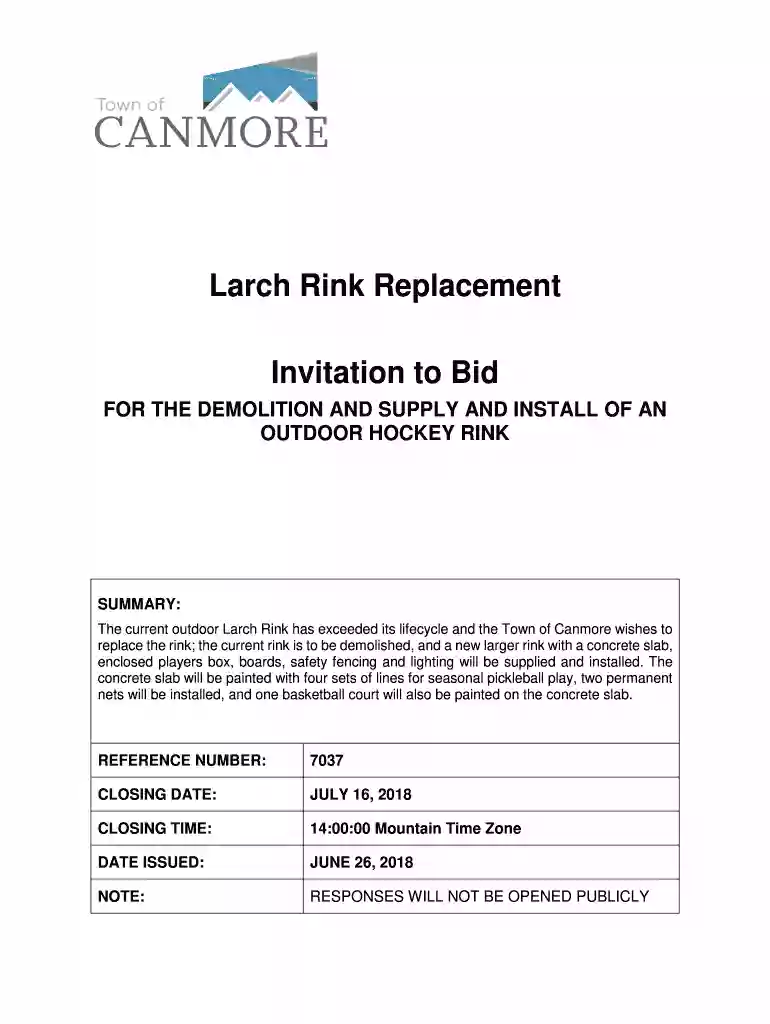
Type text, add images, blackout confidential details, add comments, highlights and more.

Draw your signature, type it, upload its image, or use your mobile device as a signature pad.

Send invitation to bid examples via email, link, or fax. You can also download it, export it or print it out.

Start using our platform today for free to streamline your bidding process!
We've got more versions of the invitation to bid template form. Select the right invitation to bid template version from the list and start editing it straight away!
| Versions | Form popularity | Fillable & printable |
|---|---|---|
| 2018 | 4.7 Satisfied (39 Votes) |
According to eSignature laws, documents signed electronically have the same validity as those approved with pen and paper. You can eSign almost any business and private paperwork. Four types of documents still demand wet signatures only - wills and testamentary trusts, court orders and other court forms, state statutes governing divorce, adoption, or other family law, and notice of cancellation of utility services. If you follow the guidelines and utilize a trustworthy and compliant software solution, like DocHub, you can eSign your invitation to bid sample without printing it.
You need only a web connection and a browser to fill out your invitation for bid sample by using an iOS phone. Open the DocHub website and authenticate. Then, add your document or choose it from the list in your dashboard. Then use our editing instruments to fill out your form and preserve all your modifications. You can also send it to a specified recipient straight away.
At DocHub, your data security is our priority. We follow HIPAA, SOC2, GDPR, and other standards, so you can work on your documents with confidence.
Mar 1, 2025 Bidding Documents: Bidding documents including plans and Project Manual are available to download as digital files from the AML ProgramsRead more
Sep 28, 2021 On March 17, 2010 Arch Coal put in the first bid for rights to mine Montanas Otter Creek coal at $86 million. This would include futureRead more
Jun 24, 2020 Pricing remains the same as the previous contract period. X Attached is the revised pricing in accordance with the contract terms.Read more


