




Here's how it works

01. Edit your medical certificate for motor vehicle driver form f3712 online
Type text, add images, blackout confidential details, add comments, highlights and more.

02. Sign it in a few clicks
Draw your signature, type it, upload its image, or use your mobile device as a signature pad.

03. Share your form with others
Send f3712 via email, link, or fax. You can also download it, export it or print it out.
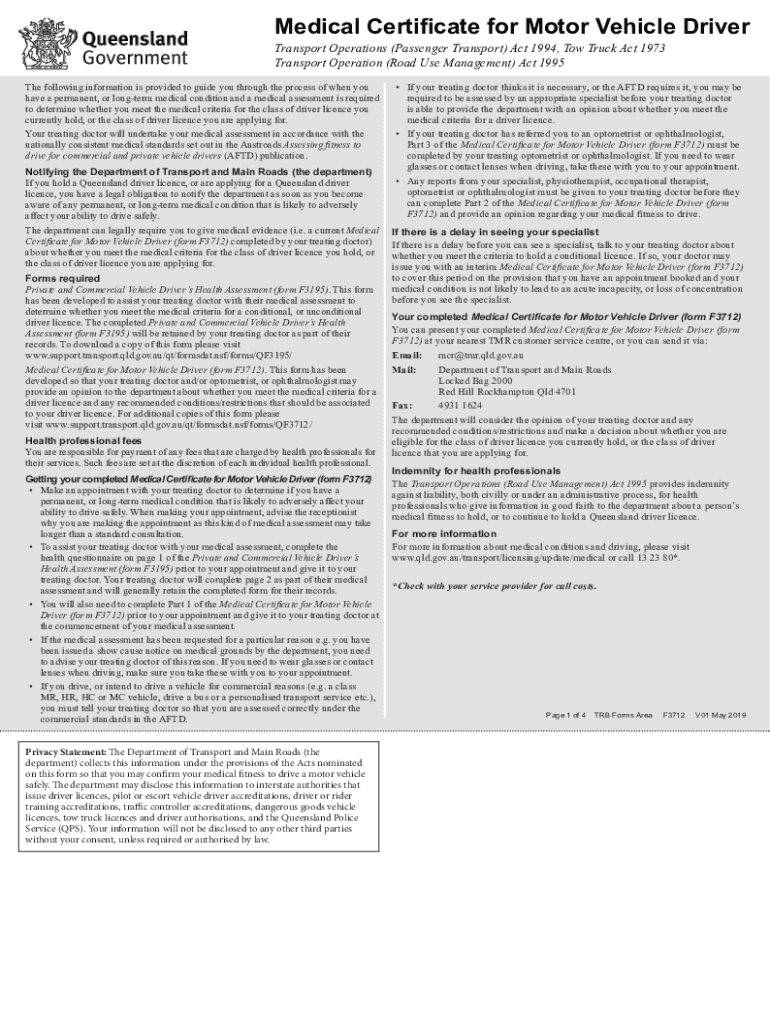
How to use or fill out f3712 with our platform

- Click ‘Get Form’ to open the Medical Certificate for Motor Vehicle Driver (f3712) in the editor.
- Begin by completing Part 1 of the form, which includes your personal details such as name, date of birth, and contact information. Ensure all fields are filled accurately.
- Indicate whether you need glasses or contact lenses for driving and if you have any medical conditions that may affect your ability to drive safely.
- Once Part 1 is complete, share the form with your treating doctor for them to fill out Part 2. They will assess your medical fitness based on their evaluation and any necessary reports.
- If required, an optometrist or ophthalmologist will complete Part 3 regarding your eyesight. Make sure they return this part to your treating doctor.
- After all parts are completed, submit the form via email or at a TMR customer service center as instructed.
Start using our platform today to streamline your document editing and ensure a smooth completion of your f3712!
Fill out f3712 online
It's free
It's free
See more f3712 versions
We've got more versions of the f3712 form. Select the right f3712 version from the list and start editing it straight away!
Security and compliance
At DocHub, your data security is our priority. We follow HIPAA, SOC2, GDPR, and other standards, so you can work on your documents with confidence.
Learn more


