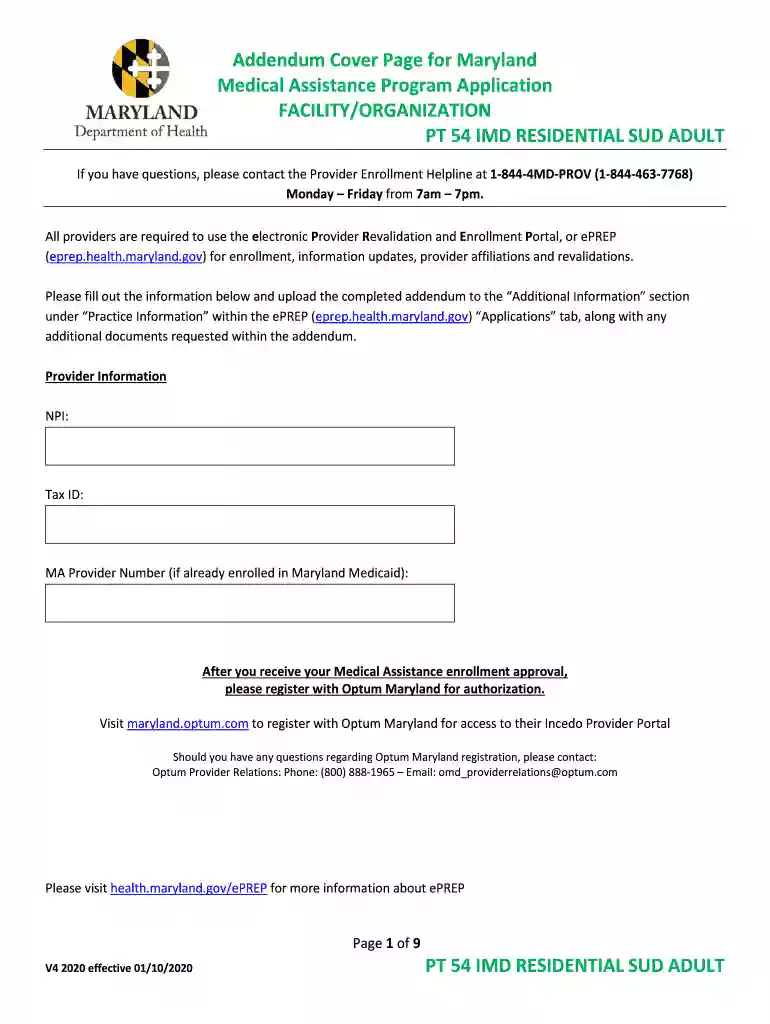
beacon health options maryland Preview on Page 1

Residential SUD for Adults - Beacon Health Options Maryland 2026

Here's how it works

  • 01. Edit your beacon health options maryland online

    Type text, add images, blackout confidential details, add comments, highlights and more.

  • 02. Sign it in a few clicks

    Draw your signature, type it, upload its image, or use your mobile device as a signature pad.

  • 03. Share your form with others

    Send value options maryland via email, link, or fax. You can also download it, export it or print it out.

How to use or fill out Residential SUD for Adults - Beacon Health Options Maryland with our platform

Form edit decoration
9.5
Ease of Setup
DocHub User Ratings on G2
9.0
Ease of Use
DocHub User Ratings on G2
  1. Click ‘Get Form’ to open the Residential SUD for Adults - Beacon Health Options Maryland in the editor.
  2. Begin by entering your Provider Information, including NPI, Tax ID, and MA Provider Number if applicable. Ensure all details are accurate to avoid delays.
  3. In Section I, upload required documents such as the completed Adult Residential SUD Provider Attestation Form and licenses of all employed professionals. Use the upload feature in our platform for convenience.
  4. Review the program requirements carefully. Mark 'Yes' or 'No' for each ASAM Level of Care offered at your facility. This section is crucial for compliance.
  5. Complete the staffing section by confirming that you employ the necessary staff as per ASAM guidelines. This ensures your program meets state regulations.
  6. Finally, certify that all information is true and accurate by signing and dating the form before submission through our platform.

Start filling out your form today using our platform for free and streamline your document management!

See more beacon health options maryland versions

We've got more versions of the beacon health options maryland form. Select the right beacon health options maryland version from the list and start editing it straight away!

VersionsForm popularityFillable & printable
20204.8 Satisfied (23 Votes)

be ready to get more

Complete this form in 5 minutes or less

Security and compliance

At DocHub, your data security is our priority. We follow HIPAA, SOC2, GDPR, and other standards, so you can work on your documents with confidence.

Related links

Maryland Summary -- State Residential Treatment for

Mental Health (MH and Substance Use Disorder (SUD): Accreditation-based licensure by the. BHA is required for operation of all residential treatment facilities.Read more

Learn more
BRFSS Overview 2016

Jun 29, 2017 The BRFSS is a system of ongoing health-related telephone surveys designed to collect data on health-related risk behaviors, chronic healthRead more

Learn more
Deaf Adult Consumers of Public Behavioral Health

It is an agency responsible for leading public health efforts to support behavioral health and reduce the impact of substance abuse and mental illness (SAMHSA,Read more

Learn more
If you believe that this page should be taken down, please follow our DMCA take down process here