




01. Edit your blank ppd form online
Type text, add images, blackout confidential details, add comments, highlights and more.

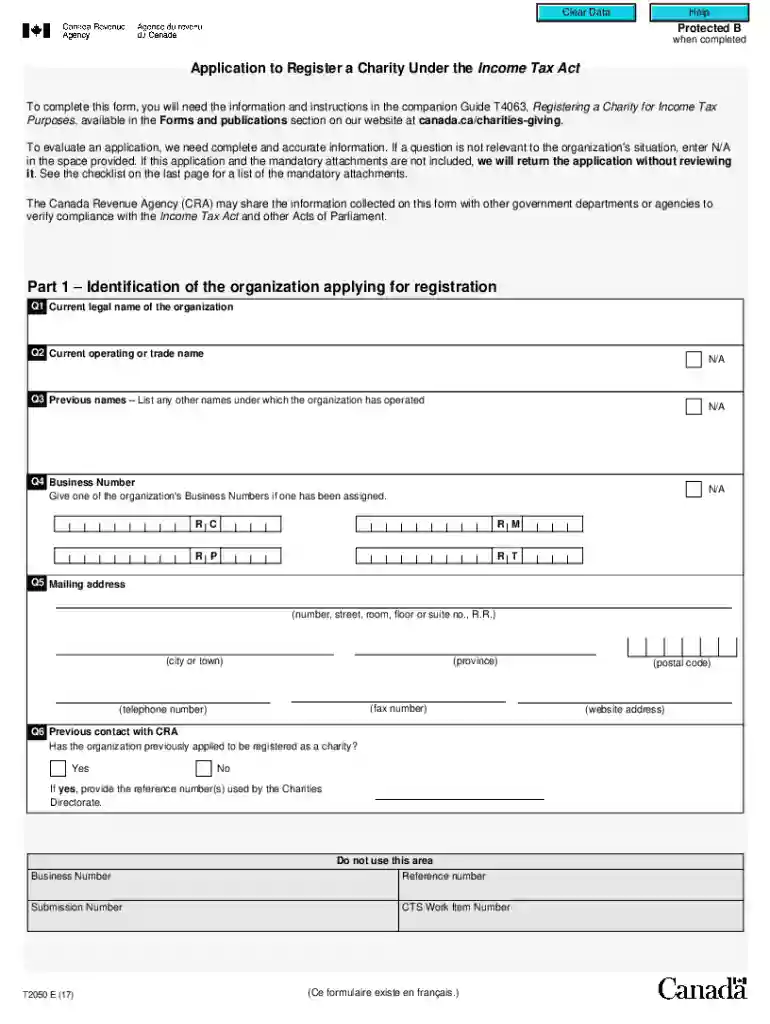
Type text, add images, blackout confidential details, add comments, highlights and more.

Draw your signature, type it, upload its image, or use your mobile device as a signature pad.

Send it via email, link, or fax. You can also download it, export it or print it out.

Start using our platform today for free to streamline your t2050 form completion!
We've got more versions of the blank ppd form form. Select the right blank ppd form version from the list and start editing it straight away!
At DocHub, your data security is our priority. We follow HIPAA, SOC2, GDPR, and other standards, so you can work on your documents with confidence.
Intel Core Duo Processor T2050* (1.60-GHz, 533-MHz FSB, 2-MB L2 cache) (select countries only). Intel Core Solo Processor T1350* (1.86-GHz, 533-MHz FSB, 2-MBRead more
The Transportation 2050 plan places additional emphasis on street needs including; street maintenance, new pavement, bike lanes, sidewalks and ADARead more
This project will incorporate regional planning data into a visualization platform, evaluate travel times and costs for individual households, and freight.Read more


