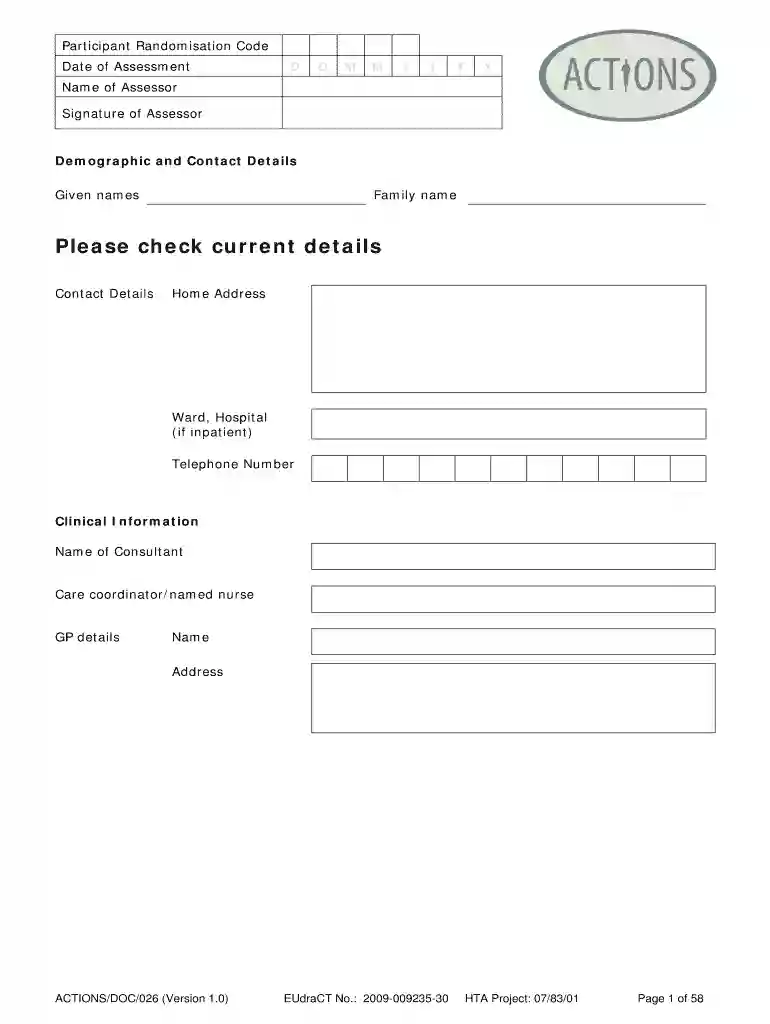
annsers Preview on Page 1

Annsers 2026

Here's how it works

  • 01. Edit your annsers online

    Type text, add images, blackout confidential details, add comments, highlights and more.

  • 02. Sign it in a few clicks

    Draw your signature, type it, upload its image, or use your mobile device as a signature pad.

  • 03. Share your form with others

    Send it via email, link, or fax. You can also download it, export it or print it out.

How to use or fill out annsers with our platform

Form edit decoration
9.5
Ease of Setup
DocHub User Ratings on G2
9.0
Ease of Use
DocHub User Ratings on G2
  1. Click ‘Get Form’ to open the annsers document in the editor.
  2. Begin by entering the 'Date of Assessment' in the designated fields. Use the format DD/MM/YYYY for accuracy.
  3. Fill in the 'Name of Assessor' and provide a signature where indicated. This ensures proper documentation.
  4. In the 'Demographic and Contact Details' section, input your given names, family name, and contact details including home address and telephone number.
  5. Proceed to 'Clinical Information' and enter details about the consultant, care coordinator, and GP information as required.
  6. For medication records, accurately document all prescribed medications since the baseline assessment visit, including drug names, dosages, start dates, and any changes made.
  7. Complete the PANSS scale ratings by assessing each item based on patient observations. Ensure to follow the provided criteria for accurate scoring.

Start using our platform today to streamline your form completion process effortlessly!

See more annsers versions

We've got more versions of the annsers form. Select the right annsers version from the list and start editing it straight away!

VersionsForm popularityFillable & printable
20094.8 Satisfied (57 Votes)

be ready to get more

Complete this form in 5 minutes or less

Got questions?

We have answers to the most popular questions from our customers. If you can't find an answer to your question, please contact us.

The scale links specific symptoms of psychopathology to dysfunction and overactivity of dopaminergic mechanisms underlying the processes of reward and selective attention. The Rating Scale for Psychotic Symptoms (RSPS) is a 44-item rating instrument with a seven-point severity scale for each item.
Description. The Glasgow Antipsychotic Side-effect Scale (GASS) is a 22-item, self-administered checklist that captures a patients viewpoint about suffering from excessive side effects from the antipsychotic medication. Questions 1-20 relate to the previous week and questions 21-22 to the last three months.
The Liverpool University Neuroleptic Side Effect Rating Scale (LUNSERS) is self-rating scale for measuring the side-effect of antipsychotic medications.
It is being used to determine if you are suffering from excessive side effects from your antipsychotic medication. Please place a tick in the column which best indicates the degree to which you have experienced the following side effects. Tick the end box if you found that the side effect distressed you.

Security and compliance

At DocHub, your data security is our priority. We follow HIPAA, SOC2, GDPR, and other standards, so you can work on your documents with confidence.

Related links

Validation of Sexual Side-Effect Measurement

by A Mahmoud 2011 Cited by 18 The sexual side-effects subscale of the ANNSERS is a valid measure of sexual dysfunction in the treatment of schizophrenia.Read more

Learn more
vs First-Generation Antipsychotic Drugs in Schizophrenia

by PB Jones 2006 Cited by 1622 Abbreviations: ANNSERS, Antipsychotic Non Inter-rater re- liability of the Antipsychotic Non-Neurological Side-Effects Rating Scale. (ANNSERS).Read more

Learn more
If you believe that this page should be taken down, please follow our DMCA take down process here