




01. Edit your mv 278 online
Type text, add images, blackout confidential details, add comments, highlights and more.

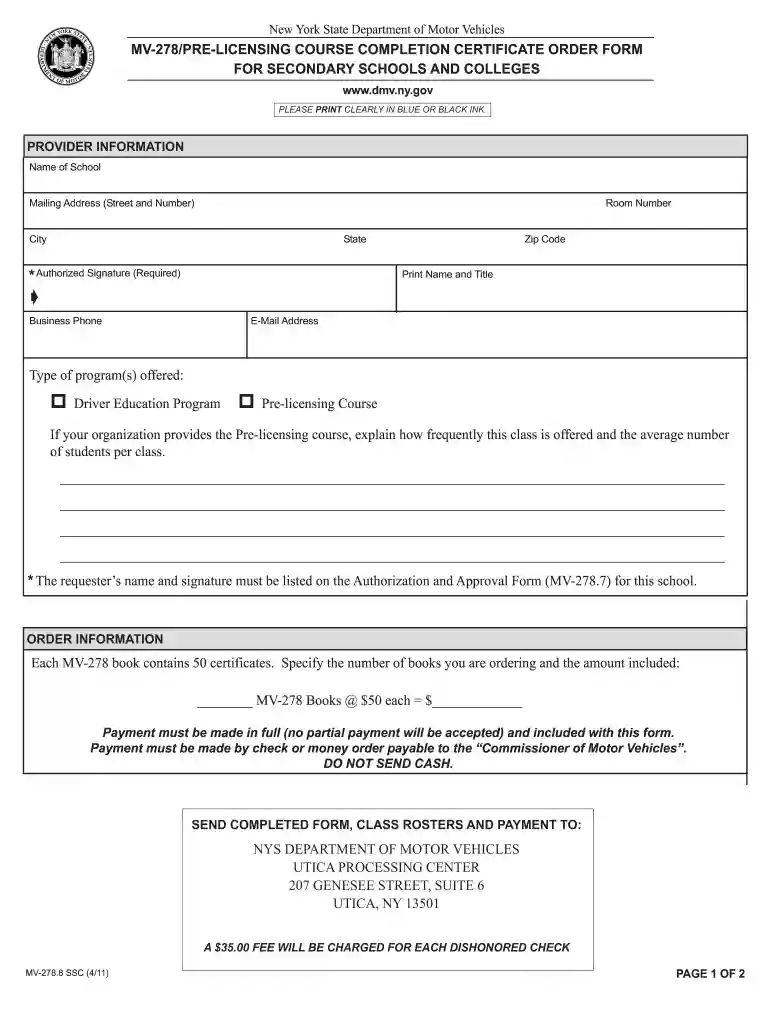
Type text, add images, blackout confidential details, add comments, highlights and more.

Draw your signature, type it, upload its image, or use your mobile device as a signature pad.

Send mv 278 definition via email, link, or fax. You can also download it, export it or print it out.

Start using our platform today for free to streamline your document editing and form completion!
We've got more versions of the mv 278 form. Select the right mv 278 version from the list and start editing it straight away!
At DocHub, your data security is our priority. We follow HIPAA, SOC2, GDPR, and other standards, so you can work on your documents with confidence.
Jun 30, 2020 This report was prepared under contract to the Department of Defense Environmental. Security Technology Certification Program (ESTCP).Read more
Complete this order form. Allow 2 3 weeks for processing and delivery time. 2. Enclose a check or money order for the appropriate fee, payable to theRead more
(a) Drivers schools and other approved agencies must obtain MV-278 certificates from the local Department of Motor Vehicles district office.Read more


