




01. Edit your emblem medicare enrollment quote online
Type text, add images, blackout confidential details, add comments, highlights and more.

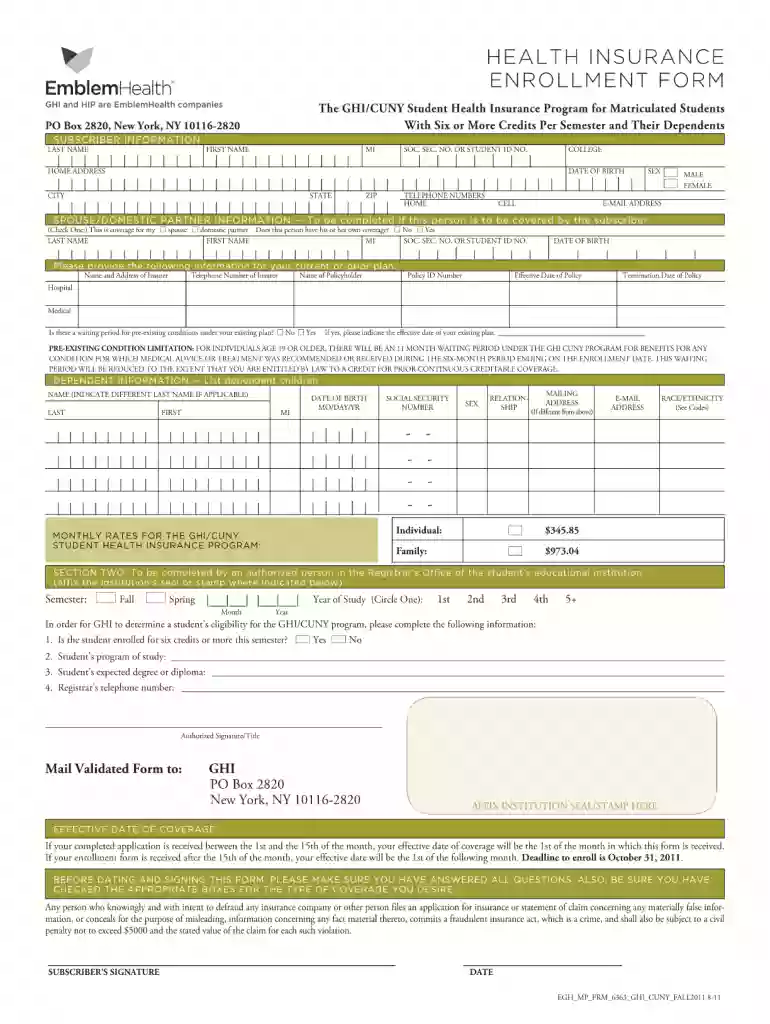
Type text, add images, blackout confidential details, add comments, highlights and more.

Draw your signature, type it, upload its image, or use your mobile device as a signature pad.

Send emblem medicare application via email, link, or fax. You can also download it, export it or print it out.

Start filling out your emblemhealth enrollment form today for free and experience seamless document management!
We've got more versions of the emblem medicare enrollment quote form. Select the right emblem medicare enrollment quote version from the list and start editing it straight away!
| Versions | Form popularity | Fillable & printable |
|---|---|---|
| 2011 | 4.9 Satisfied (55 Votes) |
At DocHub, your data security is our priority. We follow HIPAA, SOC2, GDPR, and other standards, so you can work on your documents with confidence.
By completing this form, the undersigned subscriber is DocHubing that the undersigned Young Adult child is eligible for this coverage under the terms listedRead more
ELECTION OF COVERAGE re-existing conditions will not be covered during the first 12 months of enrollment in the EmblemHealth CompreHealth program or duringRead more


