Type text, add images, blackout confidential details, add comments, highlights and more.
02. Sign it in a few clicks
Draw your signature, type it, upload its image, or use your mobile device as a signature pad.
03. Share your form with others
Send it via email, link, or fax. You can also download it, export it or print it out.
How to use or fill out health eh with our platform
Ease of Setup
DocHub User Ratings on G2
Ease of Use
DocHub User Ratings on G2
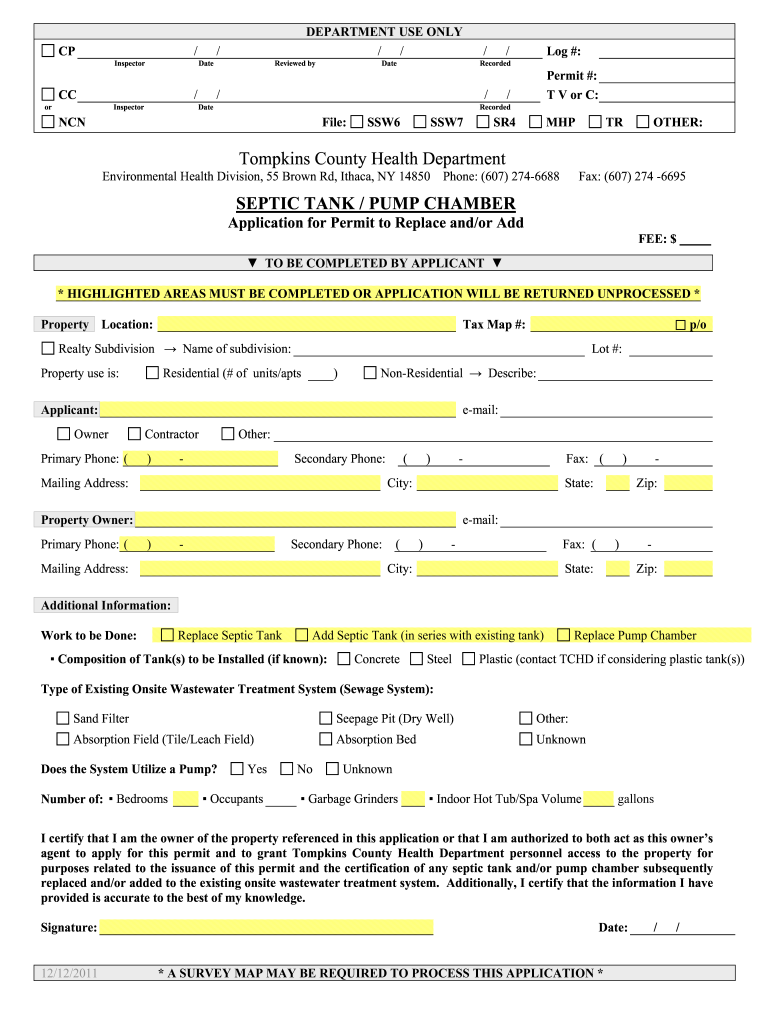
Click ‘Get Form’ to open the health eh application in the editor.
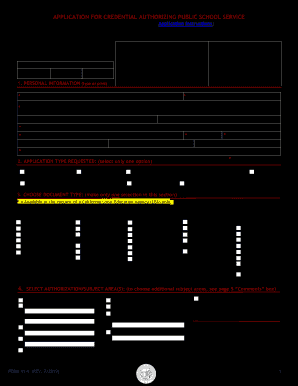
Begin by filling out the property location and tax map number. Ensure these fields are accurate, as they are crucial for processing your application.
Indicate whether the property is residential or non-residential. If non-residential, provide a brief description of its use.
Complete the applicant and property owner sections, including names, contact numbers, and mailing addresses. Remember that highlighted areas must be filled out to avoid delays.
In the additional information section, specify whether you are replacing or adding a septic tank and detail any existing systems in place.
Finally, review all entries for accuracy before signing and dating the form at the bottom. This certification confirms your authority to apply for this permit.
Start using our platform today to streamline your health eh application process for free!
Vermont Department of healthEnvironmental health examplesVT HealthVermont Department of health login280 state Drive Waterbury, VTEnvironmental health definitionDept of vermont health access provider portalComponents of environmental health
Security and compliance
At DocHub, your data security is our priority. We follow HIPAA, SOC2, GDPR, and other standards, so you can work on your documents with confidence.
Mar 1, 2024 Environmental health professionals work behind the scenes to keep them safe. For example, permitting and inspection programs help prevent outbreaks.Read more
Cookie consent notice
This site uses cookies to enhance site navigation and personalize your experience.
By using this site you agree to our use of cookies as described in our Privacy Notice.
You can modify your selections by visiting our Cookie and Advertising Notice.