




01. Edit your da 31 fillable online
Type text, add images, blackout confidential details, add comments, highlights and more.

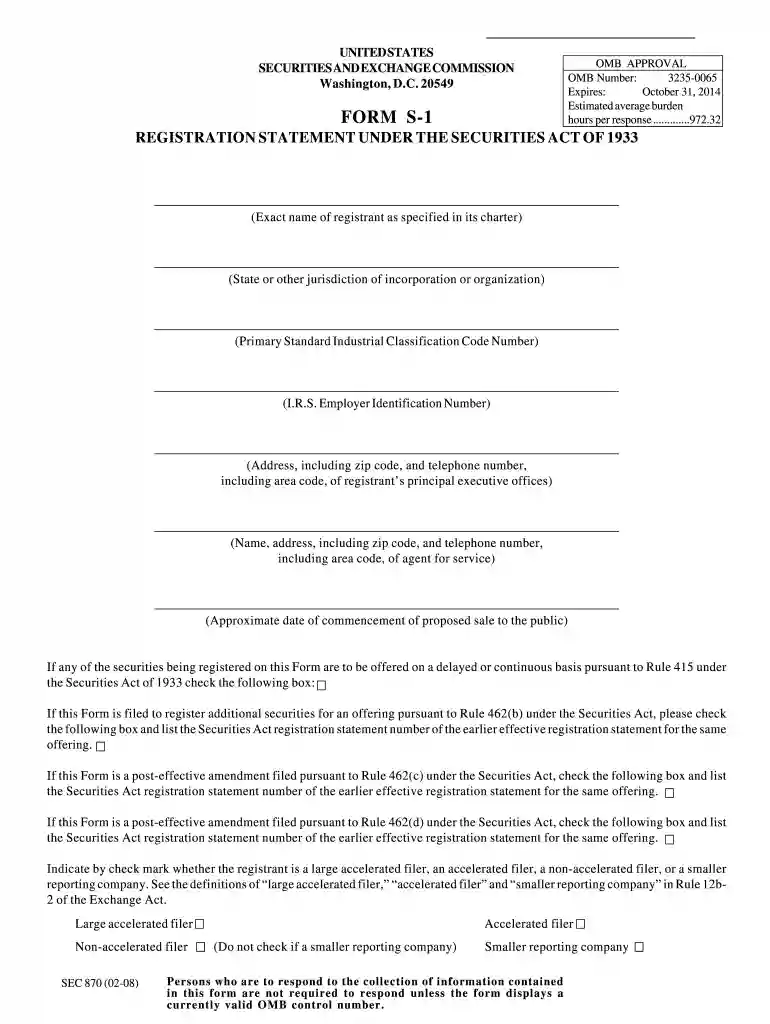
Type text, add images, blackout confidential details, add comments, highlights and more.

Draw your signature, type it, upload its image, or use your mobile device as a signature pad.

Send da form 4833 via email, link, or fax. You can also download it, export it or print it out.

Start using our platform today to fill out your da 31 2008 form online for free!
We've got more versions of the da 31 fillable form. Select the right da 31 fillable version from the list and start editing it straight away!
At DocHub, your data security is our priority. We follow HIPAA, SOC2, GDPR, and other standards, so you can work on your documents with confidence.
Public reporting burden for the collection of information is estimated to average 1 hour per response, including the time for reviewing instructions,Read more
Jan 2, 2009 Operators calculating the Inflation Factor for a True-Up Period which includes some portion of the Third. Quarter of 2008 should enter theRead more
The campus easement practitioner shall complete and maintain in the official easement file the attached checklist pursuant to this delegation (EasementRead more


