




Here's how it works



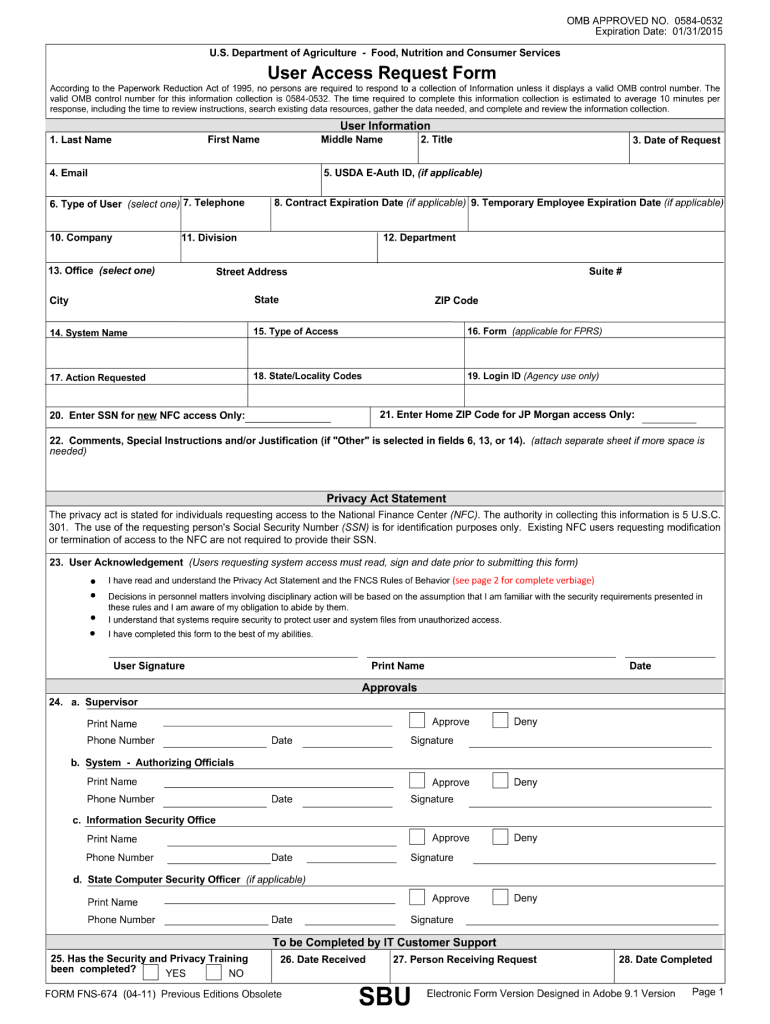
How to use or fill out fns 674 with our platform

- Click ‘Get Form’ to open the fns 674 in the editor.
- Begin by entering your personal information in Section 1. This includes your name, address, and contact details. Ensure all fields are filled accurately to avoid processing delays.
- Move to Section 2, where you will provide details about your household composition. List all members and their relationship to you. Use the text boxes provided for clarity.
- In Section 3, indicate your income sources. Be specific about each source and include any necessary documentation if prompted by the form.
- Finally, review all sections for completeness and accuracy before submitting. Utilize our platform’s editing tools to make any necessary adjustments easily.
Start using our platform today for free to streamline your fns 674 completion!
It's free
See more fns 674 versions
| Versions | Form popularity | Fillable & printable |
|---|---|---|
| 2011 | 4.9 Satisfied (49 Votes) |
Got questions?
Can I type my eSignature on my control number?
Yes, a typed name is recognized as a legitimate electronic signature when you create it on your document using a compliant solution like DocHub. Simply add your control number to our editor, click Sign in the top tool pane → Create your signature → Type your name in the appropriate tab, and choose how it will look on your document.
How do you complete epa environmental on iOS?
You need only a web connection and a web browser to complete your epa environmental by using an iOS phone. Open the DocHub website and authenticate. Then, add your file or choose it from the list in your dashboard. Then use our editing instruments to complete your form and save all your modifications. You may also send it to a dedicated recipient immediately.
Security and compliance
At DocHub, your data security is our priority. We follow HIPAA, SOC2, GDPR, and other standards, so you can work on your documents with confidence.
Learn more




