New motorcycle registration online 2026

Get Form
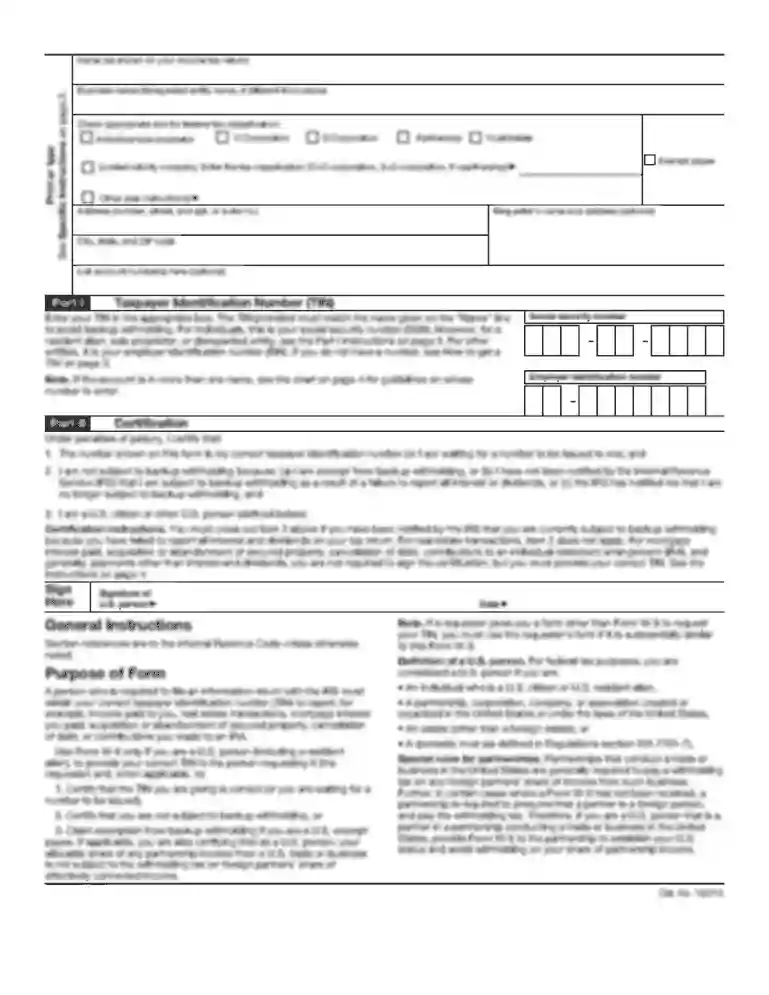
how to fill form f for motorcycle registration Preview on Page 1

Here's how it works

01. Edit your how to fill form f for motorcycle registration online
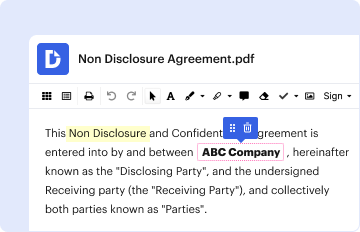
Type text, add images, blackout confidential details, add comments, highlights and more.

02. Sign it in a few clicks
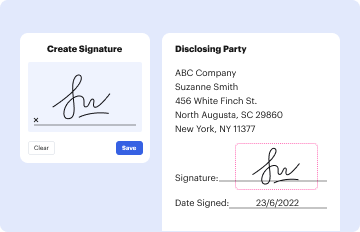
Draw your signature, type it, upload its image, or use your mobile device as a signature pad.

03. Share your form with others
Send form f for bike registration via email, link, or fax. You can also download it, export it or print it out.

How to use or fill out new motorcycle registration online with our platform

Form edit decoration
9.5
Ease of Setup
DocHub User Ratings on G2
9.0
Ease of Use
DocHub User Ratings on G2
  1. Click ‘Get Form’ to open it in the editor.
  2. Begin by entering the 'Name of Owner' and 'Father/Husband Name' in the designated fields. Ensure that you use block letters for clarity.
  3. Fill in your 'Present Address' and 'Permanent Address'. This information is crucial for identification purposes.
  4. Provide your New NIC No. and Old NIC No. if applicable, along with your Passport No. in the respective fields.
  5. Select the 'Type of Ownership' from options such as Commercial, Private, or Government/Semi Government.
  6. Indicate the 'Class of Vehicle', 'Type of Body', and 'Color'. Be specific about any multi-color vehicles.
  7. Complete details about the vehicle including Maker’s Name, Year of Manufacture, Chassis No., Engine No., Horse Power/HP, Seating Capacity, Laden Weight, and Unladen Weight.
  8. If applicable, provide particulars of last registration including Registration No., City/Province, and Date of Registration.
  9. Finally, review all entries for accuracy before signing at the bottom of the form. Remember to save your changes frequently.

Start your new motorcycle registration online today for free using our platform!

be ready to get more

Complete this form in 5 minutes or less

Get form

Got questions?

We have answers to the most popular questions from our customers. If you can't find an answer to your question, please contact us.
Contact us
If you applied for new vehicle plates and registration by mail-in or drop box service at a local DMV office, allow 2 weeks to receive your items. If more than 2 weeks have passed you can use the Where is my registration? button below. Where is my registration?
A registrant cannot renew a vehicle registration unless the DMV has a computer record that the vehicle passed the required emissions inspection within the last 12 months, or the registrant can provide proof of the inspection.
For registration, the following must be presented: Ohio certificate of title or memorandum of title (APV and off-road motorcycle only) Valid Ohio driver license, state ID or Social Security card. Approved Document List. If APV is primarily for agriculture use, registration is not required.
MV-82: Vehicle Registration/Title Application (PDF) Use this form to register a vehicle, renew a vehicle registration, change a registration, replace a lost or damaged item, transfer plates or get a title. See form MV-82.1 for instructions.
Step 1: visit .CT.GOV/DMV and select View all online services under. Step 2: Under vehicle services Select Reprint registration certificate (Individuals. Step 3: Select Online (individuals) or Online (organizations), then Reprint

Security and compliance

At DocHub, your data security is our priority. We follow HIPAA, SOC2, GDPR, and other standards, so you can work on your documents with confidence.

Learn more
ccpa2
pci-dss
gdpr-compliance
hipaa
soc-compliance
be ready to get more

Complete this form in 5 minutes or less

Get form