Start filling out your form today using our platform for free and streamline your admissions process!
Yes, a typed name is recognized as a valid electronic signature when you create it on your paperwork utilizing a compliant solution like DocHub. Simply add your Summer Admissions:Immunization Info for Non-OSL student.pdf - oslschool to our editor, click Sign in the top tool pane → Create your signature → Type your name in the proper tab, and select how it will appear on your document.
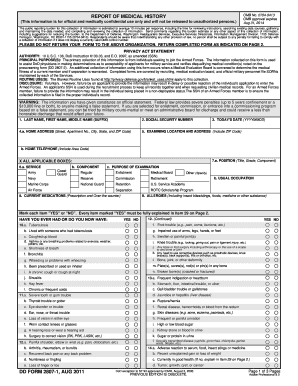
You can quickly fill out, modify, and even eSign your Summer Admissions:Immunization Info for Non-OSL student.pdf - oslschool utilizing DocHub. Create a new profile and start your free trial. After that, you may add the file with the form and simply make all the needed edits. No need to print on paper or use a third-party application to sign it, as you can place your electronic signature on your document quicker via DocHub.
At DocHub, your data security is our priority. We follow HIPAA, SOC2, GDPR, and other standards, so you can work on your documents with confidence.
Learn more