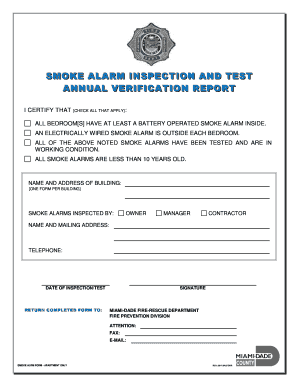
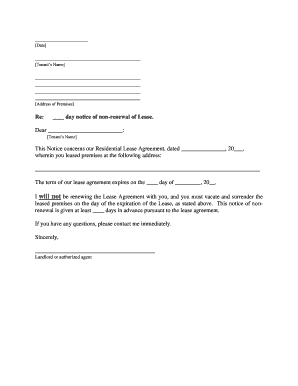
Arboorwood community association 2026

Get Form
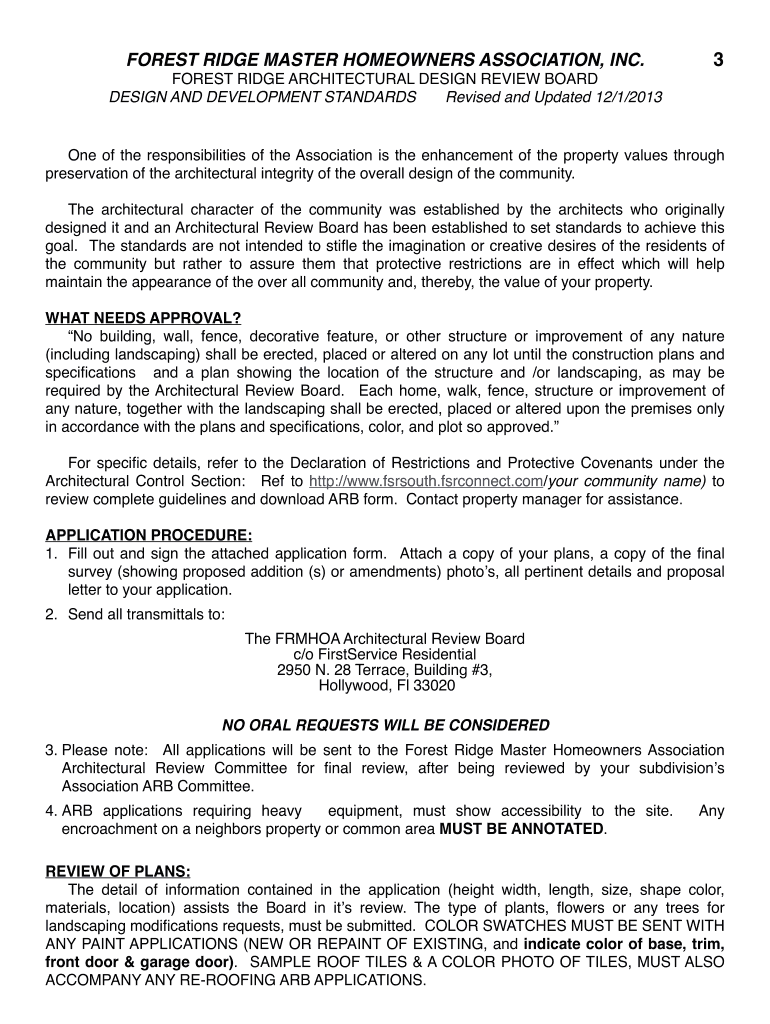
arboorwood community association Preview on Page 1

Here's how it works

01. Edit your form online
Type text, add images, blackout confidential details, add comments, highlights and more.
02. Sign it in a few clicks
Draw your signature, type it, upload its image, or use your mobile device as a signature pad.
03. Share your form with others
Send it via email, link, or fax. You can also download it, export it or print it out.

How to use or fill out arboorwood community association form

Form edit decoration
9.5
Ease of Setup
DocHub User Ratings on G2
9.0
Ease of Use
DocHub User Ratings on G2
  1. Click ‘Get Form’ to open it in the editor.
  2. Begin by entering your name, address, and contact information in the designated fields. Ensure accuracy for effective communication.
  3. Indicate your subdivision and lot number clearly. This helps the Architectural Review Board identify your property.
  4. Attach necessary documents such as color swatches, roof tile photos, and a complete property survey. Use our platform's upload feature for convenience.
  5. Provide a detailed description of your proposed modifications or additions. Be specific about dimensions, materials, and colors to assist in the review process.
  6. Review your application checklist to ensure all required items are included before submission.
  7. Sign and date the application at the bottom before sending it to the Architectural Review Board via the provided address.

Start using our platform today to streamline your form completion process for free!

See more arboorwood community association versions

We've got more versions of the arboorwood community association form. Select the right arboorwood community association version from the list and start editing it straight away!
Versions Form popularity Fillable & printable
2018 4.8 Satisfied (29 Votes)
2014 4.6 Satisfied (27 Votes)
2013 4.8 Satisfied (66 Votes)
be ready to get more

Complete this form in 5 minutes or less

Get form

Got questions?

We have answers to the most popular questions from our customers. If you can't find an answer to your question, please contact us.
Contact us

Yes, you can use DocHub for signing any business and private paperwork, including your arboorwood community association. All eSignatures you generate with our tool are legally binding and court-admissible, as DocHub complies with standards required by ESIGN and UETA. Save your accomplished paperwork with a detailed Audit Trail if needed.

You can get and modify your arboorwood community association online with the help of DocHub. Its simple but feature-rich design allows you to start effective work immediately after you sign up your account. Create your account and add your document, then our interface will guide you via our stress-free form completion experience.

Security and compliance

At DocHub, your data security is our priority. We follow HIPAA, SOC2, GDPR, and other standards, so you can work on your documents with confidence.

Learn more
ccpa2
pci-dss
gdpr-compliance
hipaa
soc-compliance
be ready to get more

Complete this form in 5 minutes or less

Get form