




01. Edit your rics apc questions and answers pdf online
Type text, add images, blackout confidential details, add comments, highlights and more.

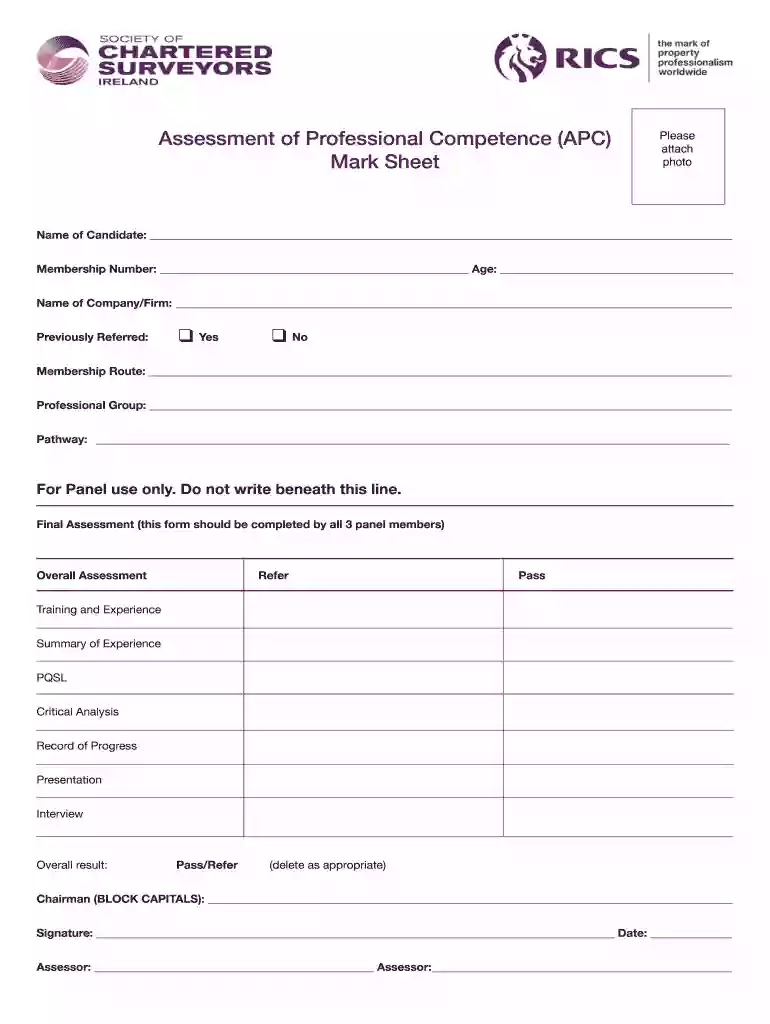
Type text, add images, blackout confidential details, add comments, highlights and more.

Draw your signature, type it, upload its image, or use your mobile device as a signature pad.

Send scsi apc submission dates 2024 via email, link, or fax. You can also download it, export it or print it out.

Start using our platform today to easily fill out your Assessment of Professional Competence APC Mark Sheet for free!
We've got more versions of the rics apc questions and answers pdf form. Select the right rics apc questions and answers pdf version from the list and start editing it straight away!
| Versions | Form popularity | Fillable & printable |
|---|---|---|
| 2011 | 4.7 Satisfied (25 Votes) |
At DocHub, your data security is our priority. We follow HIPAA, SOC2, GDPR, and other standards, so you can work on your documents with confidence.
Oct 9, 2025 In order to commence the Assessment of Professional Competence (APC) within the SCSI, The next section provides an overview of currentRead more
The Product Listings describe stan- dard products, semicustom compo- nents, and custom capabilities- quick reference charts for ordering appropriate data sheetsRead more
This curriculum is designed for combat officers, and will enable the student to exploit emerging technologies to achieve war- fighting advantages.Read more


