




01. Edit your umc discharge papers online
Type text, add images, blackout confidential details, add comments, highlights and more.

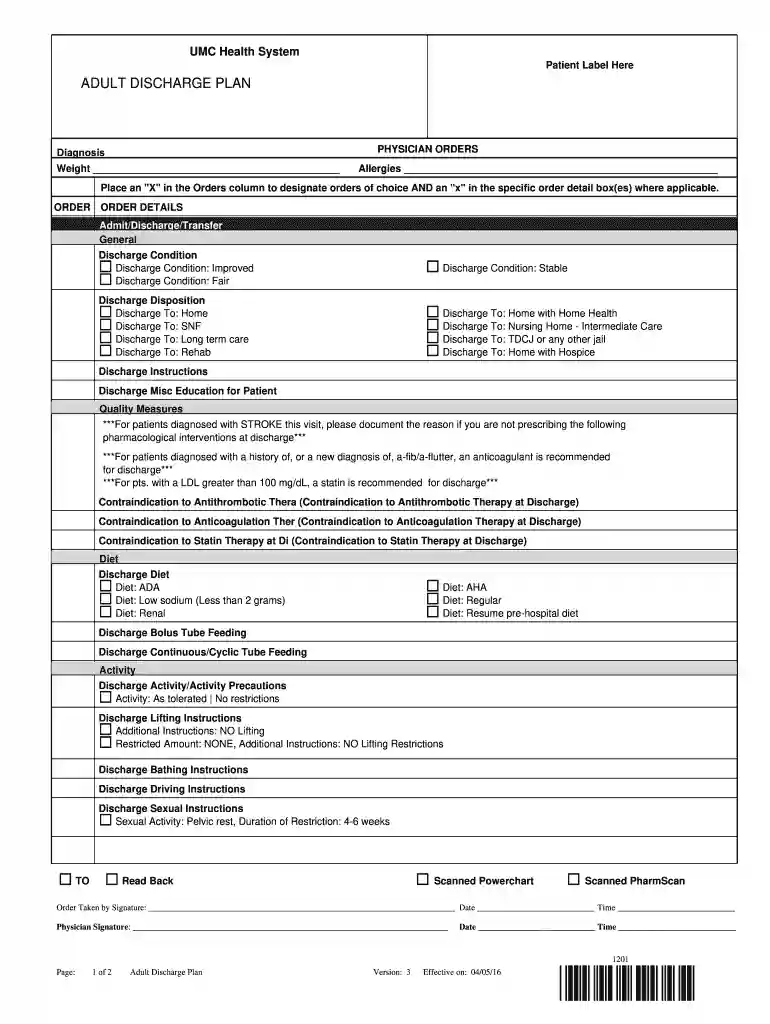
Type text, add images, blackout confidential details, add comments, highlights and more.

Draw your signature, type it, upload its image, or use your mobile device as a signature pad.

Send it via email, link, or fax. You can also download it, export it or print it out.

Start using our platform today for free to streamline your document editing and completion process!
We've got more versions of the umc discharge papers form. Select the right umc discharge papers version from the list and start editing it straight away!
Yes, electronically drawing your signature is appropriate, but only if you use a tool that complies with industry laws and regulations. Try DocHub, which ensures eSignature validity under ESIGN and UETA requirements. All you need to eSign your UMC Health System Patient Label Here ADULT DISCHARGE PLAN is an account with DocHub and an internet connection. Once you open your file in our editor, click Sign and choose the Draw tool.
You need only an internet connection and a web browser to complete your UMC Health System Patient Label Here ADULT DISCHARGE PLAN by using an iOS phone. Open the DocHub website and authenticate. Then, add your document or choose it from the list in your dashboard. Then use our editing tools to complete your form and save all your changes. You can also send it to a specified recipient straight away.
At DocHub, your data security is our priority. We follow HIPAA, SOC2, GDPR, and other standards, so you can work on your documents with confidence.
by C de Miguel Llorente 2025 This study aims to explore the role of patient activity in the clinical decision-making processes of various health care practitioners
Nov 16, 2015 The concept of a discharge lounge assists areas such as the ED to decrease length of stay and boarding times for admitted patients, whileRead more
health education and preventive services, follow-up care, coordinated hospital discharge planning that includes necessary post-discharge care, andRead more


