




01. Edit your cetrex nicaragua online
Type text, add images, blackout confidential details, add comments, highlights and more.

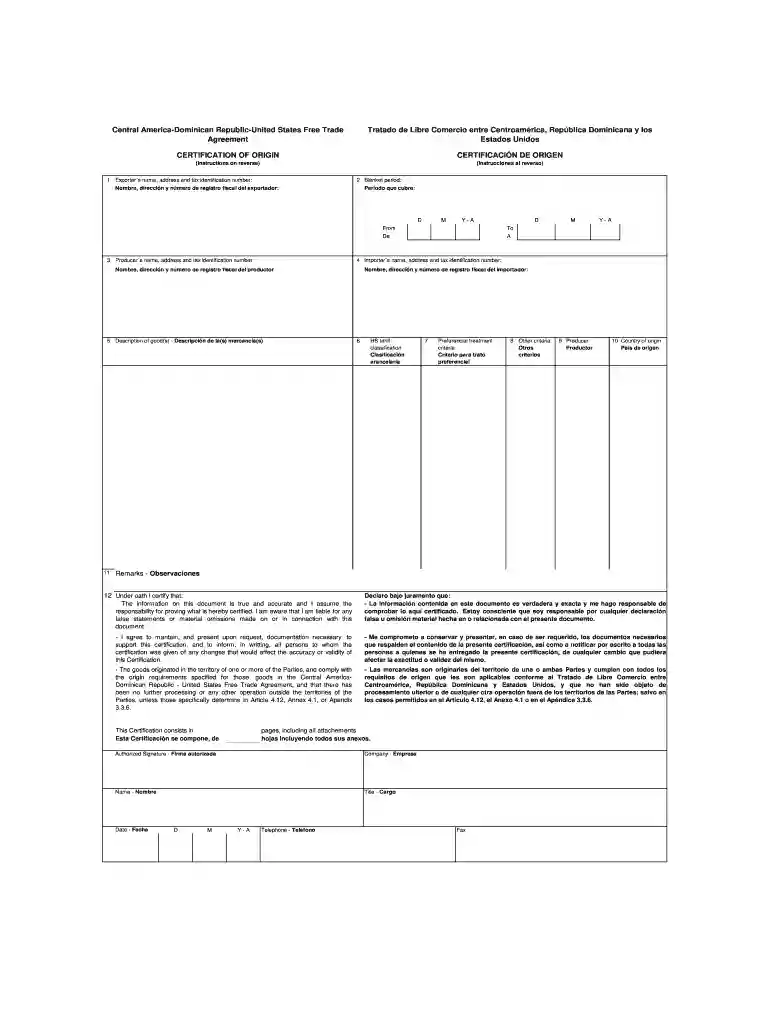
Type text, add images, blackout confidential details, add comments, highlights and more.

Draw your signature, type it, upload its image, or use your mobile device as a signature pad.

Send cetrex via email, link, or fax. You can also download it, export it or print it out.

Start using our platform today for free to streamline your document editing and ensure a smooth completion of your Certificado de Origen CAFTA-DR - Cetrex!
We've got more versions of the cetrex nicaragua form. Select the right cetrex nicaragua version from the list and start editing it straight away!
| Versions | Form popularity | Fillable & printable |
|---|---|---|
| 2006 | 4.7 Satisfied (62 Votes) |
Electronic signatures are an excellent alternative to traditional signing, as they save time, effort, and money people spend on printing, scanning, and paper delivery. You can electronically sign your Certificado de Origen CAFTA-DR - Cetrex utilizing a reliable and powerful online document management services like DocHub. It complies with main eSignature regulations (ESIGN and UETA), so all forms approved there are legally binding and have the same validity as physically signed ones.
You can get and edit your Certificado de Origen CAFTA-DR - Cetrex online by using DocHub. Its simple yet feature-rich design allows you to start productive work right after you register your account. Create your profile and add your document, and then our user interface will guide you via our stress-free form completion experience.
At DocHub, your data security is our priority. We follow HIPAA, SOC2, GDPR, and other standards, so you can work on your documents with confidence.
Los TLC y particularmente el CAFTA-DR, demandan productos certificados bajo estndares de calidad internacional. Como se reflejara en el tema de SistemaRead more
by AM Oquel 2009 Cited by 3 Los convenios mediante el CAFTA-DR tambin establecen arancel cero tanto en los Estados Unidos como en. Nicaragua. Si el producto es fresco o procesado paraRead more


