01. Edit your how to get my child's immunization records online michigan online
Type text, add images, blackout confidential details, add comments, highlights and more.
02. Sign it in a few clicks
Draw your signature, type it, upload its image, or use your mobile device as a signature pad.
03. Share your form with others
Send state of michigan immunization via email, link, or fax. You can also download it, export it or print it out.
How to use or fill out immunization michigan with our platform
Ease of Setup
DocHub User Ratings on G2
Ease of Use
DocHub User Ratings on G2
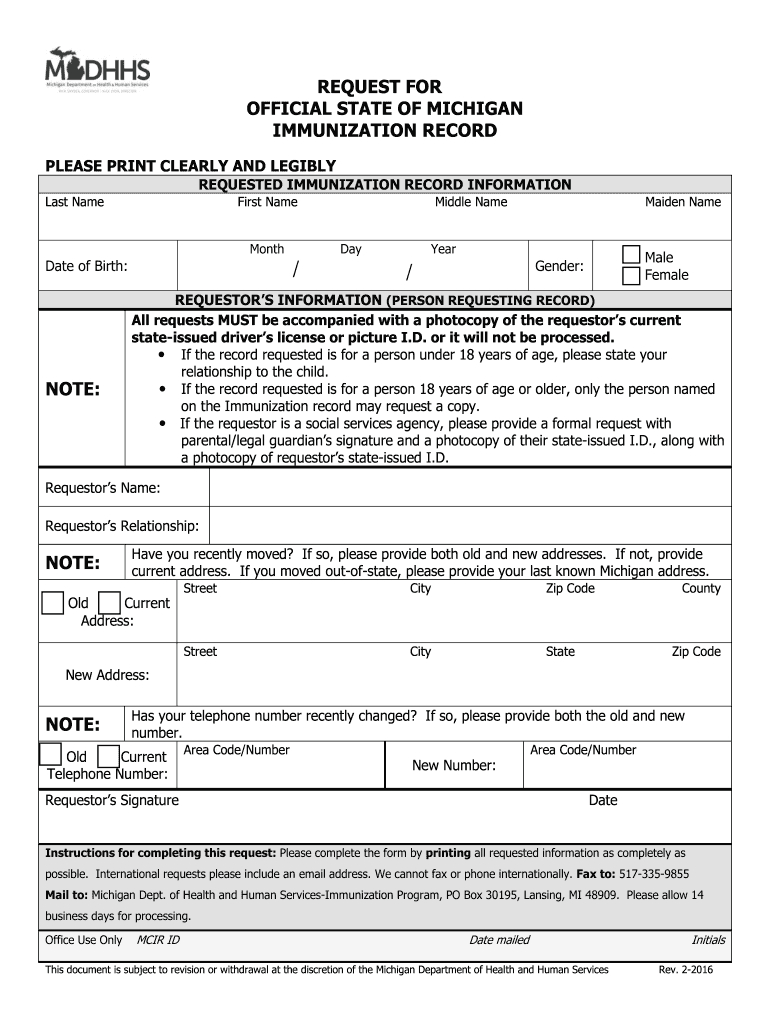
Click ‘Get Form’ to open the immunization request form in the editor.
Begin by filling in your personal information. Clearly print your last name, first name, middle name, and maiden name if applicable. Enter your date of birth using the format Month/Day/Year.
Indicate your gender by selecting either Male or Female.
Next, provide the requestor’s information. Include your name and relationship to the individual for whom you are requesting the record. If you are a social services agency, ensure to include a formal request with necessary signatures.
Fill in your current address and indicate if you have moved recently. If applicable, provide both old and new addresses.
If your telephone number has changed, list both old and new numbers.
Finally, sign and date the form before submitting it as instructed.
Start using our platform today to easily complete your immunization request form for free!
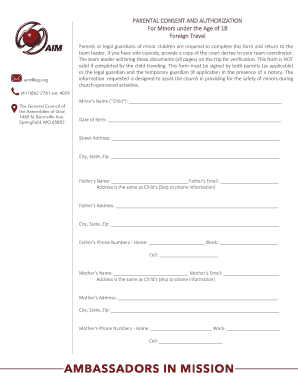
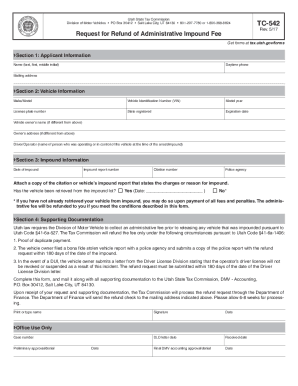
We've got more versions of the immunization michigan form. Select the right immunization michigan version from the list and start editing it straight away!
Immunization records MichiganMichigan Immunization PortalMichigan Immunization records for childMichigan immunization records provider PortalImmunization schedule MichiganHow to get my childs immunization records online MichiganImmunization waiver MichiganImmunization records Michigan online
Security and compliance
At DocHub, your data security is our priority. We follow HIPAA, SOC2, GDPR, and other standards, so you can work on your documents with confidence.
Oct 26, 2021 University of Michigan. School of Public Health. Ann Arbor, MI National Center for Immunization and. Respiratory Diseases. PortnoyRead more
Cookie consent notice
This site uses cookies to enhance site navigation and personalize your experience.
By using this site you agree to our use of cookies as described in our Privacy Notice.
You can modify your selections by visiting our Cookie and Advertising Notice.