




01. Edit your tn verification online
Type text, add images, blackout confidential details, add comments, highlights and more.

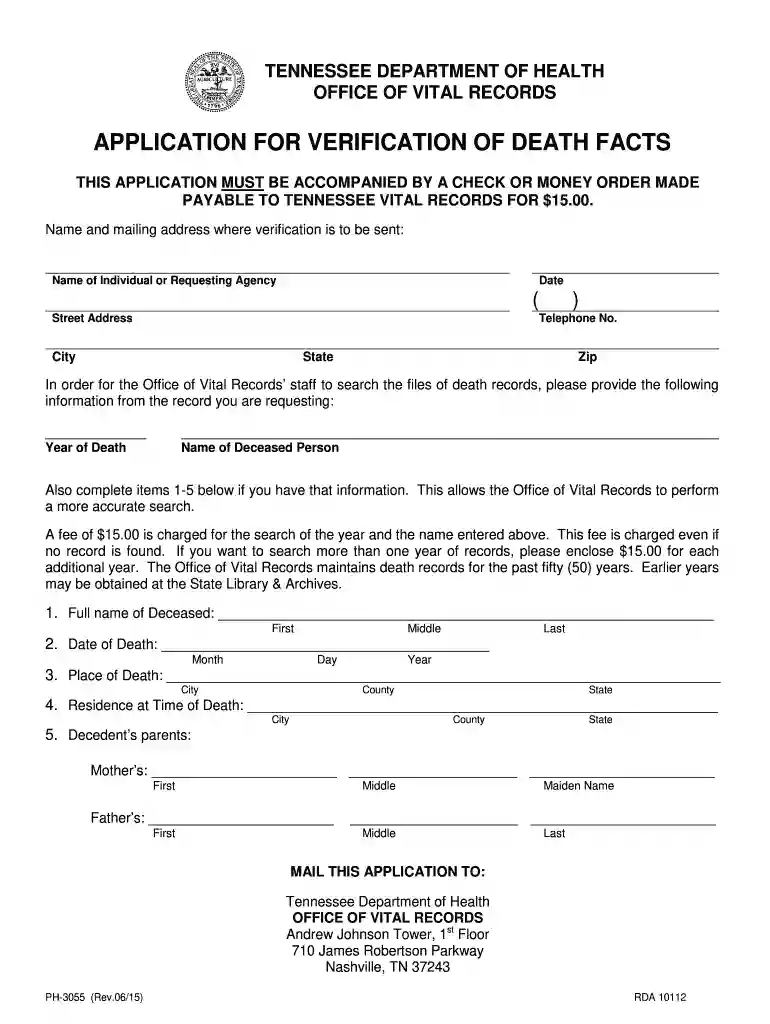
Type text, add images, blackout confidential details, add comments, highlights and more.

Draw your signature, type it, upload its image, or use your mobile device as a signature pad.

Send tn chattanooga via email, link, or fax. You can also download it, export it or print it out.

Start using our platform today to easily fill out and submit your tn verification death form online for free!
We've got more versions of the tn verification form. Select the right tn verification version from the list and start editing it straight away!
Of course, you’ll find many different applications for this on the web. Nevertheless, if you need to eSign your death certificate tennessee without installing extra software, DocHub is the best choice you can make. This robust editor works on mobile devices just as on desktops. Open our editor in your preferred internet browser, register or sign in to your account, and start processing your paperwork.
You can easily edit fill out your account personal on any iOS device. Open an internet browser of your liking, go to the DocHub site, authorize or create a new account, upload your file for editing, and make your required adjustments. Our service is mobile-friendly, so utilizing its features on your smartphone will be a no-brainer, even on the first try.
At DocHub, your data security is our priority. We follow HIPAA, SOC2, GDPR, and other standards, so you can work on your documents with confidence.
In the 72 hours prior to the infants death, was the infant given any vaccinations or medications? (Please include any home remedies, herbal medications,Read more
The Office of Vital Records maintains and issues certificates for births, deaths, marriages, and divorces in Tennessee.
This guidance document has been prepared to assist dischargers and/or their consultant laboratories in conducting chronic aquatic toxicity identificationRead more


