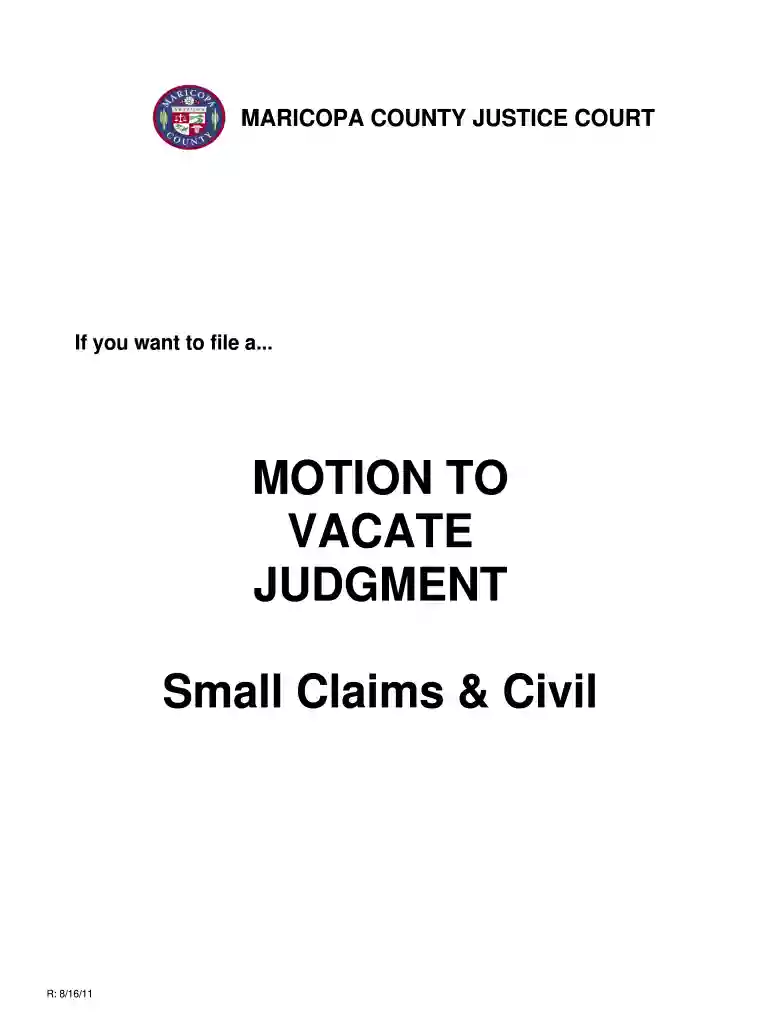
Cv maricopa 2025

Get Form
cv maricopa Preview on Page 1

Here's how it works

01. Edit your form online
Type text, add images, blackout confidential details, add comments, highlights and more.

02. Sign it in a few clicks
Draw your signature, type it, upload its image, or use your mobile device as a signature pad.

03. Share your form with others
Send it via email, link, or fax. You can also download it, export it or print it out.

How to use or fill out cv maricopa with our platform

Form edit decoration
9.5
Ease of Setup
DocHub User Ratings on G2
9.0
Ease of Use
DocHub User Ratings on G2
  1. Click ‘Get Form’ to open the cv maricopa document in the editor.
  2. Begin by filling in the case number at the top of the form. This is essential for identifying your specific case.
  3. Next, provide the names, addresses, and phone numbers of both the plaintiff(s) and defendant(s). Ensure all information is accurate to avoid delays.
  4. Select whether you are filing as a Plaintiff or Defendant by checking the appropriate box on the form.
  5. In the designated section, clearly state your request to vacate or modify the judgment. Include any necessary explanations regarding why you failed to appear.
  6. Sign and date the motion form. This confirms that all information provided is true and correct.
  7. Once completed, file the original form with the court clerk and pay any applicable fees. Make sure to keep a copy for your records.
  8. Finally, serve a copy of your motion on the other party according to the guidelines provided based on whether time to appeal has expired.

Start using our platform today for free to streamline your document editing and filing process!

See more cv maricopa versions

We've got more versions of the cv maricopa form. Select the right cv maricopa version from the list and start editing it straight away!
Versions Form popularity Fillable & printable
2011 4.8 Satisfied (46 Votes)
be ready to get more

Complete this form in 5 minutes or less

Get form

Got questions?

We have answers to the most popular questions from our customers. If you can't find an answer to your question, please contact us.
Contact us
Attorney and former Judge Joseph W. Malka assumed the office of Clerk of the Superior Court for Maricopa County in April 2025.
For access to criminal and civil court documents in the Superior Court visit the eAccess portal. For more information about the eAccess portal please visit: . NOTES: Internet Explorer 10 Users: Case details will not display properly unless you switch to Compatibility View.
Fine payments may also be made at off-site PayNearMe locations. Payments for cases in collections may be made online at AZCourtPay.
The Maricopa County Superior Court is where all Felony and secondary Misdemeanor and Civil Violations proceed through the system. If the primary charge is a Misdemeanor or a Civil Violation, those types of cases end up in City Courts, Town Courts, or Justice Courts.
be ready to get more

Complete this form in 5 minutes or less

Get form