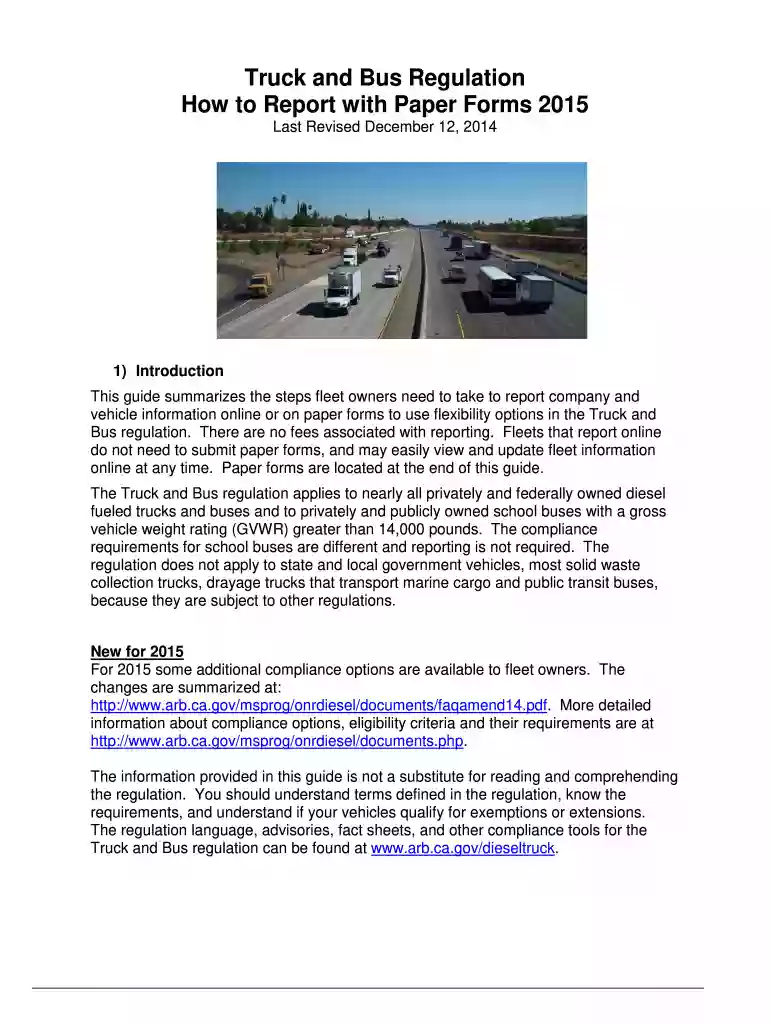
arb trucrs login Preview on Page 1

Truck and Bus Regulation How to Report with Paper Forms 2015 - arb ca-2026

Here's how it works

  • 01. Edit your arb trucrs login online

    Type text, add images, blackout confidential details, add comments, highlights and more.

  • 02. Sign it in a few clicks

    Draw your signature, type it, upload its image, or use your mobile device as a signature pad.

  • 03. Share your form with others

    Send carb trucrs login via email, link, or fax. You can also download it, export it or print it out.

How to use or fill out Truck and Bus Regulation How to Report with Paper Forms 2015 - arb ca

Form edit decoration
9.5
Ease of Setup
DocHub User Ratings on G2
9.0
Ease of Use
DocHub User Ratings on G2
  1. Start by downloading the Truck and Bus Regulation How to Report with Paper Forms 2015 from our platform.
  2. Open the downloaded form in our editor. Begin with the Owner Information Form (Form 112a). Fill in all required fields marked with an asterisk, including your legal name, company name, and contact information.
  3. Next, complete the Vehicle Information Form (Form 112b) for each vehicle in your fleet. Provide details such as VIN, engine model year, and compliance options applicable to your vehicles.
  4. Ensure that all forms are signed and dated at the bottom. If you have multiple vehicles, attach a separate Vehicle Information Form for each one.
  5. Once completed, you can either mail the forms or scan them to submit via email. Make sure they are postmarked by January 31 of the compliance year.

Utilize our platform for free to streamline your reporting process and manage your fleet information efficiently!

See more arb trucrs login versions

We've got more versions of the arb trucrs login form. Select the right arb trucrs login version from the list and start editing it straight away!

VersionsForm popularityFillable & printable
20164.8 Satisfied (82 Votes)
20144.2 Satisfied (51 Votes)

be ready to get more

Complete this form in 5 minutes or less

Security and compliance

At DocHub, your data security is our priority. We follow HIPAA, SOC2, GDPR, and other standards, so you can work on your documents with confidence.

Related links

Truck and Bus Regulation | California Air Resources Board

Please email questions to trucrs@arb.ca.gov, include your Truck Regulations Report Non-Compliant Fleets or Vehicles More Resources. DMV ComplianceRead more

Learn more
Petroleum Vapor Intrusion

ITRC Materials do not necessarily address all applicable health and safety risks and precautions with respect to particular materials, conditions, or proceduresRead more

Learn more
If you believe that this page should be taken down, please follow our DMCA take down process here