




01. Edit your self uniting marriage license pa online
Type text, add images, blackout confidential details, add comments, highlights and more.

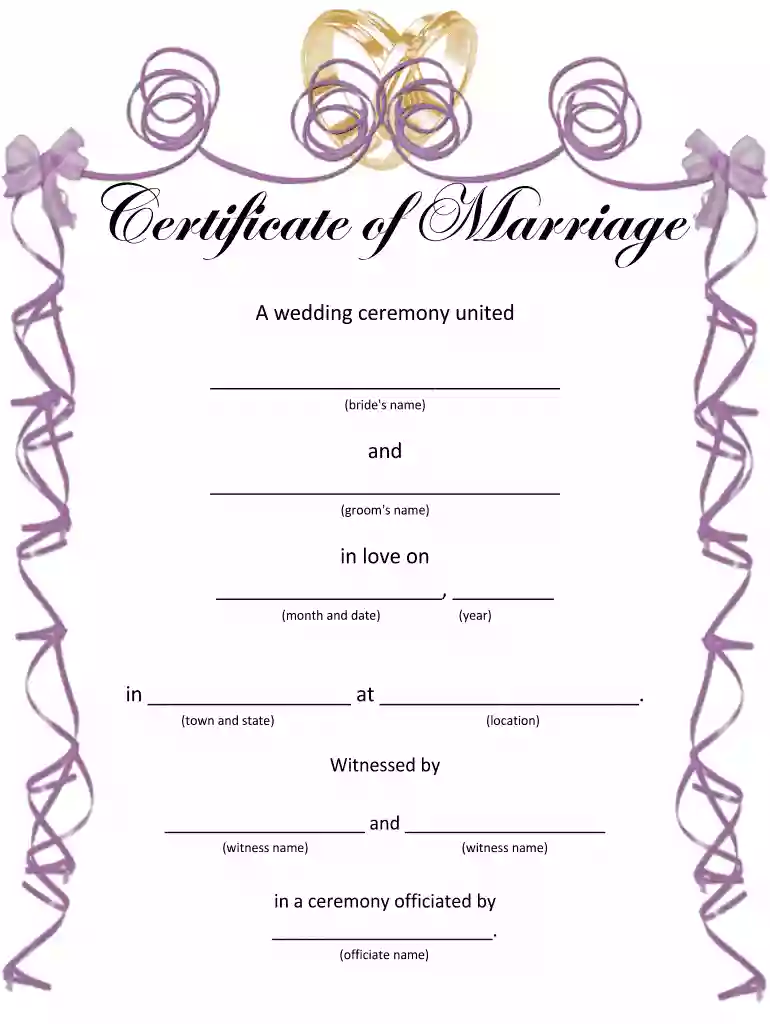
Type text, add images, blackout confidential details, add comments, highlights and more.

Draw your signature, type it, upload its image, or use your mobile device as a signature pad.

Send self uniting marriage pa via email, link, or fax. You can also download it, export it or print it out.

Start filling out your United Marriage Ceremony License for free today on our platform!
We've got more versions of the self uniting marriage license pa form. Select the right self uniting marriage license pa version from the list and start editing it straight away!
| Versions | Form popularity | Fillable & printable |
|---|---|---|
| 2012 | 4.5 Satisfied (31 Votes) |
At DocHub, your data security is our priority. We follow HIPAA, SOC2, GDPR, and other standards, so you can work on your documents with confidence.
And it is common for slaves to be married; or at least to have the marriage ceremony performed. But there is no such thing as slaves being lawfully married
You must wait for 24 hours after you obtain your Marriage License before you can have a marriage ceremony. The 24-hour waiting period may be waived by a judgeRead more
Who Can Solemnize a Marriage? The rite of matrimony may be solemnized by any of the persons listed in T.C.A. 36-3-301: All regular ministers, pDocHubers,Read more


