




01. Edit your gte full form online
Type text, add images, blackout confidential details, add comments, highlights and more.

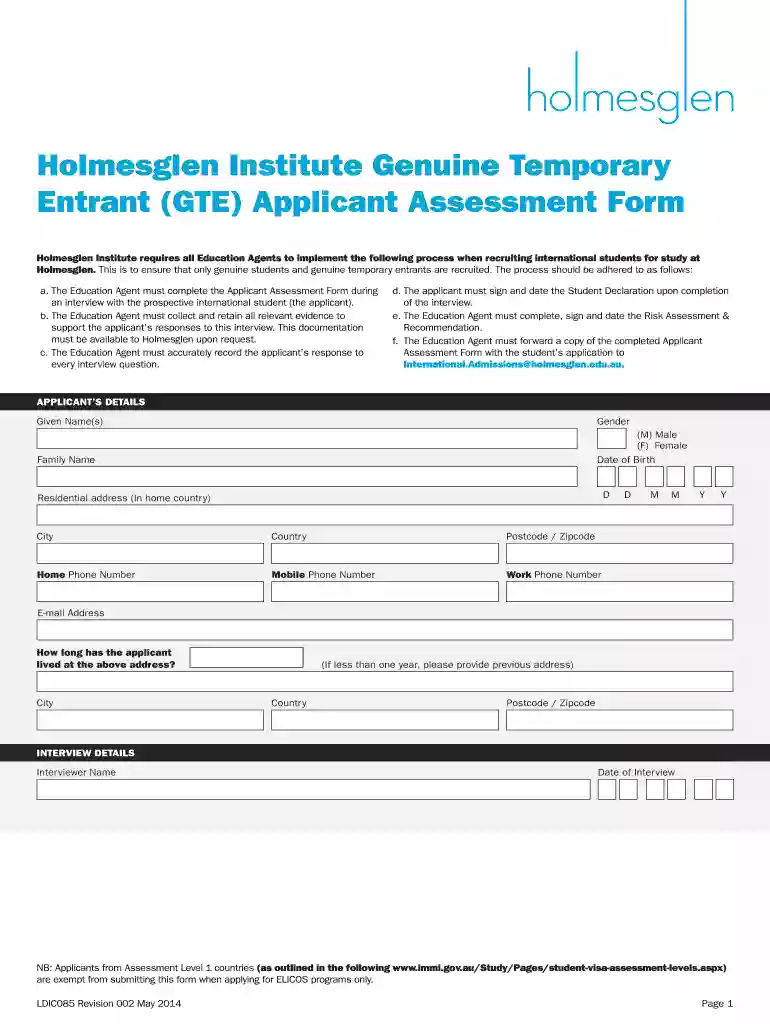
Type text, add images, blackout confidential details, add comments, highlights and more.

Draw your signature, type it, upload its image, or use your mobile device as a signature pad.

Send gte applicant assessment form via email, link, or fax. You can also download it, export it or print it out.

Start using our platform today for free to streamline your GTE Assessment Form completion!
We've got more versions of the gte full form form. Select the right gte full form version from the list and start editing it straight away!
| Versions | Form popularity | Fillable & printable |
|---|---|---|
| 2014 | 4.8 Satisfied (205 Votes) |
At DocHub, your data security is our priority. We follow HIPAA, SOC2, GDPR, and other standards, so you can work on your documents with confidence.
The tax rate is 0.15% for Insurance Commission, 0.5% for Wholesaling, Manufacturing, Producing, Wholesale Services, and Use Tax on Imports For Resale, and 4%Read more
I declare that I have a genuine intention to study the course for which I have applied and that I have access to sufficient funds to cover travel expenses,Read more
Nov 10, 2019 They have performed Collision Risk Model (CRM) assessments with the objective of measuring the Target Level of Safety (TLS) compliance asRead more


