




01. Edit your form online
Type text, add images, blackout confidential details, add comments, highlights and more.

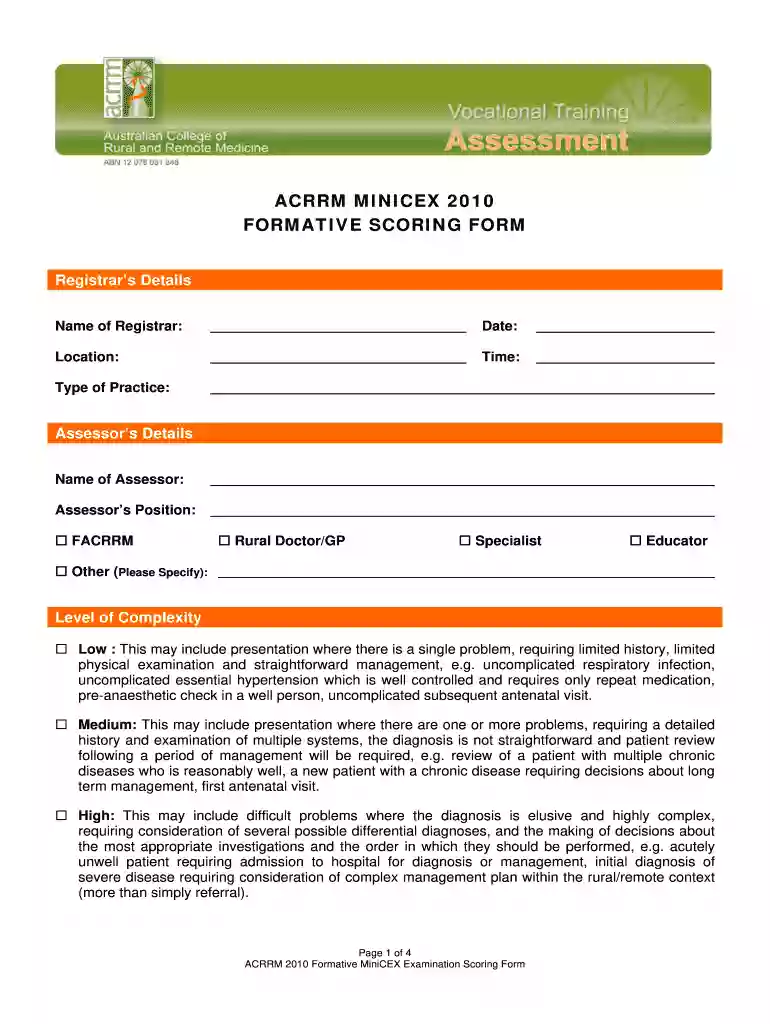
Type text, add images, blackout confidential details, add comments, highlights and more.

Draw your signature, type it, upload its image, or use your mobile device as a signature pad.

Send it via email, link, or fax. You can also download it, export it or print it out.

Start using our platform today to streamline your form completion process for free!
We've got more versions of the Acrrm minicex 2010 formative scoring form - Australian College of ... - acrrm org form. Select the right Acrrm minicex 2010 formative scoring form - Australian College of ... - acrrm org version from the list and start editing it straight away!
| Versions | Form popularity | Fillable & printable |
|---|---|---|
| 2010 | 4.8 Satisfied (217 Votes) |
Yes, you’ll find many different apps for this on the web. Nonetheless, if you need to eSign your Acrrm minicex 2010 formative scoring form - Australian College of ... - acrrm org without installing additional software, DocHub is the optimum choice you can make. This robust editor works on mobile devices just as on desktops. Open our editor in any internet browser, register or sign in to your account, and start processing your forms.
Document editing with DocHub is equally convenient on desktop and mobile devices. You only need an internet browser to modify your Acrrm minicex 2010 formative scoring form - Australian College of ... - acrrm org on Android. Open our site and sign in to access the instruments you require. Add your file and introduce your intended changes. After that, you can keep your form in your file storage or send it out right away.
At DocHub, your data security is our priority. We follow HIPAA, SOC2, GDPR, and other standards, so you can work on your documents with confidence.
by TS Gupta 2020 Cited by 13 This paper provides an overview of the first 12 years of the formal assessment program of the Australian College of Rural and Remote Medicine (ACRRM).Read more
Jul 2, 2024 Cite this publication as: Australian New Zealand Association for Health Professional. Educators (2024), ANZAHPE 2024 Festival, July 2024.Read more


