




01. Edit your workers permit online
Type text, add images, blackout confidential details, add comments, highlights and more.

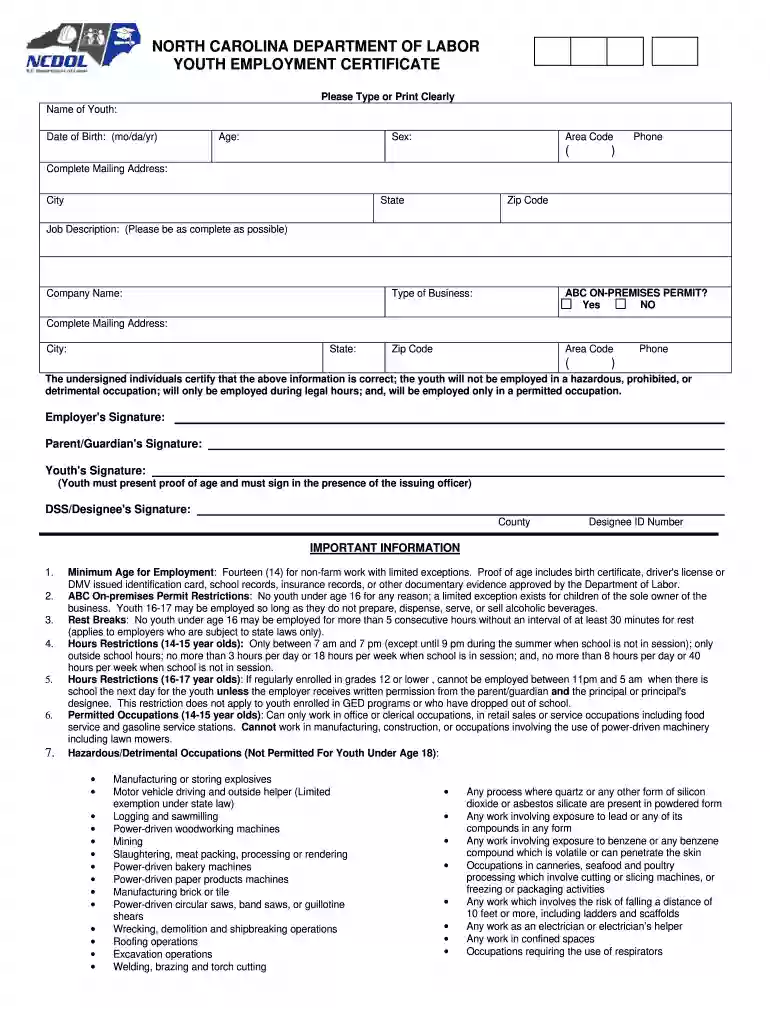
Type text, add images, blackout confidential details, add comments, highlights and more.

Draw your signature, type it, upload its image, or use your mobile device as a signature pad.

Send work permit via email, link, or fax. You can also download it, export it or print it out.

Start using our platform today to easily fill out your nc workers permit online for free!
At DocHub, your data security is our priority. We follow HIPAA, SOC2, GDPR, and other standards, so you can work on your documents with confidence.

Further, no advance permits are required for fills, and while the state can comment on a companys coal ash fill plans, it does not have the power to deny them.Read more
Youth under the age of 18 who work in North Carolina must have a Youth Employment Certificate. You may contact the N.C. Department of Labor Wage and HourRead more


