




01. Edit your trucrs certificate online
Type text, add images, blackout confidential details, add comments, highlights and more.

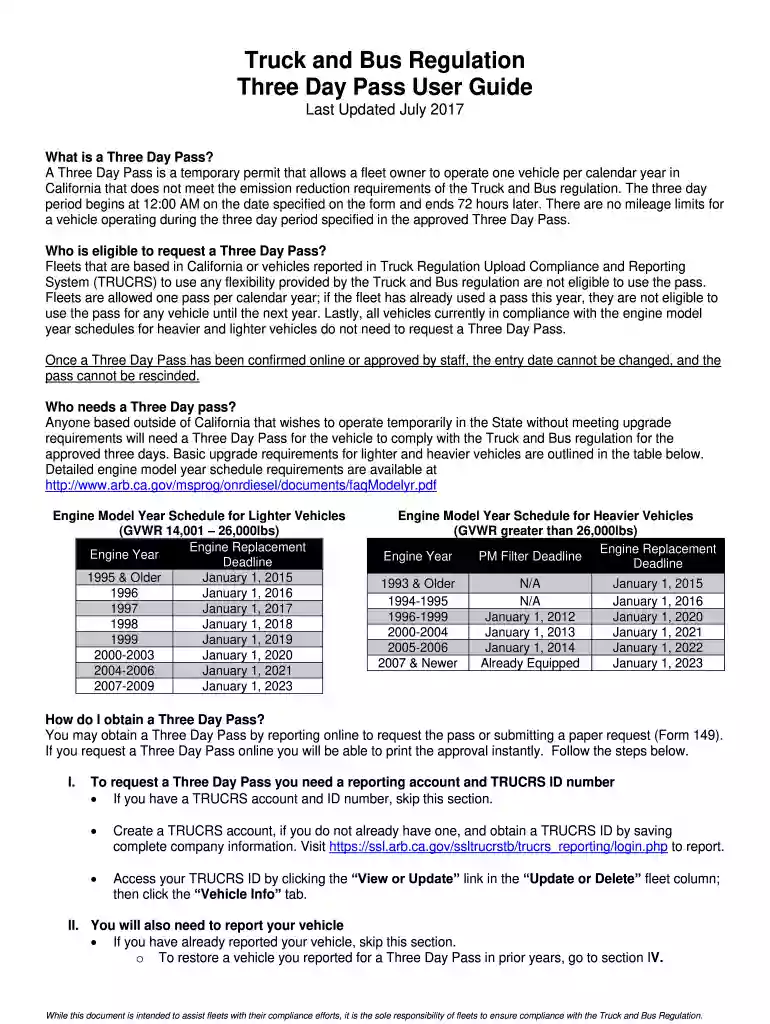
Type text, add images, blackout confidential details, add comments, highlights and more.

Draw your signature, type it, upload its image, or use your mobile device as a signature pad.

Send certificate of reported compliance truck and bus regulation via email, link, or fax. You can also download it, export it or print it out.

Start using our platform today to easily fill out your bus regulation pass form for free!
We've got more versions of the trucrs certificate form. Select the right trucrs certificate version from the list and start editing it straight away!
| Versions | Form popularity | Fillable & printable |
|---|---|---|
| 2016 | 4.8 Satisfied (107 Votes) |
Signing documents on a mobile device is fast, simple, and doesn’t require software installation if you have an account with DocHub. Sign in from any browser, complete your empty fields with your information, and click on Sign → Create your signature. You can draw your eSignature the same way you usually do on paper, add its picture to your trucrs login, or type in your name and stylize its look. Whatever option you select, your document will be valid.
If you edit your bus pass exemption with DocHub, you merely need a stable internet connection and virtually any web browser installed on your device. No need to set up any third-party software or research guides. Simply open a tab with DocHub, drag and drop your file, and edit it immediately.
At DocHub, your data security is our priority. We follow HIPAA, SOC2, GDPR, and other standards, so you can work on your documents with confidence.
Check Out the Free Student Bus Pass Program. Students can sign up for the Free Student Bus Pass Program at all Fairfax County public high and middle schools.Read more
The BASremote conforms to the BACnet/IP standard and therefore allows field I/O to be directly accessed via Ethernet without the need of a router. A standardRead more


